

Participant
January 12, 2021
Question

printer selection

  • January 12, 2021
  • 3 replies
  • 266 views

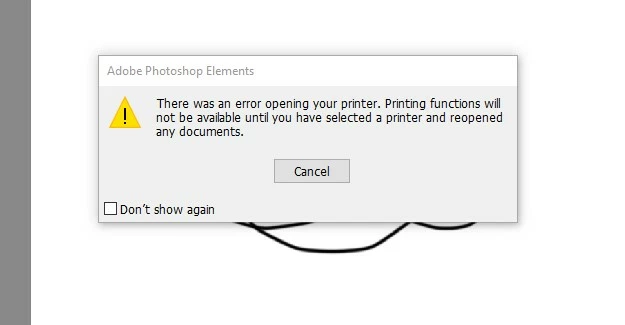
how do i fix this problem?ive reinstalled everything including the printer driver and softare with no luck.  printing works on my other programs


thank you 
 

This topic has been closed for replies.

3 replies

Participant
January 13, 2021

i ended up fixing it with this proceedure. i figured it when i was in the preferences trying to see if there was a setting, when i was clicking through the different preferences and got an error about changing values so i googled that error and it led me to this solution for everything.  same thing is happening on my 32 gig machine so i added a override there also withg a 32000 decimal.

hatstead
Inspiring
January 13, 2021

If you are attempting to print via the Organizer, try printing via the Editor. The print engines are not the same. Please provide a follow-up.

Peru Bob
Community Expert
Community Expert
January 12, 2021

What version number of Photoshop Elements?

What operating system?

What printer model number?
