

4amanda
Participant
January 7, 2020
Question

Problem opening PSE Error

  • January 7, 2020
  • 1 reply
  • 253 views

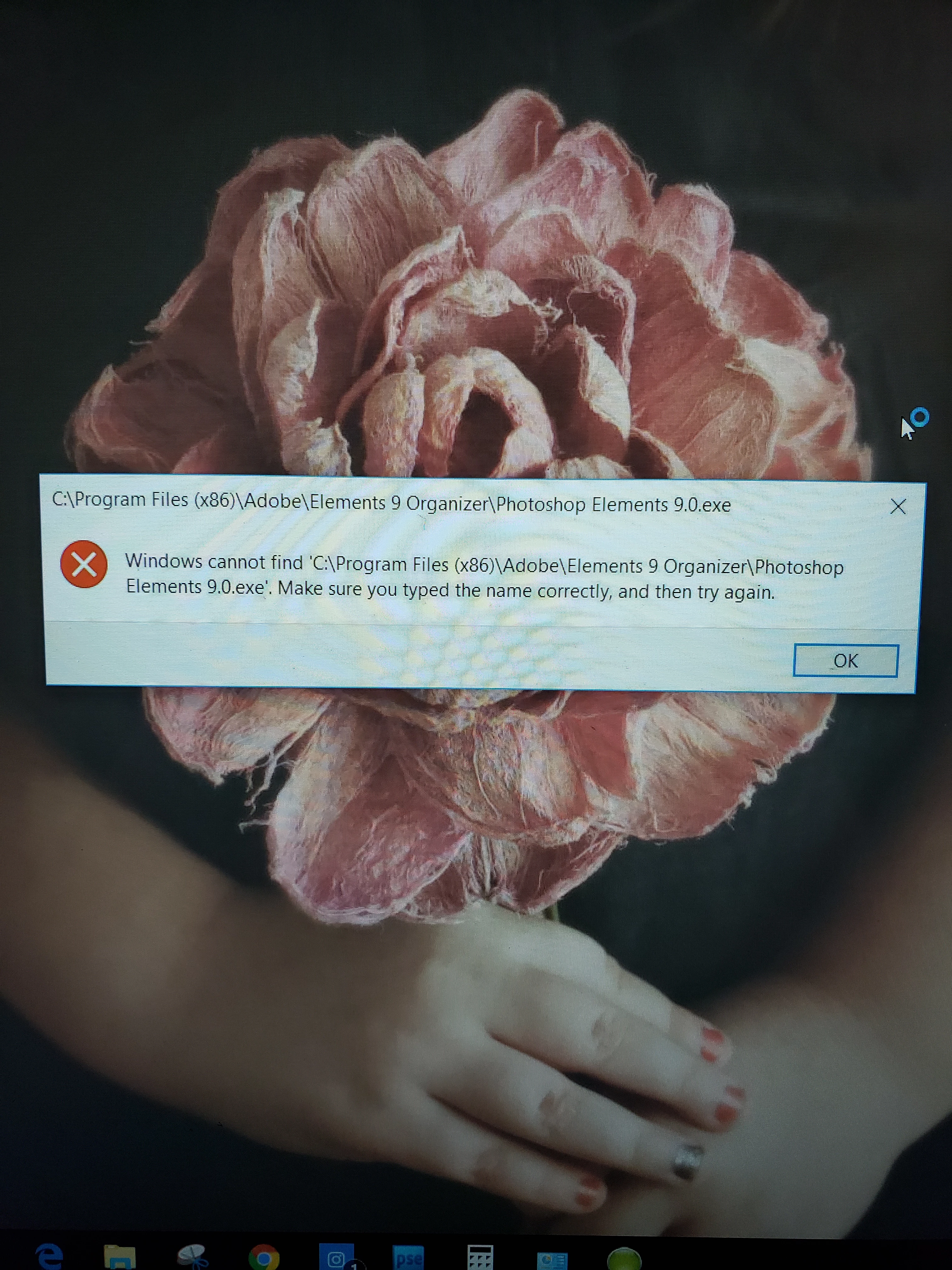
Hello!!  I am using an older version of PSE.  I have been having issues opening for a while now, but normally it will open after a restart!  Today I am receiving an error saying windows cannot find....  make sure you typed the name correctly and try again!  Please HELP!
 

This topic has been closed for replies.

1 reply

Legend
January 7, 2020

Amanda, this is clearly a Windows 7 issue but I'll see if I can help anyway.  Have you tried looking in C:\Program Files (x86)\Adobe to see if your software is in fact missing?  If it's there, try launching Elements by right clicking on it and choosing open.  If it launches, immediately locate it's icon in your task bar, right click on it and choose pin to taskbar.  You should be able to launch your software by way of this icon in taskbar from now on.  I don't know what caused this but you only have 8 days of support left on Windows 7.  If you can afford to, your best next step would be to make the move to Windows 10 and not worry about it.  Hope this helps.