
Participant
March 22, 2018
Question

problem with my photo shop elements 9

  • March 22, 2018
  • 2 replies
  • 252 views

Hi Im Arif

I have a problem with my photo shop elements 9 .

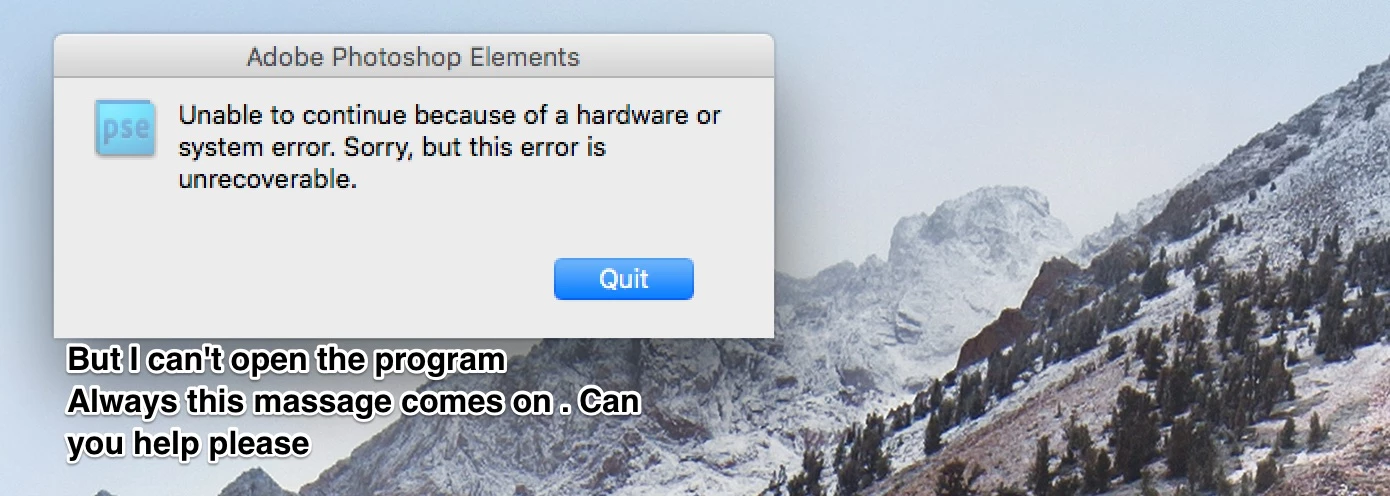
This massage coming up " Unable to continue because of a hardware orsystem error . sorry.but this error is unrecoverable . " I'm using I Mac Pro 2017 with MacOS High Sierra V.10.13.3

    This topic has been closed for replies.

    2 replies

    VipinGupta
    Adobe Employee
    Adobe Employee
    March 22, 2018

    Please download and install the latest release of Elements 2018, which is supported on the new MacOS High Sierra V.10.13.3

    You would be able to use the product for a 30 Days trial and then if you like it, can purchase the serial key. You would not have to install the product again to serialize it.

    Download Photoshop Elements | 2018, 15, and 14

    Thanks

    Vipin

    John T Smith
    Community Expert
    Community Expert
    March 22, 2018

    New operating system + old program = not compatible

    READ HERE https://forums.adobe.com/thread/2301916 for an Adobe solution to installing old programs, including a link to installing the old Java runtime that is required

    Owners of old programs simply have problems with Mac El Capitan/Sierra... none of which is Adobe's fault... Adobe did not change your old program to make it stop working... Apple changed their operating system and THAT is why your old programs won't work, not because of anything Adobe did... Also... every time Apple issues an update, there is the risk that an old program that HAS been working will STOP working... bottom line, old programs require a matching old operating system