
Problem with re-positioning panels.
Hello.
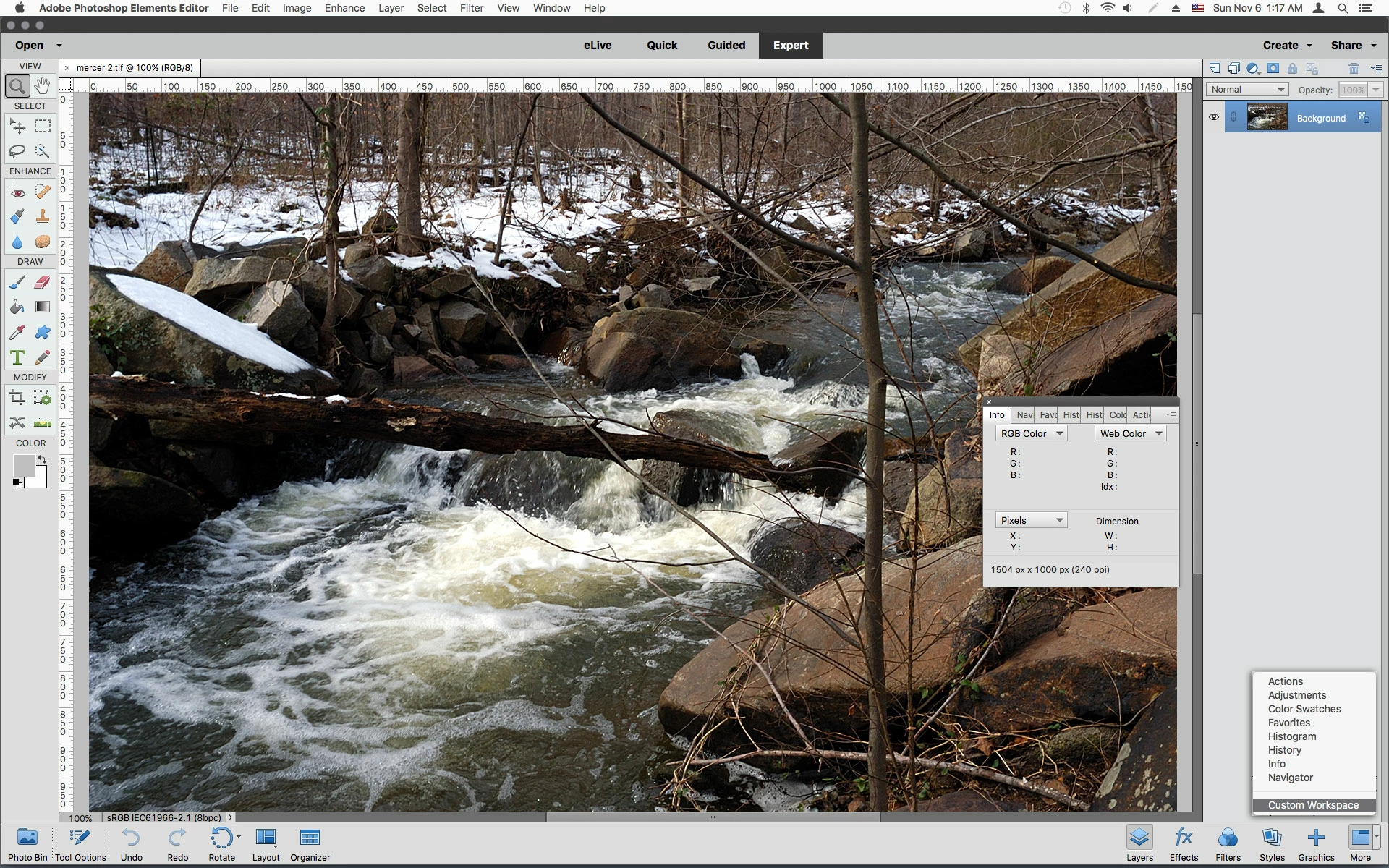
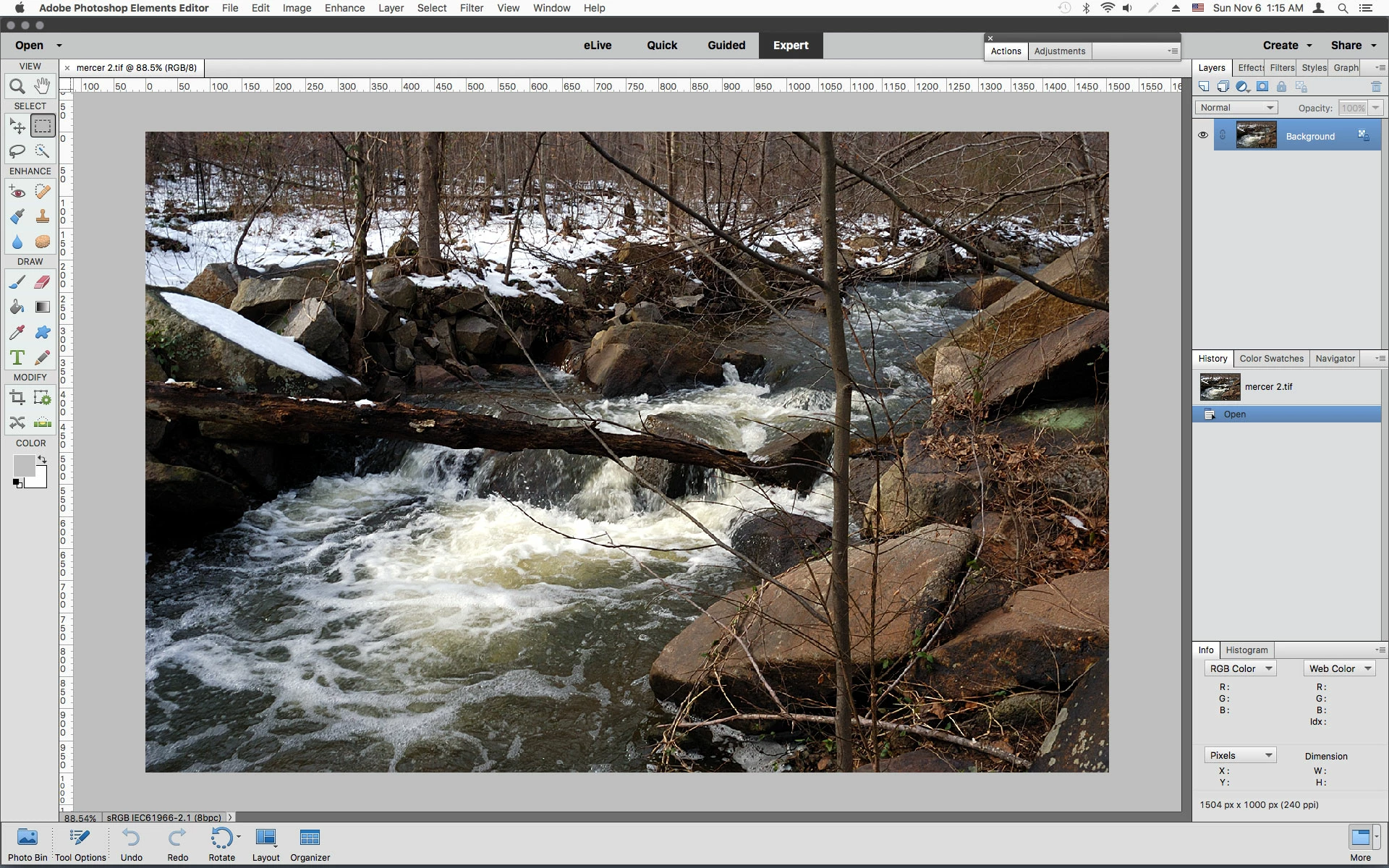
I have upgraded from Elements 13 to 15. I am using iMac OS Sierra 10.12.1. In Elements 13 I was able to move a panel until a blue line appeared showing new location for the panel. In version 15, whatever I do , no blue line appears allowing me to re-position the panel. For example, I want to locate the Color Swatches panel next to the Layers panel, which I could easily do in Elements 13. In 15,the panel just remains floating rather than properly sitting in a new location. It sits over my working space hiding part of it. If it was properly located by using the blue line method it would sit next to my workspace rather than floating on top of it. The Elements User Manuals say's ' To dock panels together (stacked panels), drag a tab of the panel or the title bar to the bottom of another panel. A double line appears at the bottom of the target panel when the pointer is over the correct area". This does not seem to be happening in Elements 15.
Does anyone have any advice about this?
 AdChoices