MacKaia
Participant
January 12, 2023
Answered

Problem with removing objects version 2023

  • January 12, 2023
  • 3 replies
  • 507 views

With the promotion video it seem so easy...

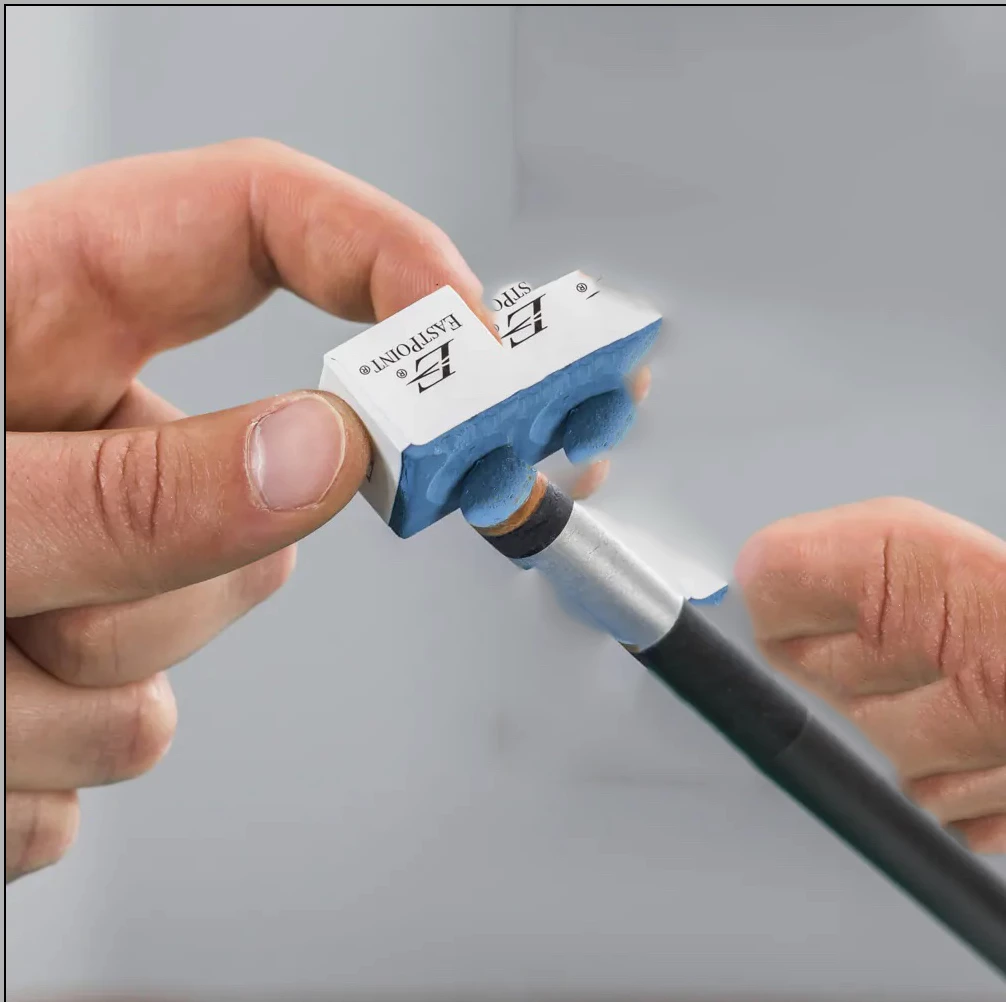
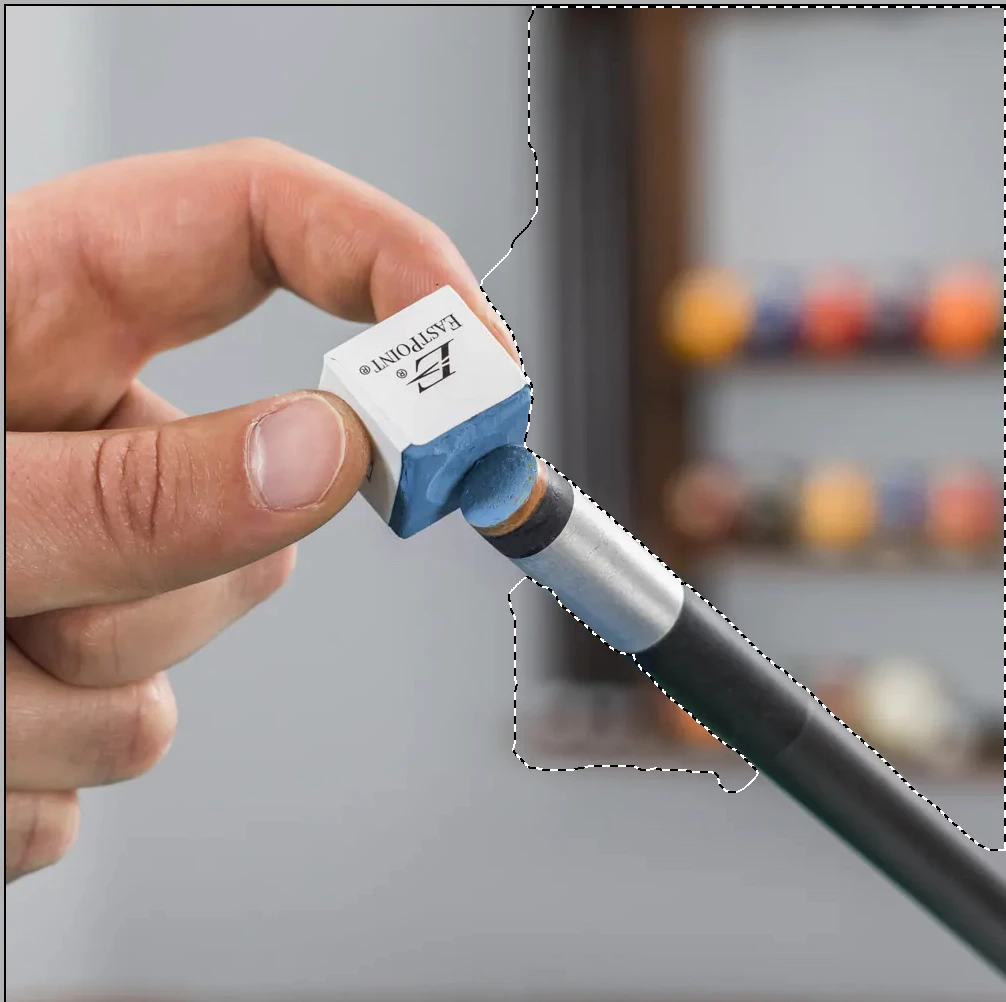
I select an object to remove, it only does it partially and it duplicate partially the objet close to it.

I tried to select the objet with all the tools available, same problem.

I tried the guide and expert mode with the same result.

I bought the new version because of the easyness of use.

What am I doing wrong?

Thanks, Marc
  

This topic has been closed for replies.
Correct answer Greg_S.

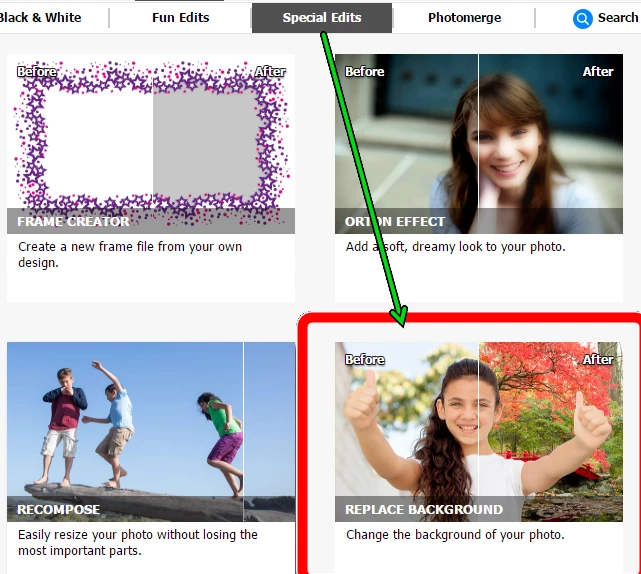
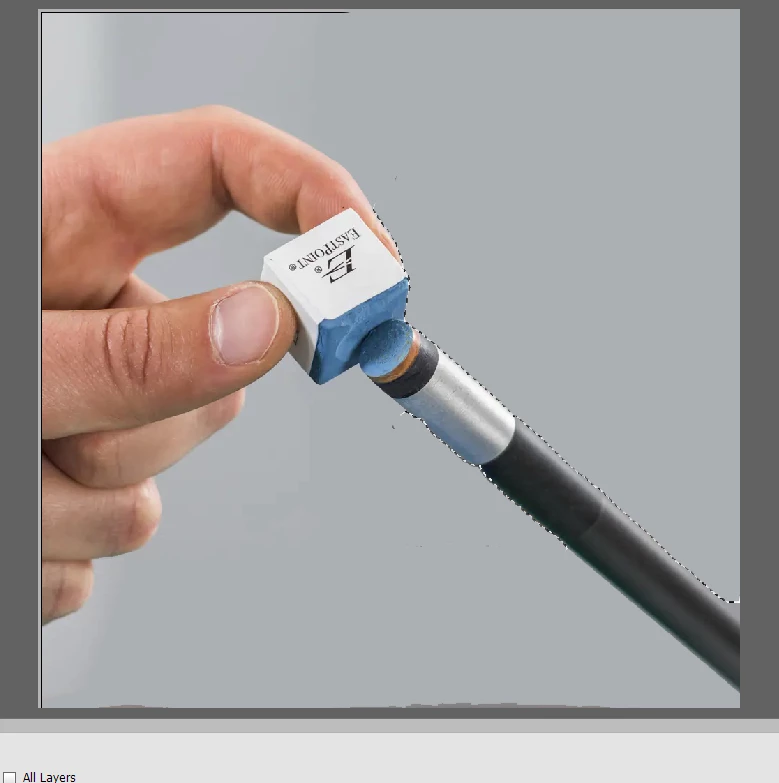
In this case, you are not really removing an object.  You would be better off replacing the background.  This can be done in the Special Edits>Replace Background guided edit:

If you replace the background with the Color option, you can achieve something like this fairly easily:


3 replies

Participant
July 28, 2023

I just bought elements and I don't care what kind of photo i take and what I try to remove I have the exact issue as above. if I try to remove a person then the person nearby is copied and the healing tool is usless. please help someone.

Greg_S.
Community Expert
Community Expert
July 28, 2023

@catherine15C2, it would be helpful if you posted an example photo with a description of what you are trying to remove.  The healing brush is not the best tool for removing larger objects in a complex photo. 

MacKaia
MacKaiaAuthor
Participant
January 12, 2023

Thank you Greg, I will try your solution.

Greg_S.
Community Expert
Greg_S.Community ExpertCorrect answer
Community Expert
January 12, 2023

In this case, you are not really removing an object.  You would be better off replacing the background.  This can be done in the Special Edits>Replace Background guided edit:

If you replace the background with the Color option, you can achieve something like this fairly easily: