
Problems with Drop Shadowing & Beveling Effects When Image is Flipped Vertically …
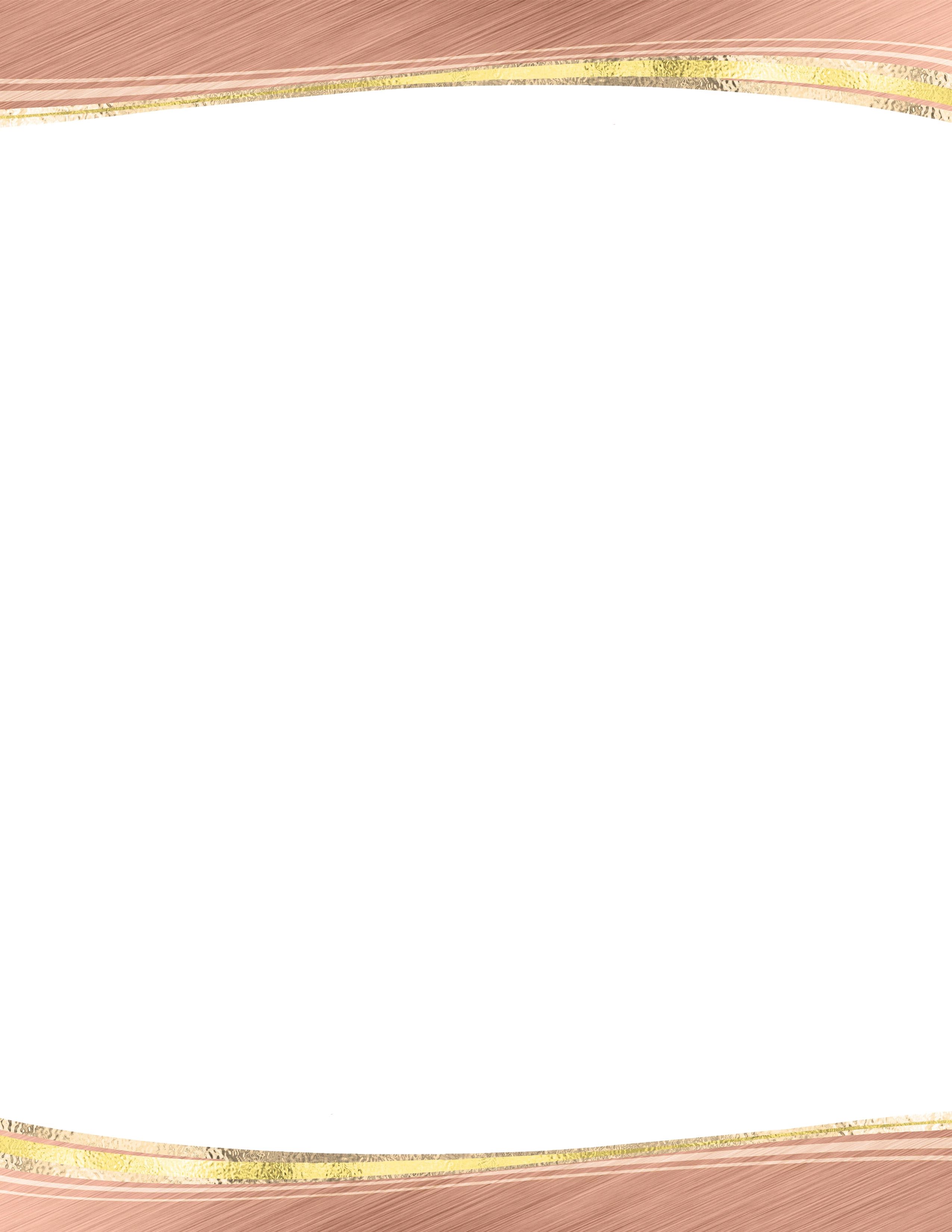
Hi All - my mother asked me to design some letterhead for her. My initial design (using PE) was multi-layered with the use of drop shadowing and beveling effects on some of the layers. It worked fine for the top boarder, but I wanted to horizontally and then vertically flip top boarder to use as bottom border. When I horizontally flipped (within PE), everything was fine; however when it came time to vertically flip, my drop shadowing and beveling effects became distorted (almost in reverse of the originally designed image). I also tried a letterhead version without any drop shadowing or beveling effects on any of the layers, and this came out fine when the top boarder was horizontally and vertically flipped (again, within PE). I am posting the two different versions of the letterhead files (in .psd format) so that anyone who thinks they might be able to tell me how to straighten out the bottom, flipped boarder with drop shadowing and beveling effects that were changed within PE when vertically, but not horizontally) flipped. Any ideas, help or suggestions would be much appreciated. Thanks so much. -Cfguy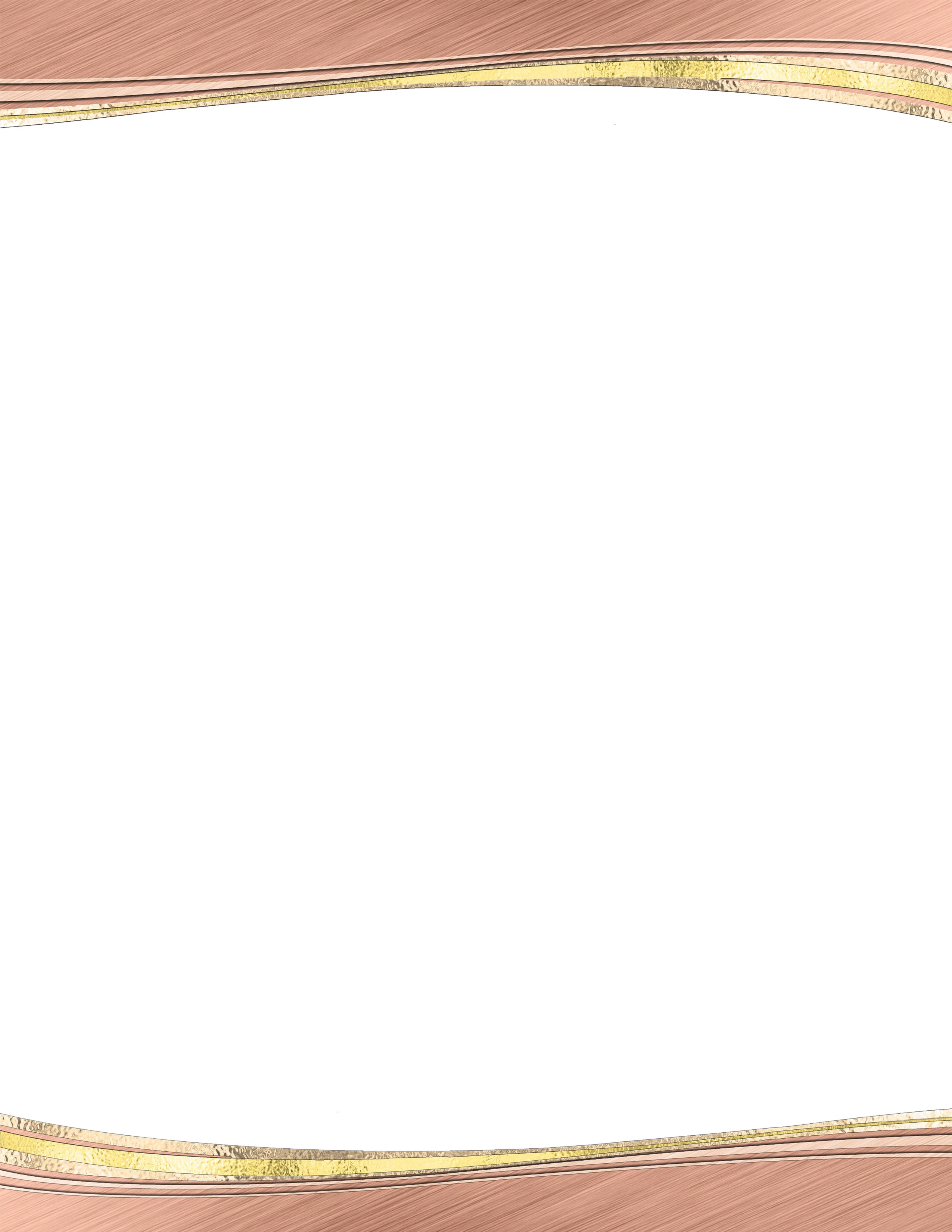


 AdChoices