Participant
October 21, 2020
Answered

Process Multiple Files in Photo Editor greyed out

  • October 21, 2020
  • 1 reply
  • 7650 views

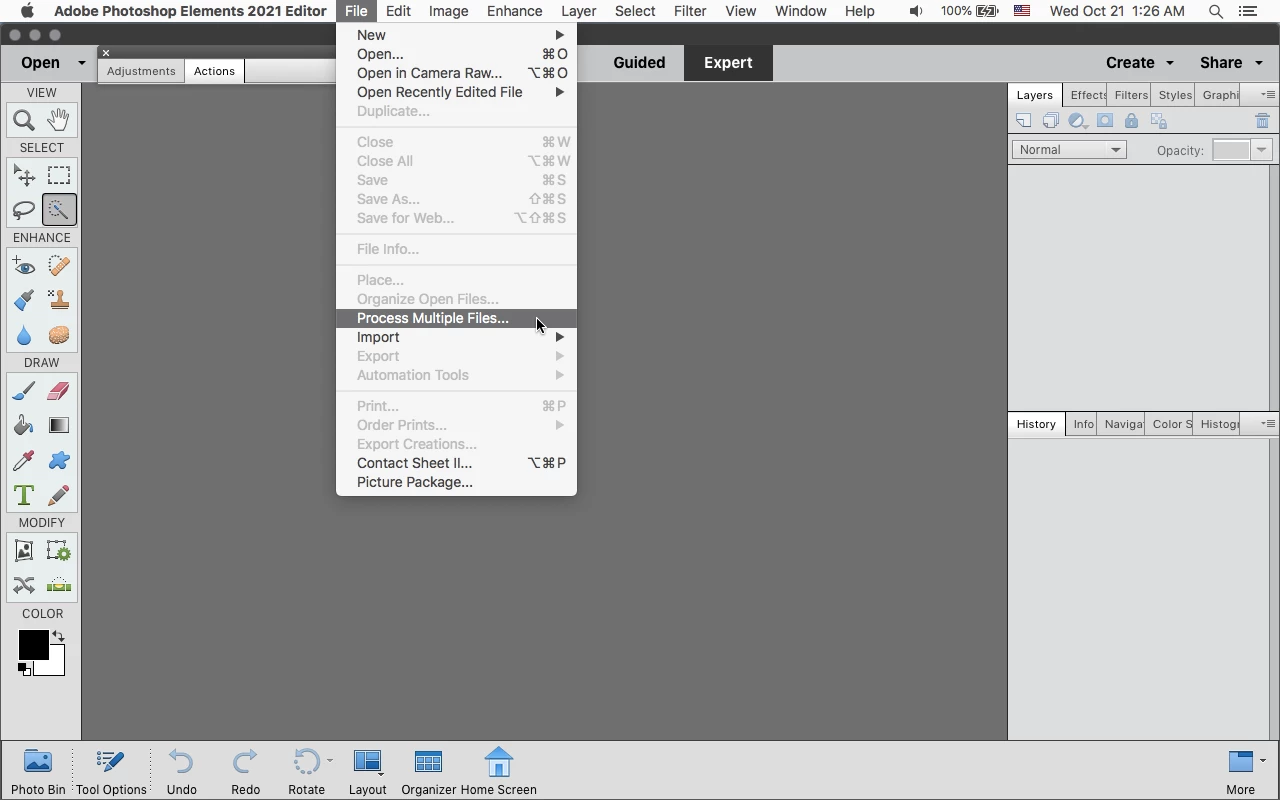
I am trying to use the Process Multiple files function within the Photo Editor.  However, when I open the program, this option under the file menu is greyed out.  This is to say, I cannot select this option under the File menu that will bring up the dialog box.  Even more frustrating is that on some occasions this works as intended.  Can anyone explain what is going on?
Correct answer Jeff Arola

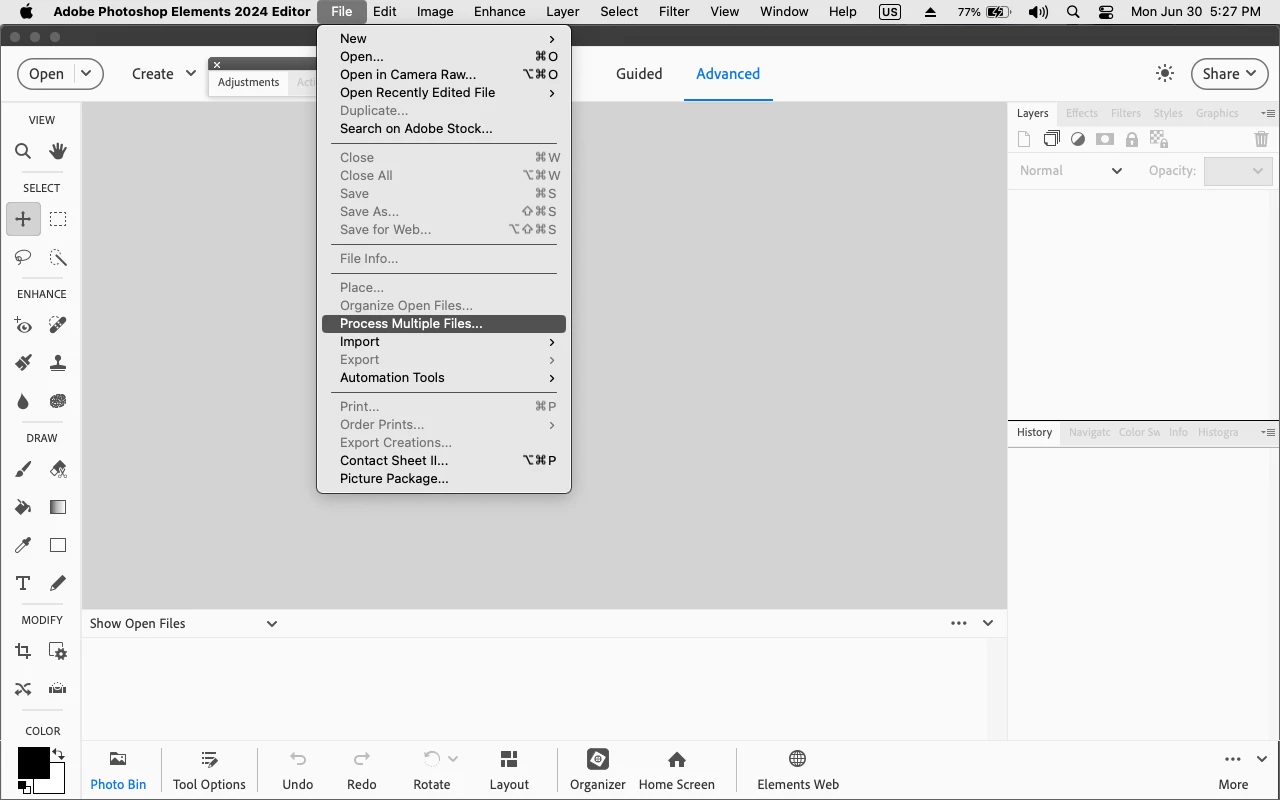
You need to be in Expert mode.

Or Advanced for Photoshop Elements 2024 and newer.


1 reply

Jeff Arola
Community Expert
Jeff ArolaCommunity ExpertCorrect answer
Community Expert
October 21, 2020

You need to be in Expert mode.

Or Advanced for Photoshop Elements 2024 and newer.


A5EC0Author
Participant
November 3, 2020

Thank you.  An embarrassing oversight from a PSE newbie.

Participant
June 30, 2025

I am no newbie and was about to ask the same question 😉