
Answered
PS Elements 19, Lasso Tool
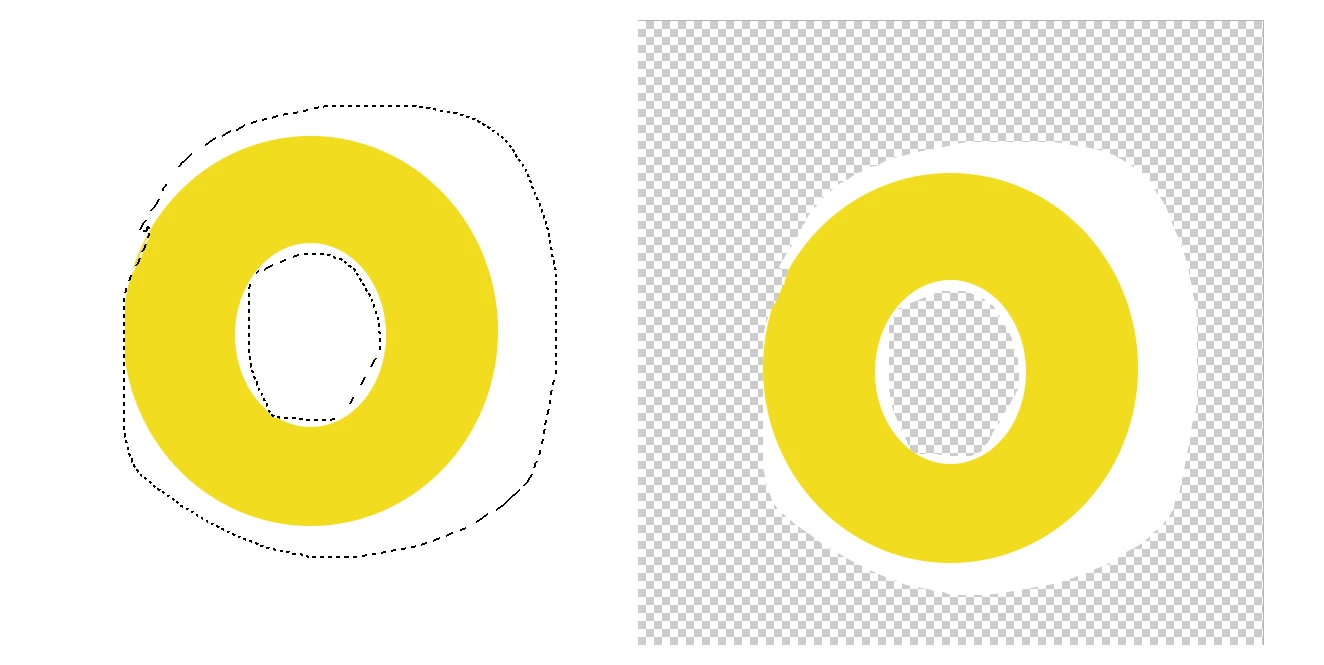
I want to make two different selections on the same image. For example, to paste a photo of a donut on a different background, I would select the perimeter of the donut and then select the donut hole. When I attempt to select the donut hole and release the mouse the selection line disappears, and I never get to the marching ants phase. How do I make the second selection? The "add" button at the bottom of the page seems only to expand an existing selection. I have read that holding down the shift key is supposed to allow a second selection, but that doesn't work either. Hel
Mike



 AdChoices