


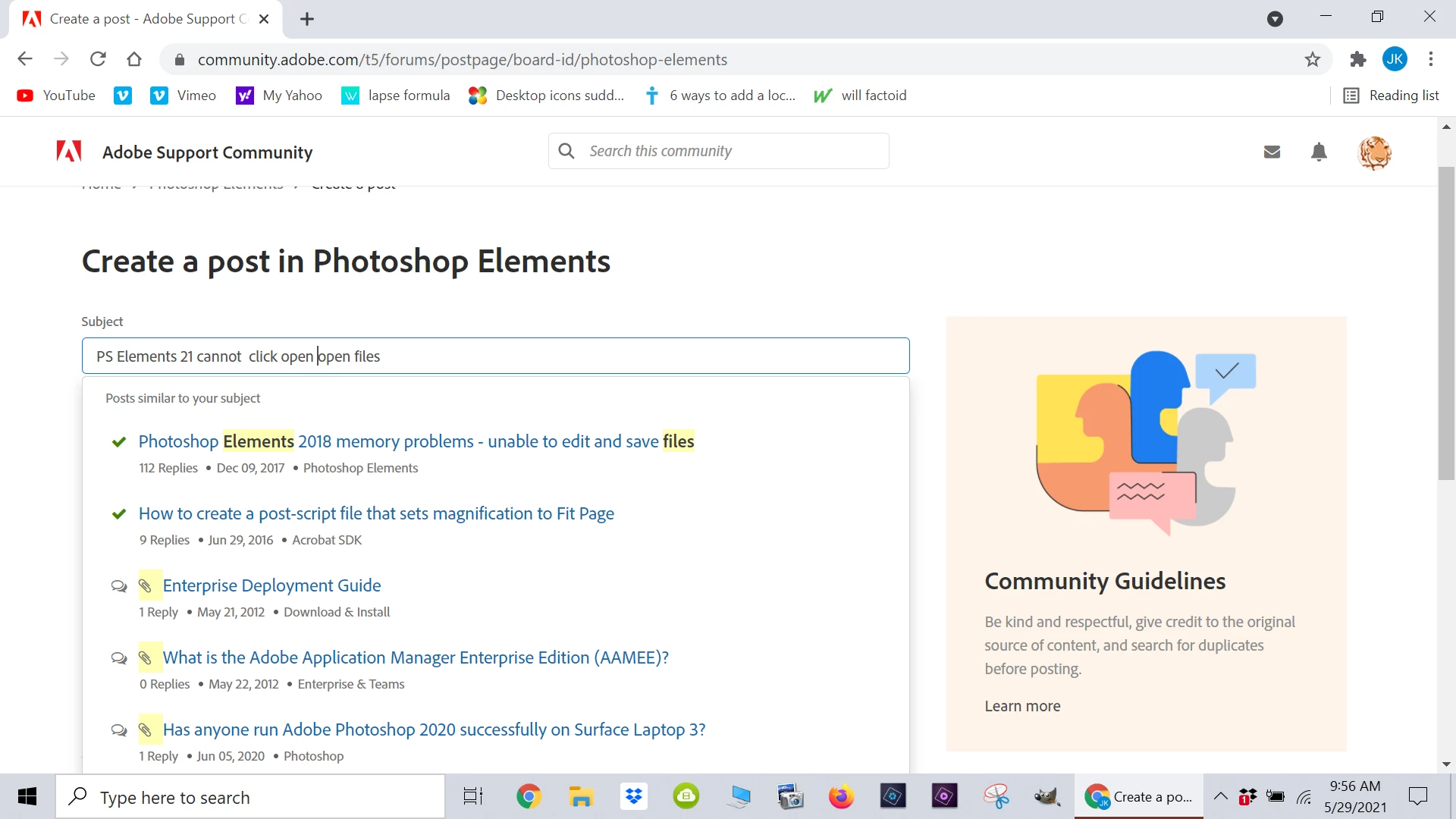
PS Elements 21 cannot click open files ..they can only be opened by opening the PS elements first
I am using PS elements 21 and up until a month ago was able to click on any photo file to open it in the PS workspace and start editing it.
At the same time this problem started, I noticed I was no longer able to R click on photo files to open the options sub menu (open with, share, send to, delete etc etc etc options)
My Premel 21 works fine and clicking any video file opens the software immediately so pp work can start
The only way I now can open a photo file is to open the PS program first .
Now clicking on any photo file icon does not open the PS software, but instead returns me to my PCs desktop!
Photoshop is my PCs default program to open all photo files and Premel 21 is working fine
Any suggestion as to how to fix these frustratin problems>
 AdChoices