
Participant
January 7, 2018
Question

PSE 2018 Crashes upon launching - OSX High Sierra

  • January 7, 2018
  • 1 reply
  • 355 views

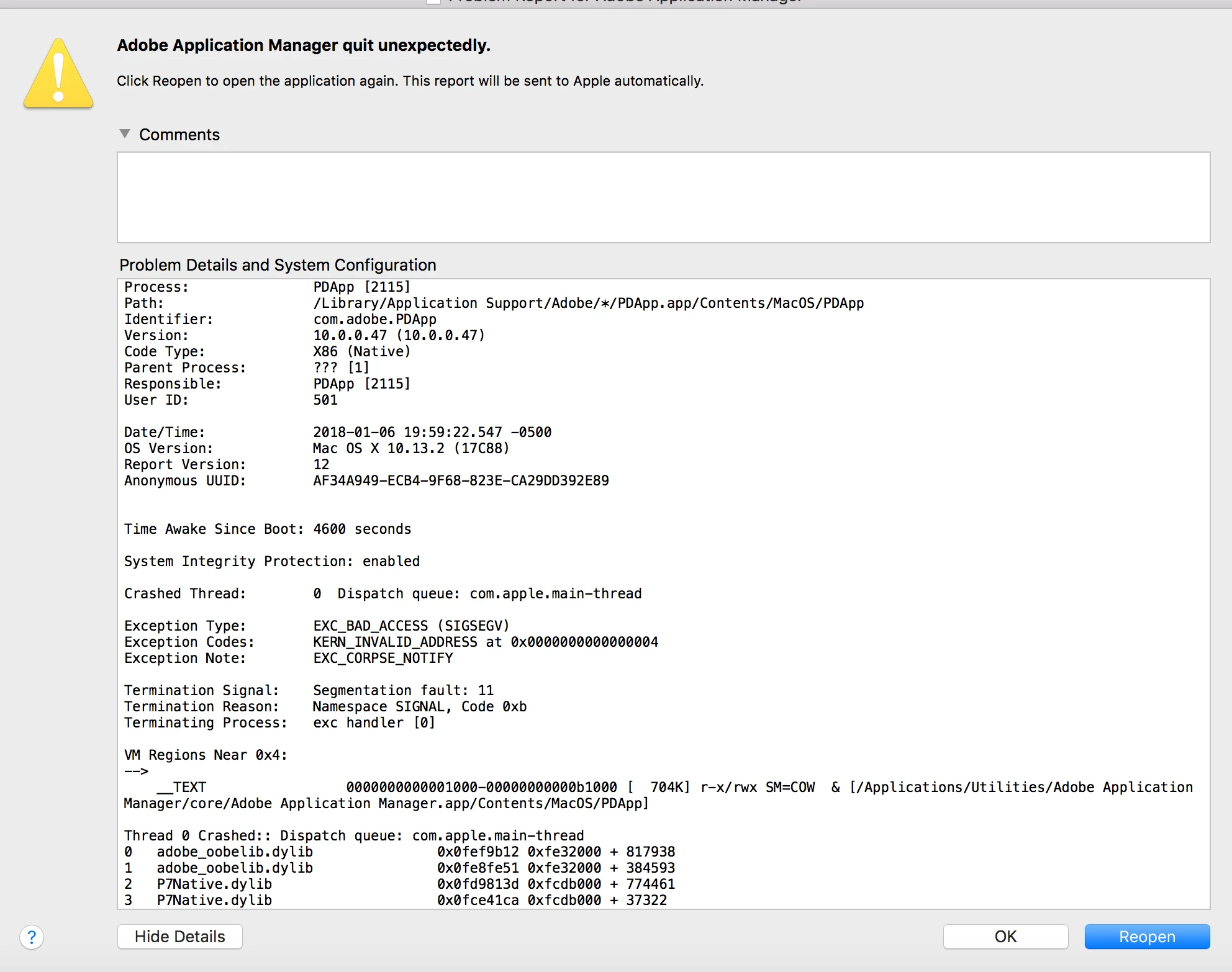
I had to rebuild my Macbook due a SSD failure. I decided not to restored from Time Machine, which has PSE 15 installed. I am trying to install PSE 18, however it reaches 99% during installation and closes. Upon launching the editor, adobe application manager seems to crash. This happens with PSE 15 also. I did get a trial for PSE 8 to install without issues. Please note attached graphic.
This topic has been closed for replies.

1 reply

Adobe Employee
January 8, 2018

Suggest you to please download an update for Adobe Application Manager from -Adobe - Adobe Application Manager : For Macintosh : Adobe Application Manager

Then try installing the Elements again.

YashikorAuthor
Participant
January 8, 2018

I did download the updated Adobe Application Manager. Installed that and tried to install PSE 18, however that did not work either. I will certainly try again tonight Should I install the AAM first and then run the installer for PSE?