Question
PSE 2019 Can I turn off Auto Indent in a text box
I would love to turn off the Auto Indent feature if there is such a thing in PSE2019. When I make a text box, it automatically inserts an indent no matter which justification I choose.
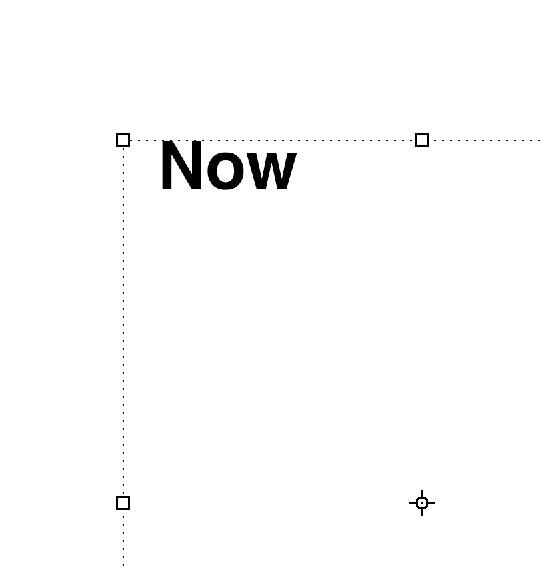

I would love to turn off the Auto Indent feature if there is such a thing in PSE2019. When I make a text box, it automatically inserts an indent no matter which justification I choose.
Already have an account? Login
Enter your E-mail address. We'll send you an e-mail with instructions to reset your password.
 AdChoices