Participant
November 25, 2019
Question

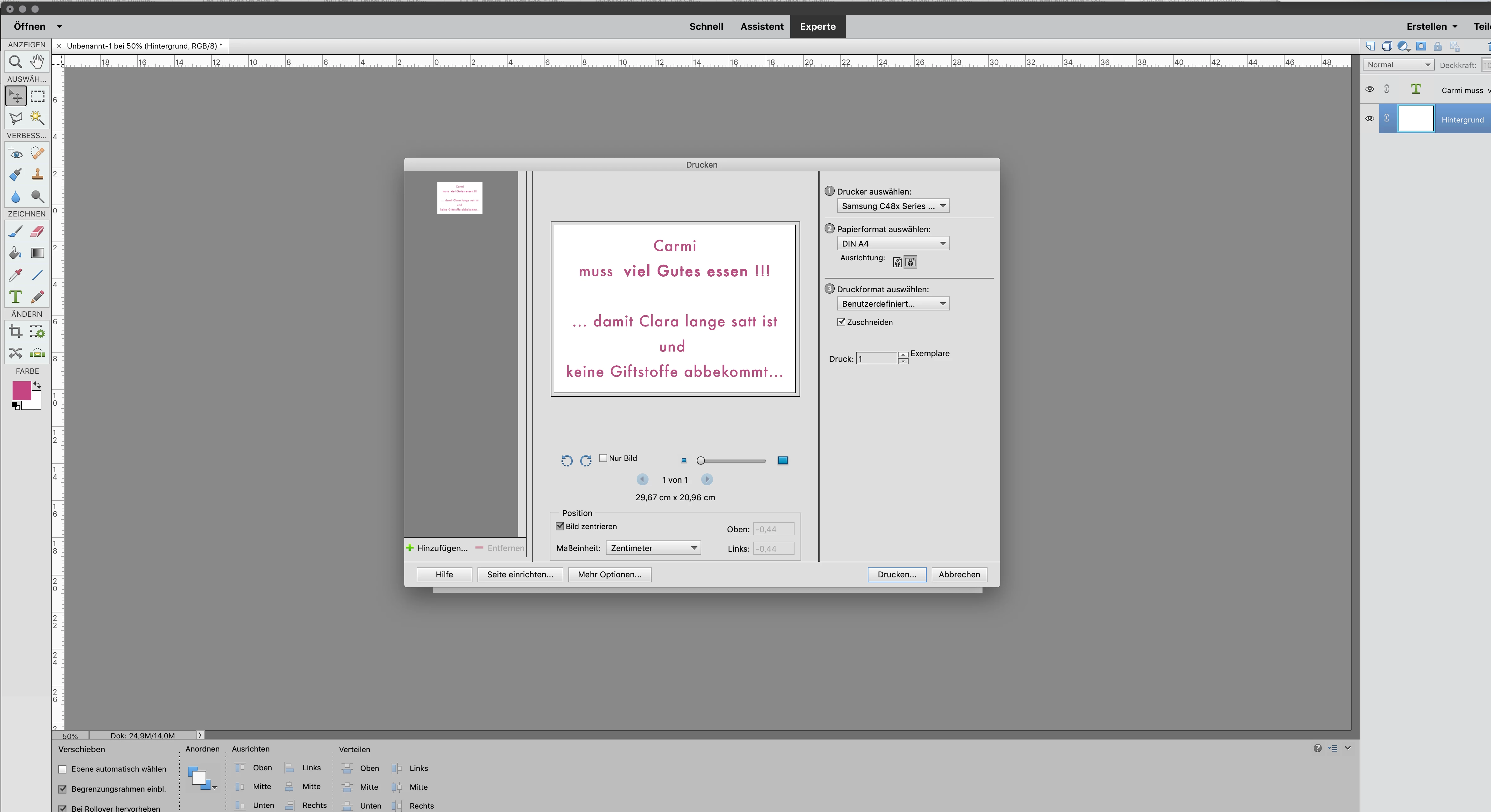
PSE 2019 printer settings paper size // Druckereinstellungen A4 Querformat

  • November 25, 2019
  • 2 replies
  • 203 views

Hi,

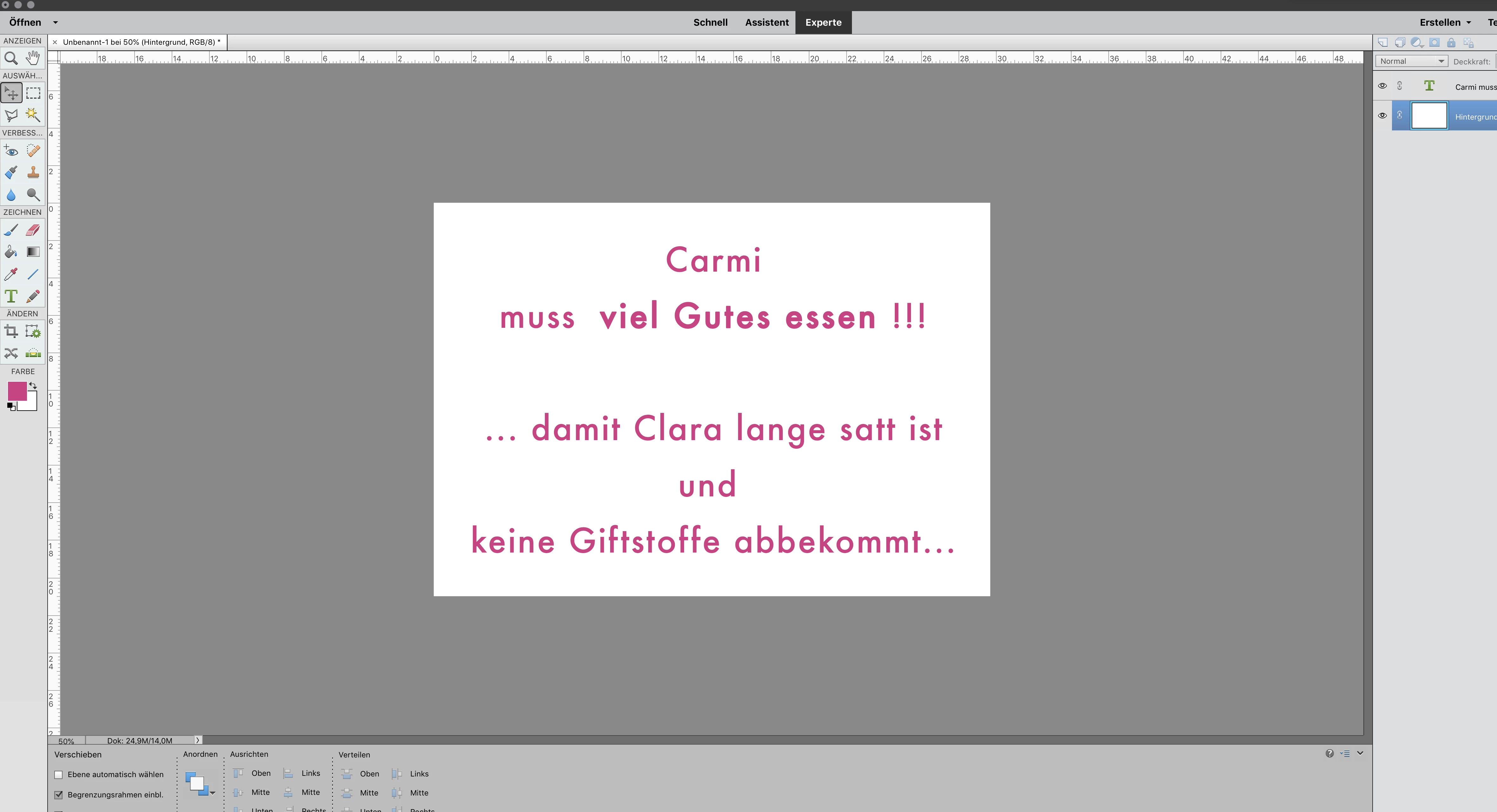
I opened a new file

300 dpi   with A4 landscape format  (width 297mm x height 210mm)...


When I press  "Ctrl+P" to print... print set up window opens...

and it displays:

A4 in landscape...

and the preview is also absolutely correct...


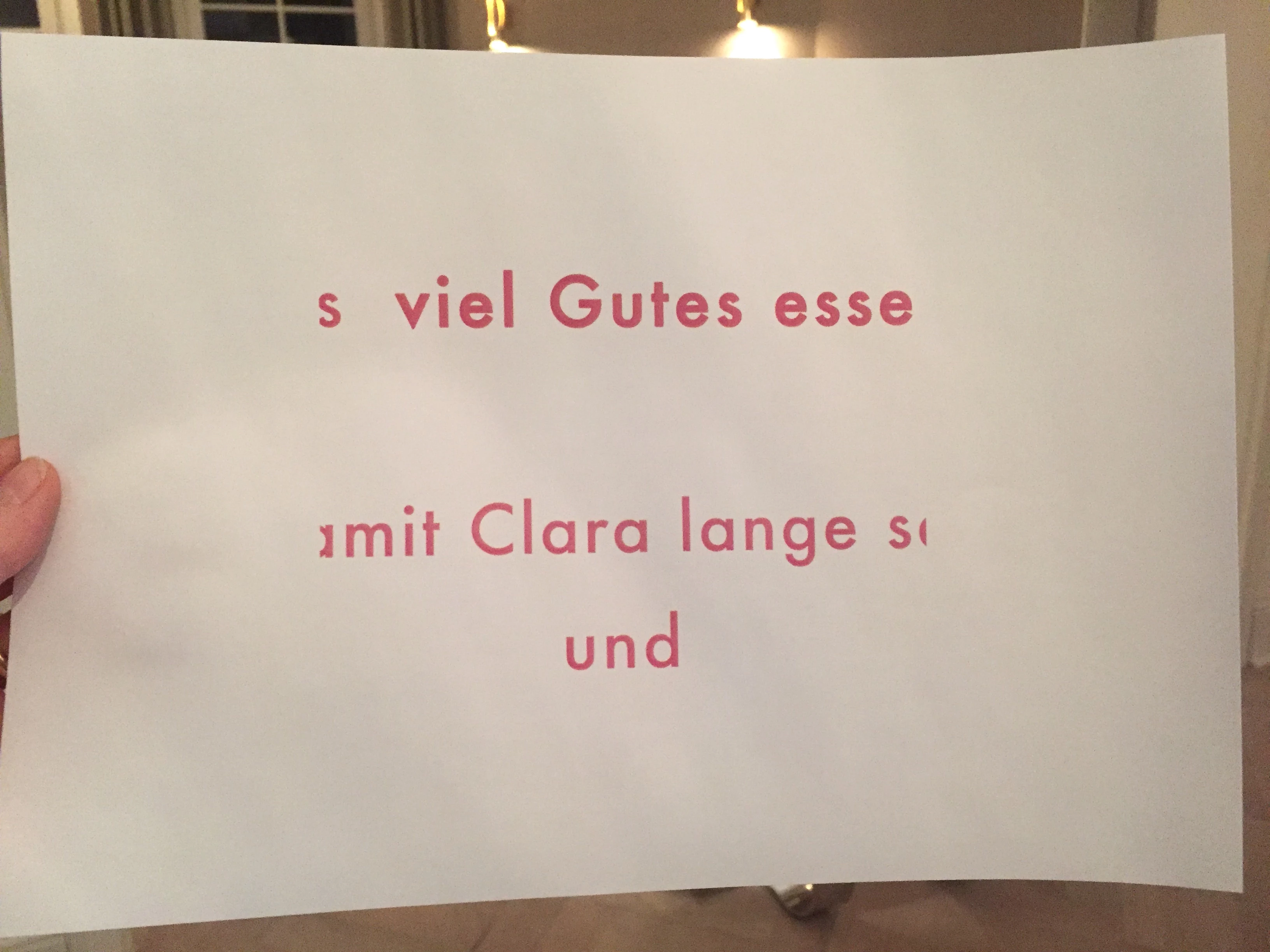
but the printed result  on paper is incorrect...

the direction (of the written text) is landscape

but only a cut part of it  with a width of 210mm (width should be 297mm)

... it seems to be cut in portrait format but laoyutet in landscape...


please see the 3 pics I attached


Kind regards Chris


This topic has been closed for replies.

2 replies

hatstead
Inspiring
November 25, 2019

The print screen is very small and the details are obscure.

It appears to me that on the lowest screen there is a layer behind the text layer, and that the text is not centered properly. Please check this.

We look forward to your progress.

Participant
November 25, 2019

...in addition:


I know how I can change

the print settings, so that the file

is printed properly...

but the the preset must be anyhow wrong from the adobe side 😉


I have used older PSE versions as well

as Photshop...

this never happened before... only in this PSE 2019

the presetting is wrong?!


(I do not want to change every single time

the settings manually before I get a proper result...)


Regards Chris