
Question
PSE 2020 & 2024 now crashes when I open NEF files
WIndows laptop running Windows 11. I was previously using PSE 2020 editing photos from my Nikon D750 for a few years. Recently PSE crashes when opening NEF files (same laptop, same camera).
I upgraded to PSE 2024, and all was well, until today when PSE started to crash again.
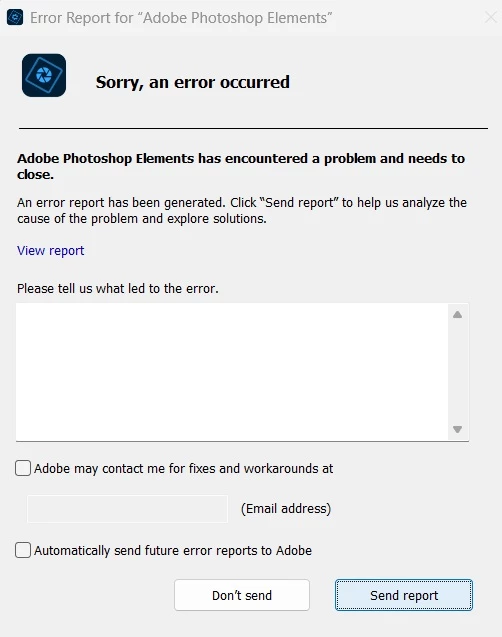
The error message reads:
"Sorry, an error occurred"
"Adobe Photoshop Elements has encountered a problem and need to close."
(crash report attached)
I have reinstalled the program, installed "AdobeCameraRaw_x64_16_1" patch, but the problem persists.
I can convert to JPEG but I prefer to woirk in raw like I have been doing for years.
Frustrated and baffled. Please help.


 AdChoices