

Shoney01
Participant
September 20, 2021
Question

PSE 2021

  • September 20, 2021
  • 2 replies
  • 297 views

Is there a Oil Paint filter that can be downloaded? Or brush plug in? TIA

    This topic has been closed for replies.

    2 replies

    Greg_S.
    Community Expert
    Community Expert
    September 21, 2021

    I think what you have in mind is the Oil Paint effect.  Probably, the best way to use it is as follows

    1. Open the Smart Brush
    2. Click on the Dropdown menu in the Tool Options panel
    3. Select Oil Painting from the Artistic presets in the dialog.
    4. Use the brush to paint on your image.


    You can also access the Oil Painting filter in the Effects panel but I don't think this gives you as many options as using the Smart Brush.


    Greg_S.
    Community Expert
    Community Expert
    September 20, 2021

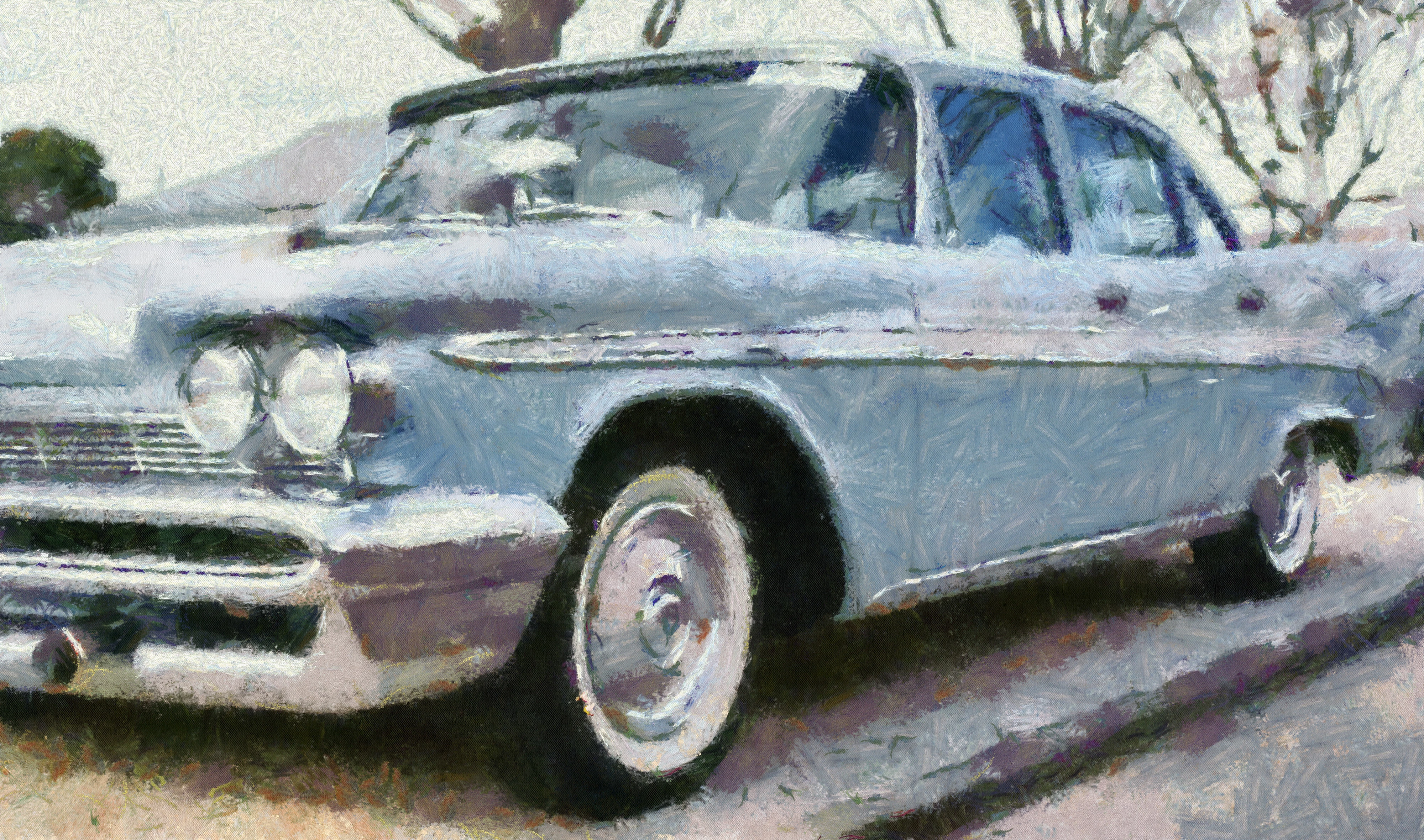
    I'm not exactly sure what you are asking for.  But there are a number of effects and filters available in PSE 2021 that may fit.  For example, under the Filters>Sketch>Comic dialog, there are a number of adjustments that can be made to get a result something like this:


    Or, under the Filter>Artistic> dialog, there are many options that may suit you.  This is the Paint Daubs option:


    If you were more specific, we might be able to give you some better direction.

    Shoney01
    Shoney01Author
    Participant
    September 20, 2021

    Hi Greg,

    Sorry for not being clear.  My first time posting.  There used to be an oil paint filter in earlier versions of PSE that doesnt seem to be in the new versions.  I was wondering if an oil painting filter or oil paint brush plug in can be downloaded into PSE 21?