Answered
PSE 2021 to 2024 Presets & Brushes
Do I have to install all my presets and brushes to 2024. Isn't there an easier way to copy them from 2021 to 2024?
Thanks,
Pam

Do I have to install all my presets and brushes to 2024. Isn't there an easier way to copy them from 2021 to 2024?
Thanks,
Pam
you do have to restart the program for them to show up.
Generally: failure is because you didn't put them in the correct location.
Screenshots always help. 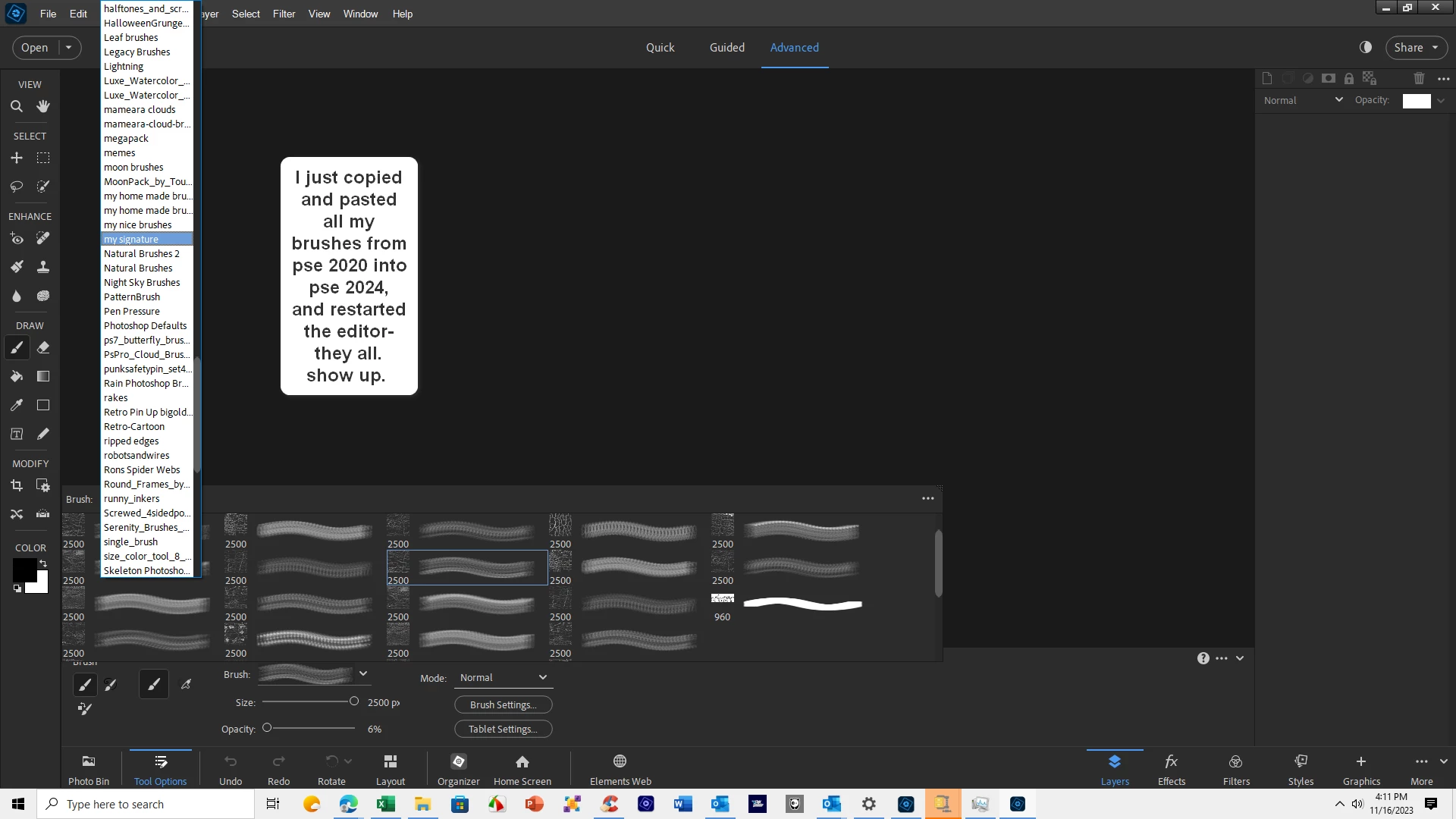
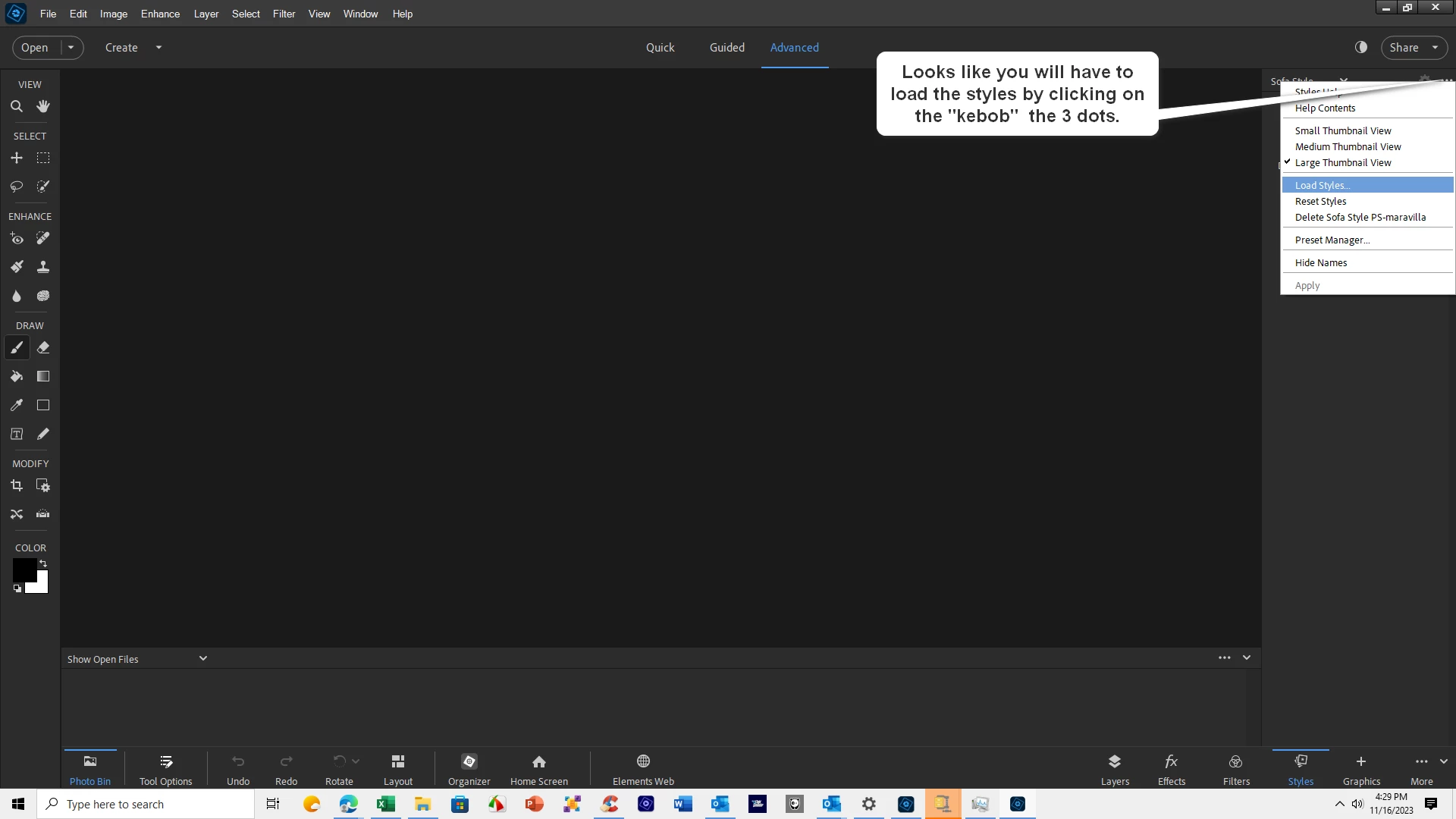
The method previously described doesn't work with styles, do what the images says and you will be good to go.
Already have an account? Login
Enter your E-mail address. We'll send you an e-mail with instructions to reset your password.


 AdChoices