Answered
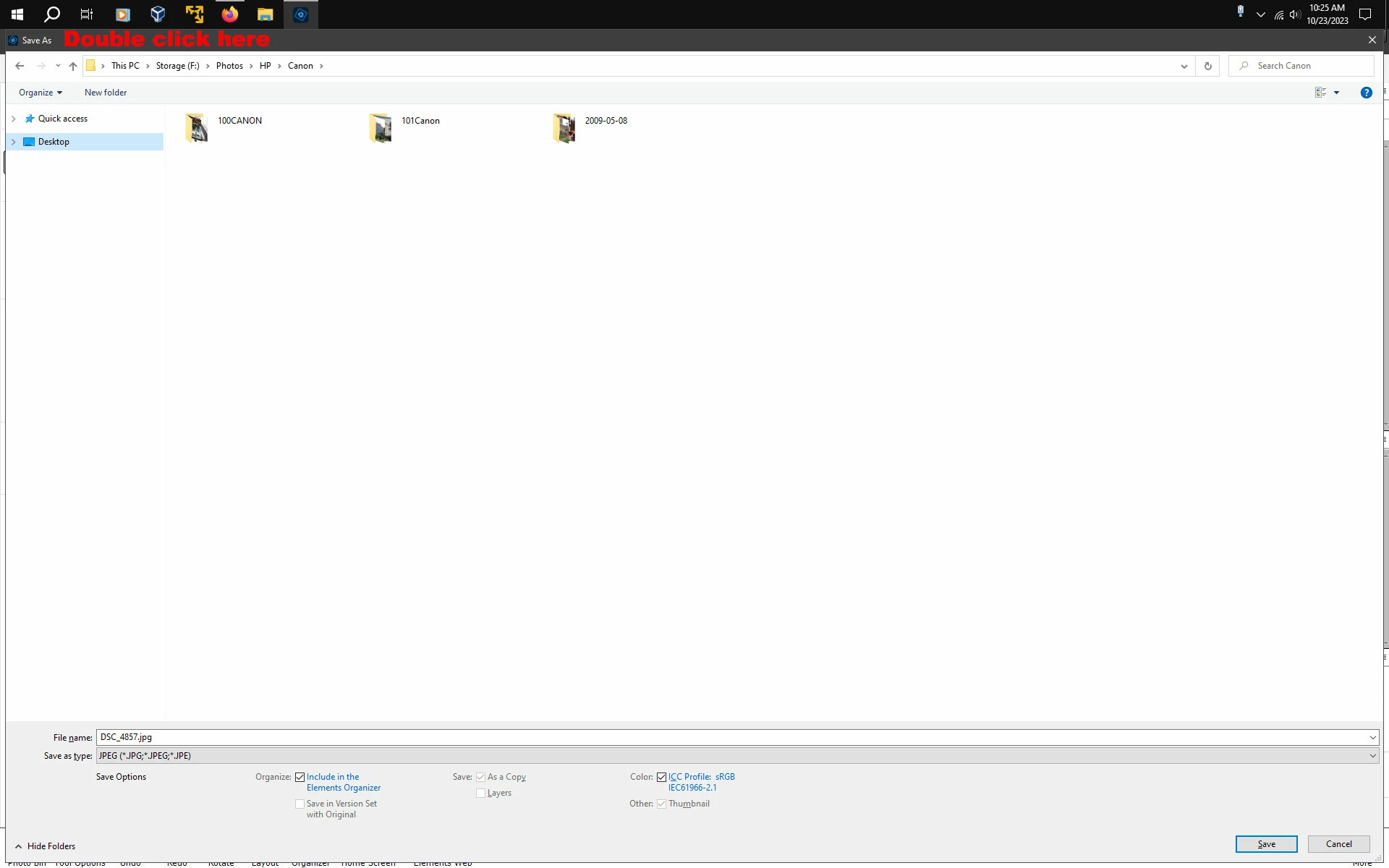
PSE's "Save As" window
Hi. I am trying to save images in PSE and the "Save As" window takes up the whole screen.There's no minimize option, can't grab the edges of the window and no resize option anywhere. Can someome help me, please? TIA 🙂

Hi. I am trying to save images in PSE and the "Save As" window takes up the whole screen.There's no minimize option, can't grab the edges of the window and no resize option anywhere. Can someome help me, please? TIA 🙂
Does the Save As window get smaller if you double click on the Title bar to the right of where is says Save As?
Already have an account? Login
Enter your E-mail address. We'll send you an e-mail with instructions to reset your password.


 AdChoices