Participant
November 17, 2022
해결됨

Punktuelle Bearbeitung in Elements 2019

  • November 17, 2022
  • 1 답변
  • 483 조회

Bonjour

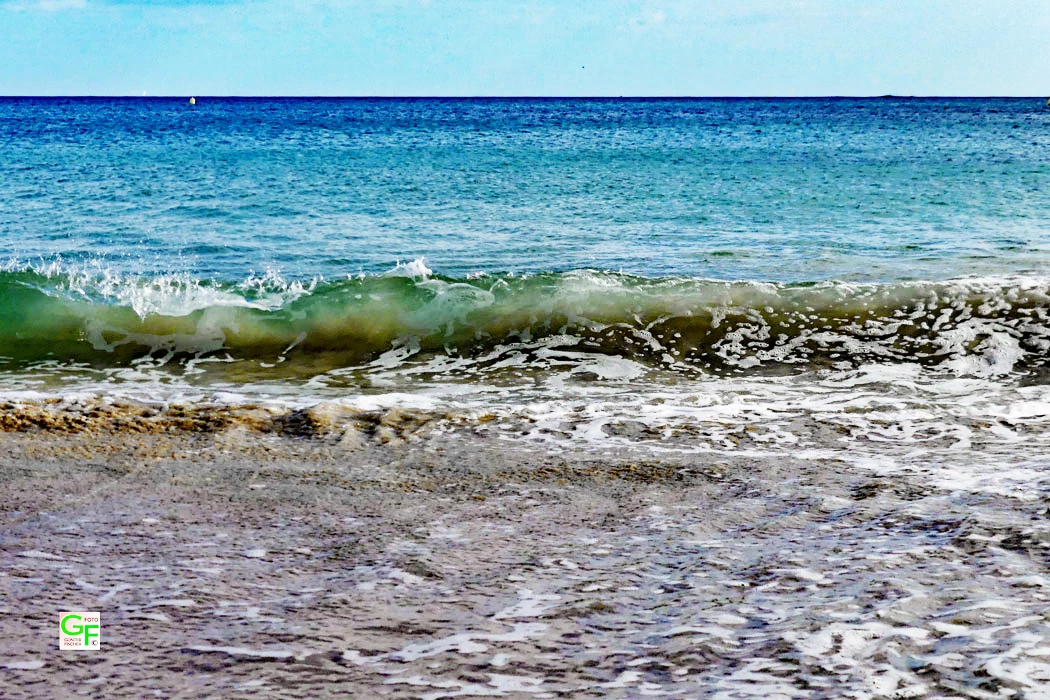
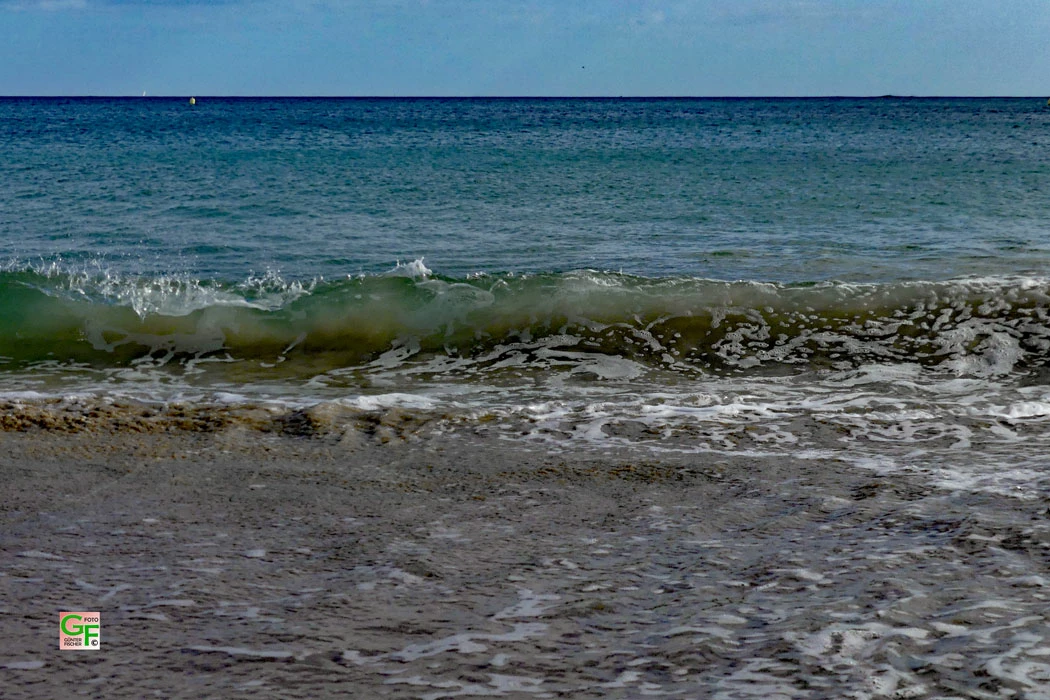
Ich habe das Photoshop Elements 2019 und möchte in der Brandung am Meer das Innere einer Welle gerne etwas aufhellen. 

Im Anhang habe ich ein spontanes Beispiel, wobei es noch mehr solcher gibt.

Kann mir bitte jemand sagen, wie das geht?

Leider bin ich schon älter und nicht so fit am PC wie viele andere. Auch sind mir viele Fachbegriffe und Englisch fremd.

Merci beaucoup für die Hilfe und das Verständnis sagt

Günter

이 주제는 답변이 닫혔습니다.
최고의 답변: hatstead

Guenter,

You can do this quite easily.

In the Editor, open the Expert tab. Then go to Image menu>Brightness/contrast and advance both sliders to the right.


1 답변

hatstead
hatstead답변
Inspiring
November 17, 2022

Guenter,

You can do this quite easily.

In the Editor, open the Expert tab. Then go to Image menu>Brightness/contrast and advance both sliders to the right.


Participant
November 20, 2022

Vielen Dank für die Hilfe.

hatstead
Inspiring
November 20, 2022

Bitte schoen