Answered
question
Hello everyone I have a question about Photoshop elements 2019, I notice that in the Layer menu then text and then update all the text layers and replace. All missing policies How does this work?
Thank you for your help

Hello everyone I have a question about Photoshop elements 2019, I notice that in the Layer menu then text and then update all the text layers and replace. All missing policies How does this work?
Thank you for your help
Update All Text Layers is when you open a document containing text layers from older versions of photoshop elements
or photoshop and the type needs to be updated so it can be used for vector based output. The reason is probably changes in the newer text engines require older type to be updated so it's compatible with the version of photoshop elements your using. If you chose not to Update the text upon open you can do it later using Layer>Type>Update All Text Layers.

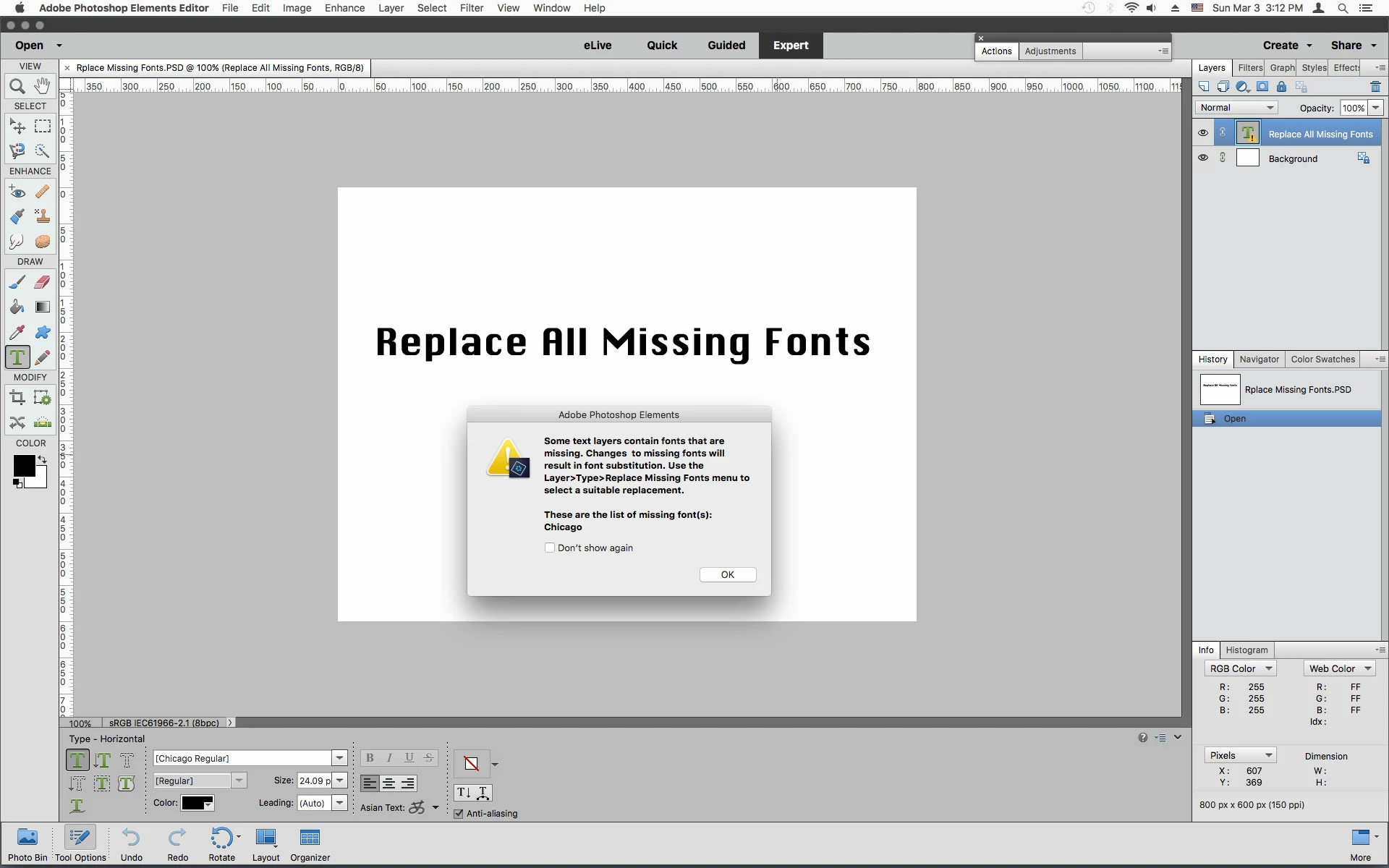
Replace All Missing Fonts occurs when you open a document containing one or more text layers that use fonts not installed on your computer. To replace the font(s) with one on your computer go to Layer>Type>Replace All Missing Fonts and photoshop elements will chose a suitable replacement which will probably not to be to your satisfaction, so you'll have to select a more appropriate font from the font list using the type tool.
Already have an account? Login
No account yet? Create an account
Enter your E-mail address. We'll send you an e-mail with instructions to reset your password.


 AdChoices