Participant
January 8, 2019
Question

Questions about restoring colors in underwater photos

  • January 8, 2019
  • 3 replies
  • 1115 views

hello, my first post.

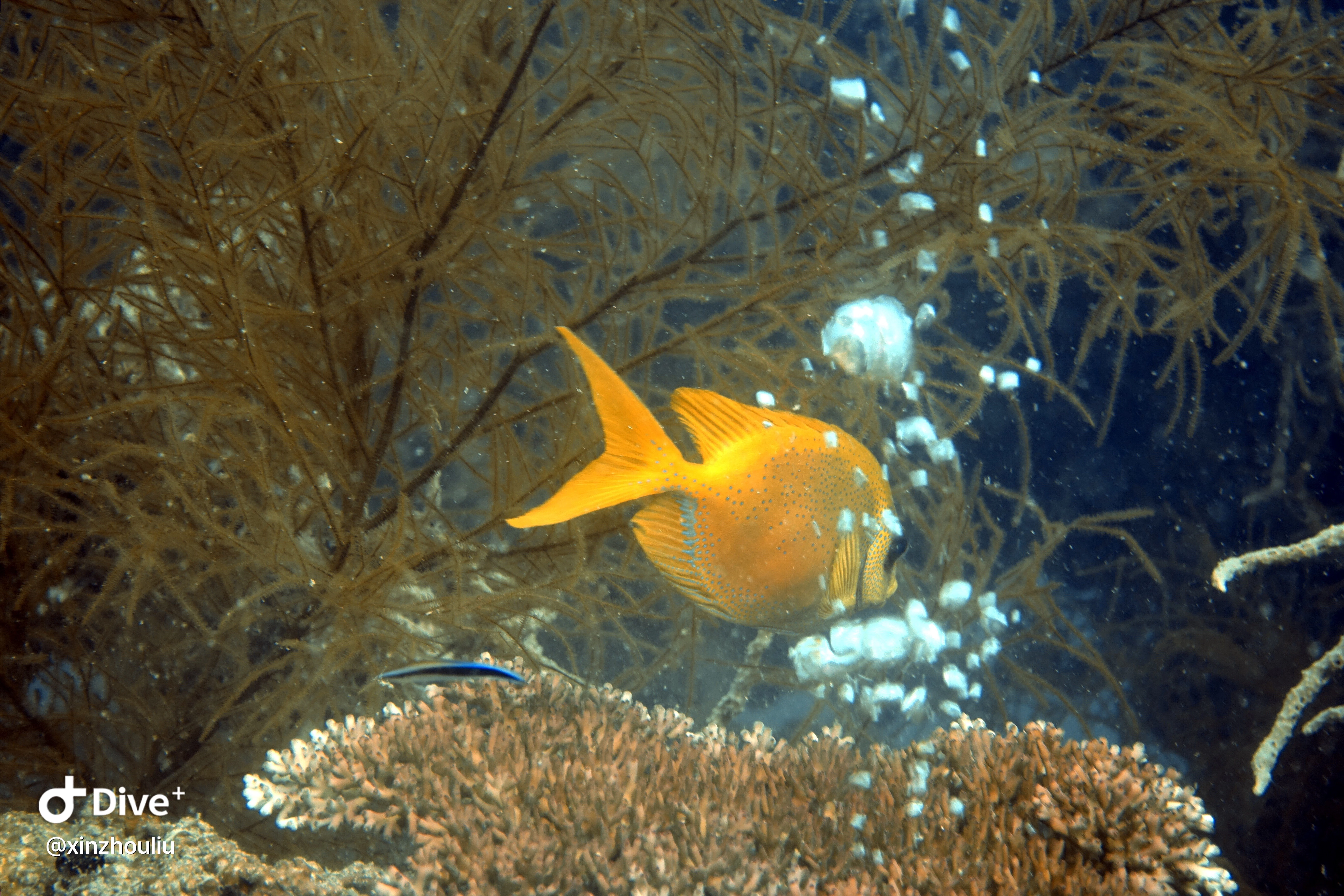
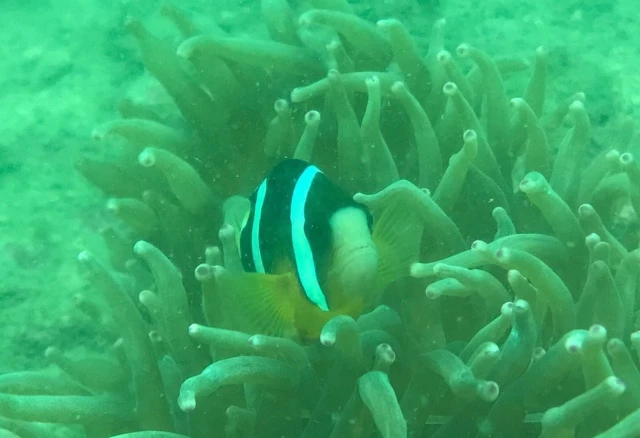
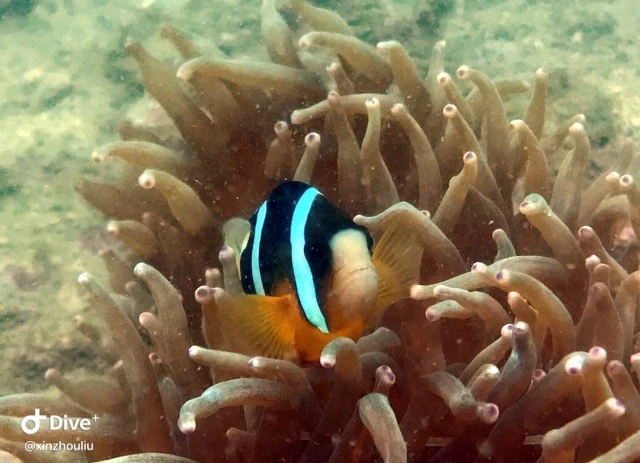
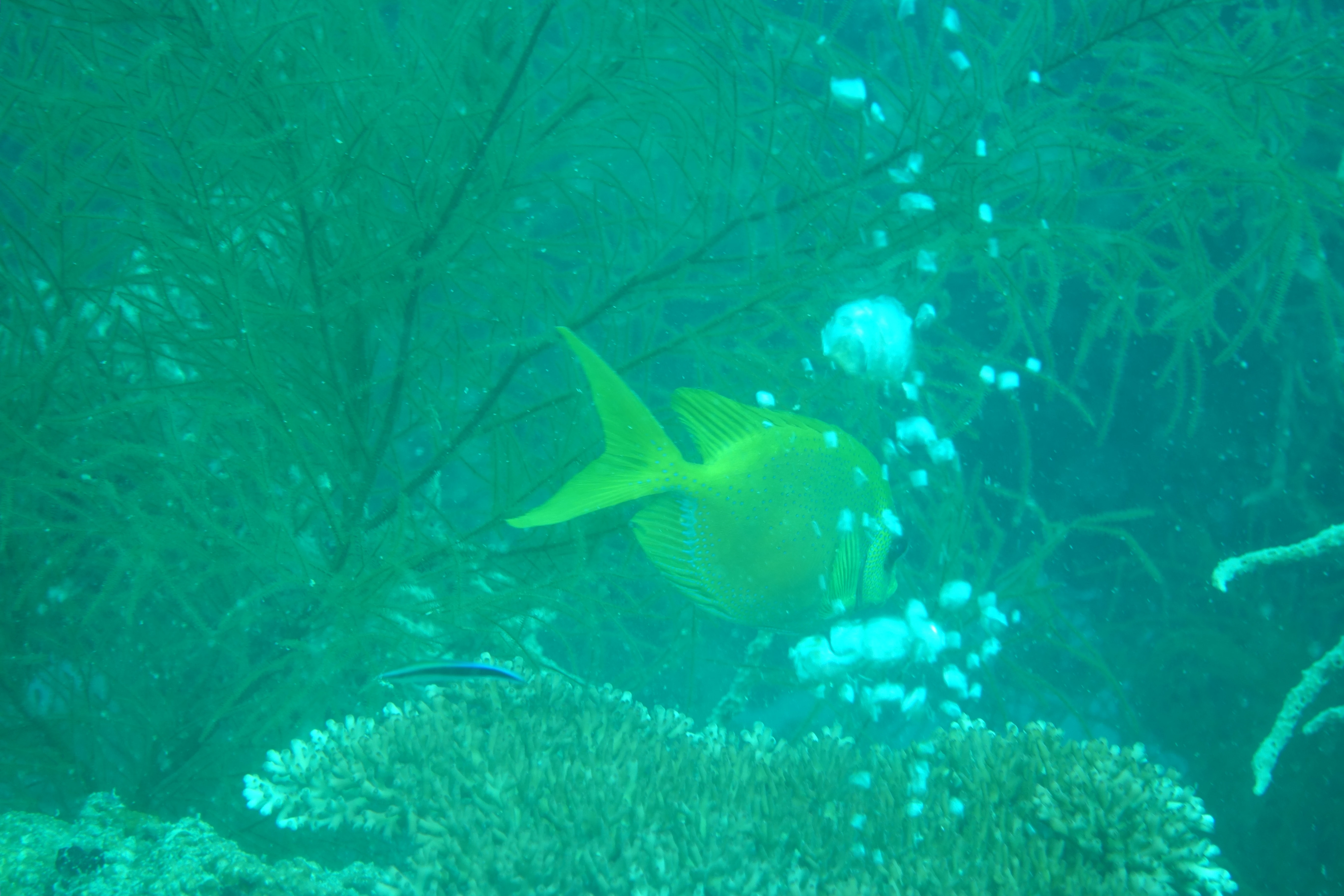
Started using an app to restore and correct colors of my underwater photos, the results are great. I am now interested to know what correction the app all applied.

Can anyone help analyze below photos and teach me what all steps I can do to in Photoshop to create the same (or perhaps even better) results as my app. I have Adobe Photoshop Elements 2019.

See attached 2 photos of before and after correction. The green-ish, dull colors are before correction; the more vivid colors are after correction (you can recognize that there is a small logo on the lower left corner). Thanks

Steven
    This topic has been closed for replies.

    3 replies

    Participant
    January 9, 2019

    Thanks for checking Ged. While I agree it improves a lot compared to the original format, but the result is not nearly as vivid as the correction using the app that I had.

    Is there anything else I can try?

    thanks

    99jon
    Genius
    January 9, 2019

    You could boost hue and saturation if you want something more vivid.

    99jon
    Genius
    January 8, 2019

    In Expert mode there are several auto adjustments which can be applied with a single click.

    Try auto haze removal followed by auto color correction; then auto contrast.

    January 8, 2019
    99jon
    Genius
    January 8, 2019

    Also you can open in camera raw from the file menu where you have a range of sliders including white balance. You also have profiles, basic, artistic and modern etc. Simply hover over a thumbnail to see the look and click to apply.