
Question
Raw Dateien werden von Photoshop Elements 2024 nicht mehr erkannt
Ich nutze seit einiger Zeit Photoshop Elements 2024 mit Windows 10 zur schnellen Bearbeitung von Fotos. Bis vor wenigen Tagen hatte ich keinerlei Probleme die RAW Dateien meiner Sony Alpha 7 IV zu öffnen. Aber nun ist das nicht mehr möglich. Die neueste Version (16.0) ist installiert, laut Adobe Website müsste die Kamera seit Version 14 unterstützt werden. Wie geschrieben, bis vor wenigen Tagen war das noch möglich, nun erscheint beim Öffnen der RAW-Datei der Hinweis aus dem Screenshot. Eine Aktualisierung von Camera Raw bzw. eine Neuinstallation von Photoshop Elements hat keine Verbesserung gebracht. Ich bin etwas überfragt gerade. Weiß jemand einen Rat?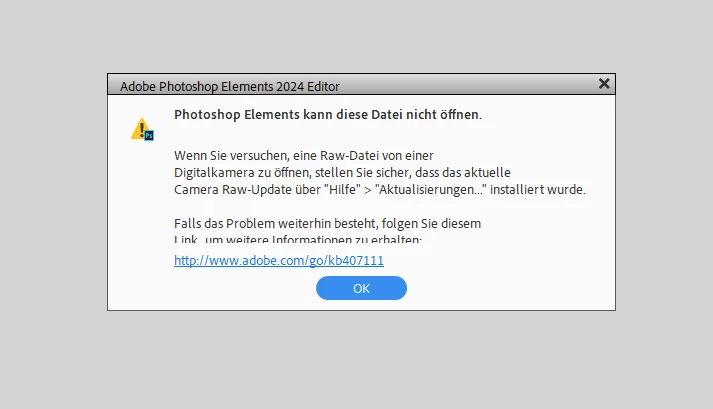


 AdChoices