
Question
Re: Updated Photoshop Elements 2020 won't open on mac OS Catalina as it keeps showing a blank screen
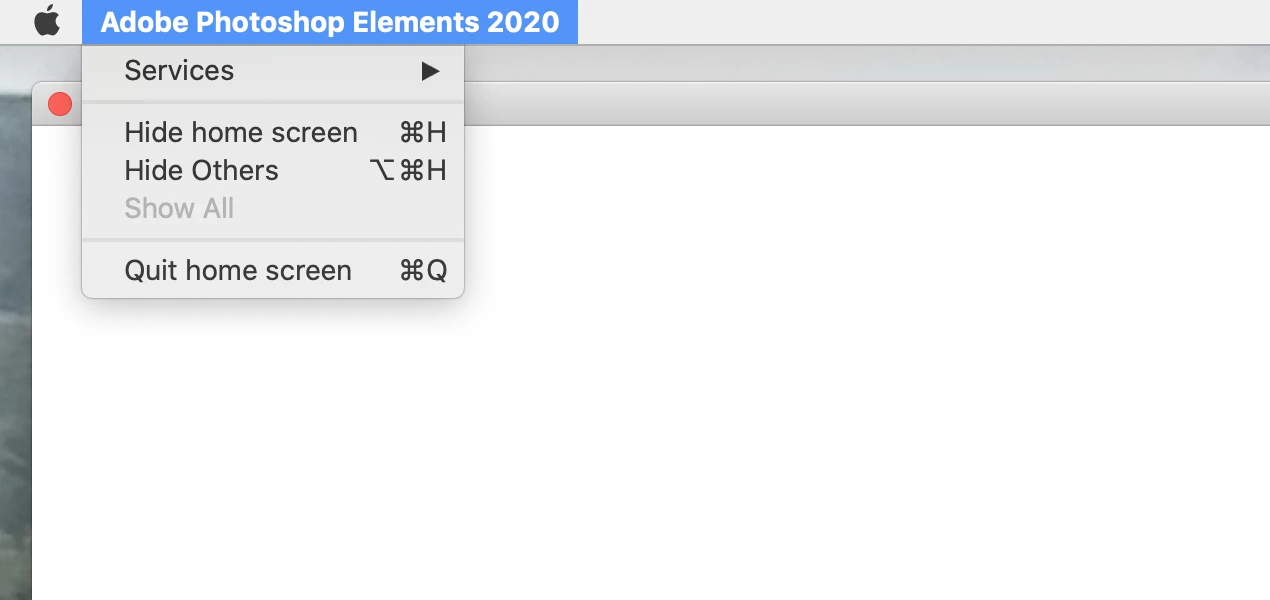
Hello. I have a similar problem. I am on Mac (Catalina). When I open Photoshop Elements 2020 I just get a blank white screen. This happened twice already in the last month and only uninstalling and reinstalling seems to fix it. As this is the 3rd time, I thought I'd try here. I have tried the Option+Command+Shift. Nothing.
I can see a basic menu. I've attached a screen shot.
Can you help?
 AdChoices