
Answered
Reconnect Missing Files -
After "Reconnect missing files" runs it's search, there apparently is a file missing. When I try to search manually, I see a pop up (pic below).
Problem is - Under "Files Missing from Catalog", there is NO file.
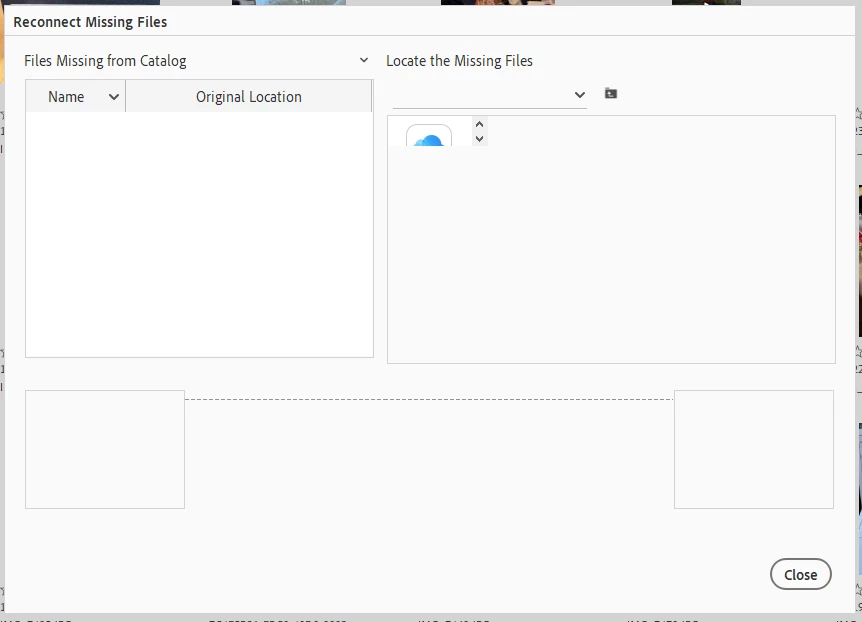
If I click the drop down carrot above "Original Location", and then click the "Delete from Catalog" option, I get a message saying "To remove items from the catalog, first select one or more of them". I would obviously do that if there was a file to click on. The box is blank.
I've tried the "Optimze" and "Repair" options in Catalog Manager.
View / Hidden Files / has "Show all files" selected
Catalog is somewhat large with 42K pictures.
Can anyone help with this?
Thanks ahead of time..


 AdChoices