
shelleywright22
Participant
January 20, 2018
Question

Reconnecting missing files

  • January 20, 2018
  • 1 reply
  • 590 views

I really hope someone can help me. All the files on my organiser are showing the yellow question mark, they are all still saved on my computer as files, I have done nothing to the actual files or file locations. For a while I have had to manually reconnect all my images by clicking on Browse and searching for the file in My Pictures and clicking Reconnect but I've just put up with this, not that I'm sure why it happened.

Today when I manually tried to find the files in the way described above, I click Reconnect and now get an error message saying that the files will not be reconnected:
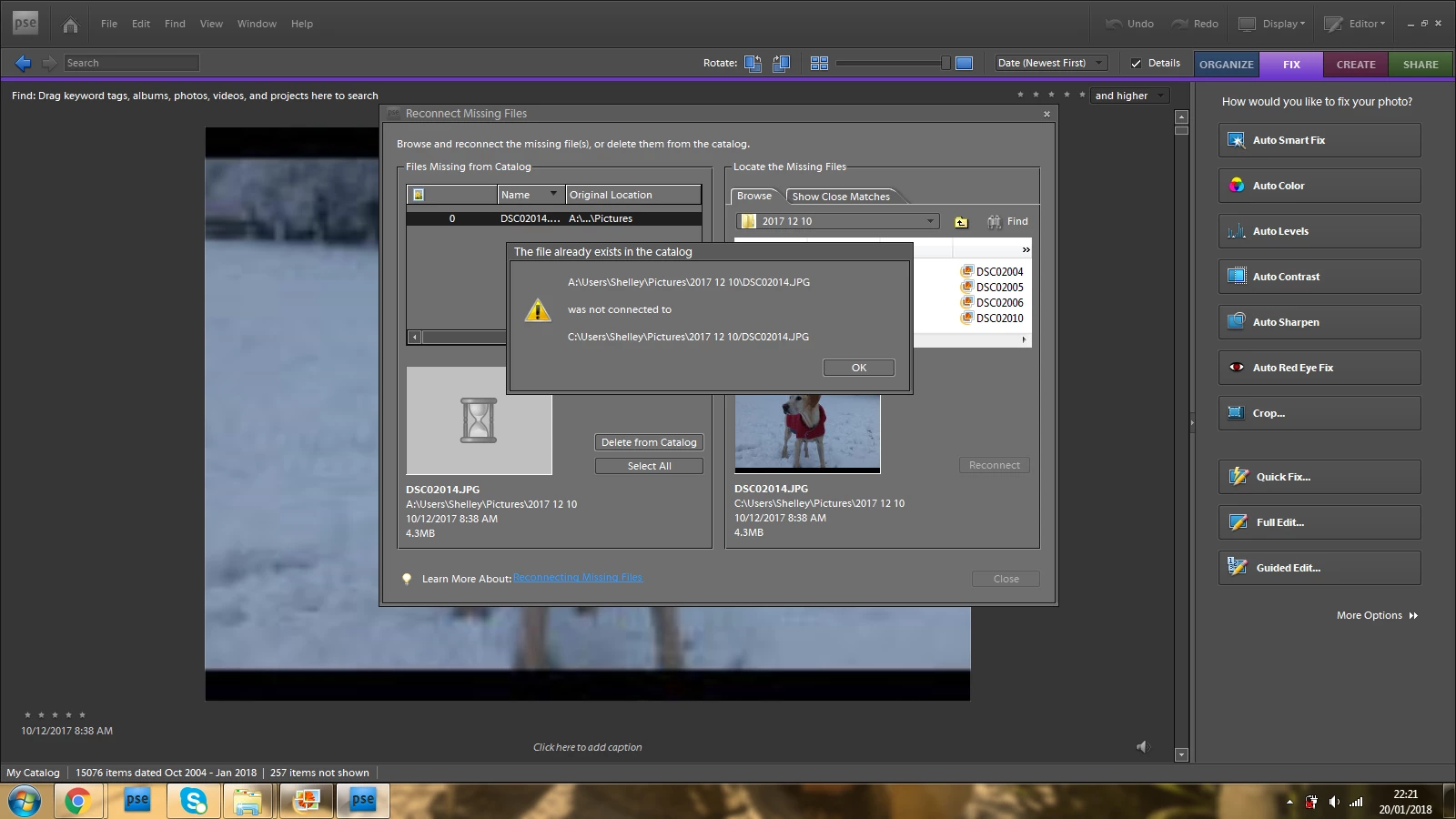
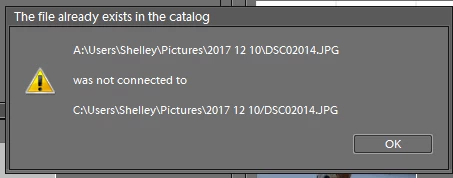
If I click OK (I have no other option) I no longer have the option to reconnect the file to the image, this means that I basically can no longer use PSE for anything. I really hope someone is able to provide me with a solution soon.

Many thanks in advance

This topic has been closed for replies.

1 reply

MichelBParis
Legend
January 21, 2018

Two notes:

- If you have a recuring need to reconnect all your files (and you know you have not moved or renamed  them) it looks like a drive identification problem.

- The error message shows the organizer is struggling to reconnect pictures on A: to C: That's very unusual, because A: and B: drive letters (which where reserved in the past to floppy disks) are never used by default by any software; most of the time the software assume it's C: and install their components there.

So, if you can give more explanation about how the A: letter has been used, that will help understand your problem.

shelleywright22
Participant
January 21, 2018

Thanks so much for your response and for your efforts to help. It's so typical but when I opened PSE this morning it's now working fine, can't believe it! I really don't know why it was trying to connect to A: as I'm using PSE on a laptop which has never seen a floppy disc(!) and all my files are saved on C: ... very baffling. Hopefully this won't happen again.

I really appreciate your quick response.

Many thanks