@Walter_H
Often when launching a new technological invention, familiar terminology from the past is used to help users get up and running as quickly as possible.
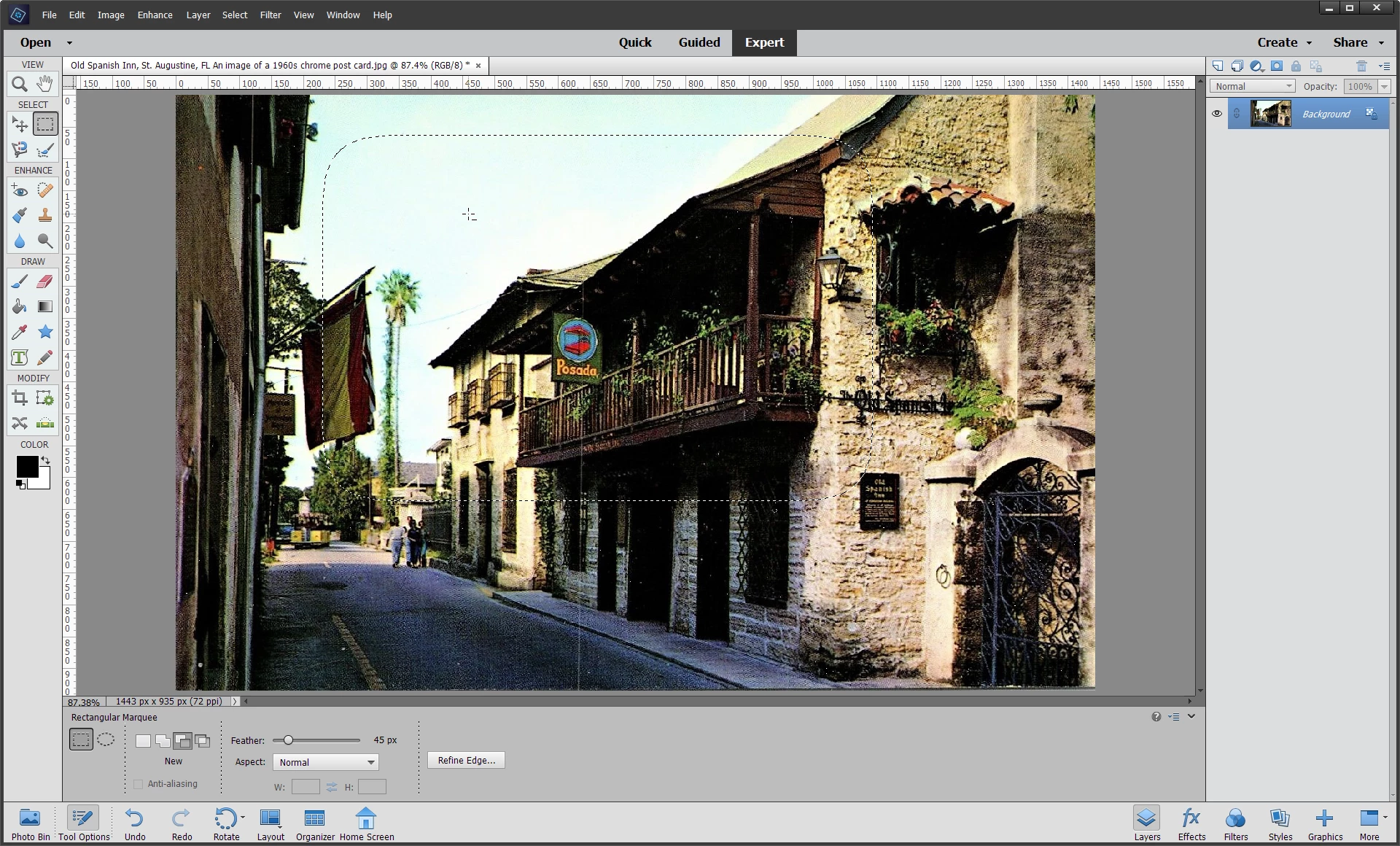
Photoshop is full of icons and terms taken from the worlds of traditional photography and fine art - e.g. the Zoom Tool magnifying glass icon, the Crop, Dodge and Burn Tools both in their names & icons, and of course, the Brush and Paint Bucket Tools. The "Feather" option is just another example.
Feather is short for "feathering" which is a fine art technique used for blending colors, historically performed with very fine feathers, hence the name. The term also crops up in the phrase "feathering with light" in photography, which means softening the light falling on the subject by angling the light away from the subject so it doesn't fall so harshly on them.
The best thing to do is think of feathering as blending, and the higher the feathering, the softer the blend.





 AdChoices