


Reinstalling Photoshop [Elements] 2019 on new laptop
I use Adobe Photoshop 2019. Have one license on a desktop computer, and had the other on a laptop.
Recently got a new laptop and passed on the old laptop to a friend after uninstalling all my programs, files, etc including Photoshop and resetting. Am now trying to install the other licence on my new laptop.
However, the link on the installation disk now only facilitates download of the 2020 or 2021 version. I tried using the CD instead, but received the error message in the attached photograph.
I may have erroneously deactivated/uninstalled it from my previous laptop. Online troubleshooting states that 'We can help you deactivate your app from your old device. Make sure that you have your serial number or Adobe ID handy, and then contact us.' I would like to do so, but cannot find a point of contact.
Any help much appreciated!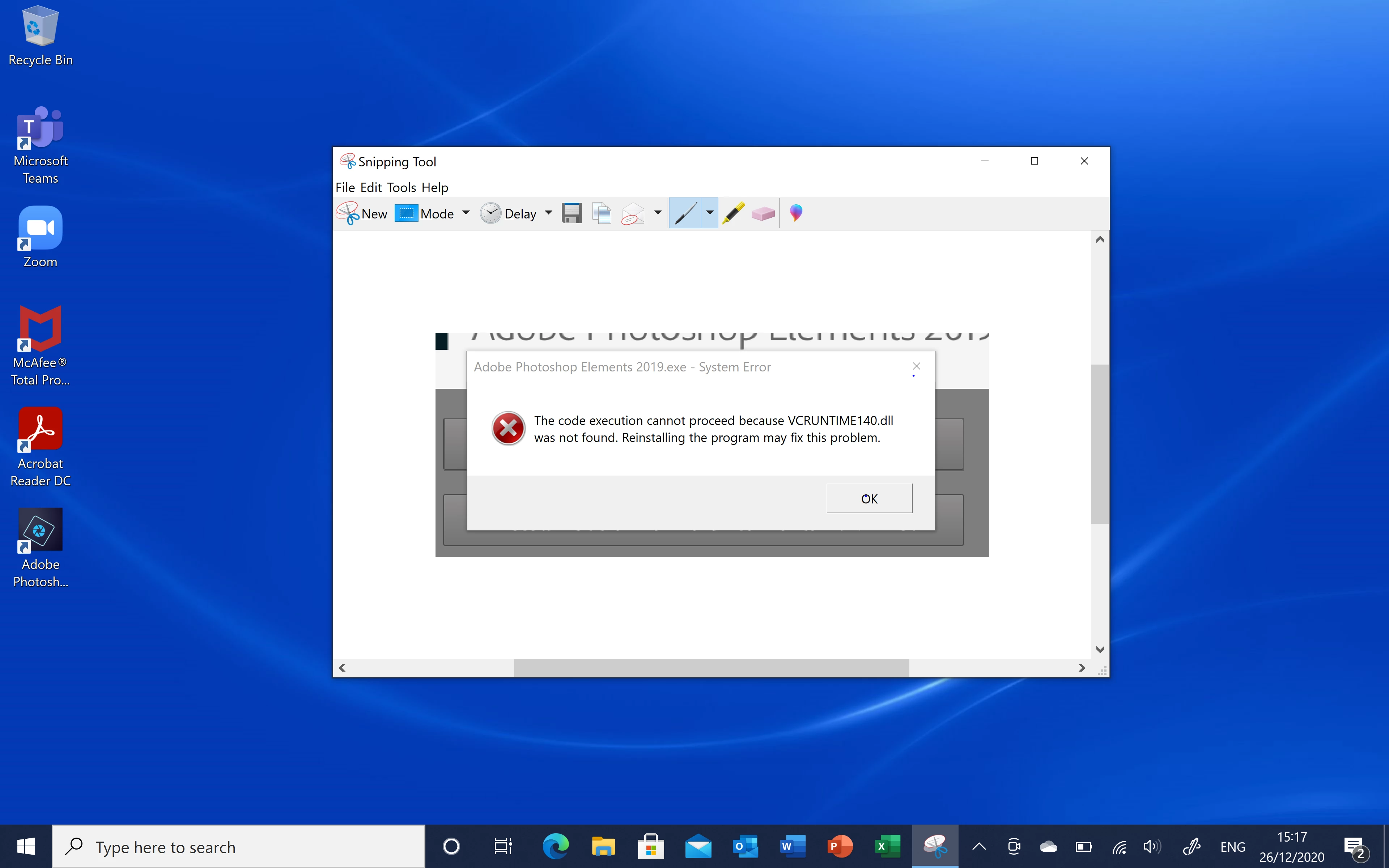

 AdChoices