
Answered
removing images before printing
Hi - this is an ongoing annoying issue...
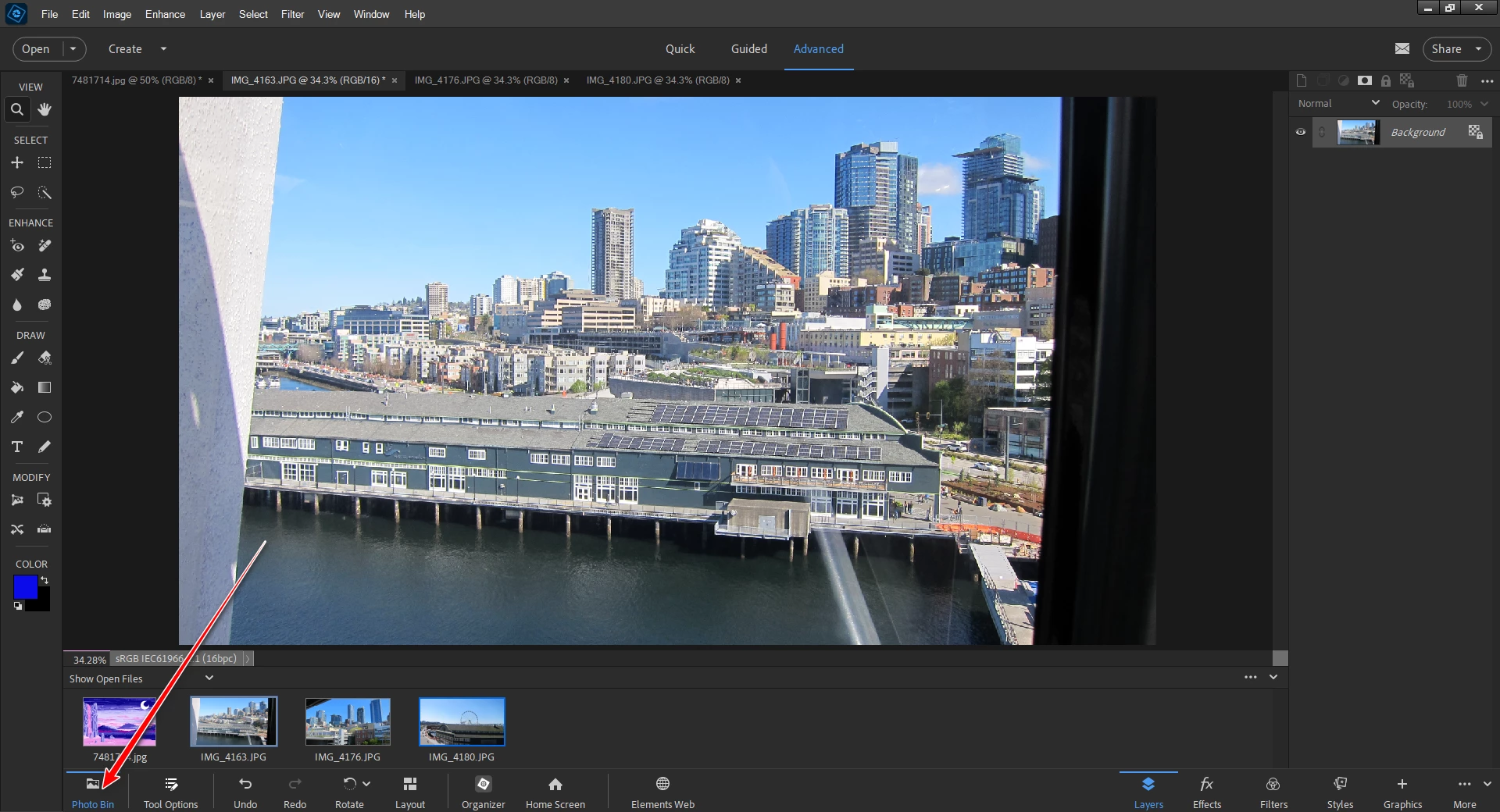
if i have 10 tabs (each one with a separate image) open in PE, and I want to print one of the images, I have to first "remove" each image one by one from the print window. Otherwise it will automatically print the image that is at the top of the list. i am consistently printing the wrong images because of this clumsy feature. Is there any preference i can click on that will allow me to CHOOSE which image i want to print, rather than have to remove all the images I DON'T want to print? I hope theres some way to do this! thanks


 AdChoices