

Replace Color - Keeps changing to wrong color
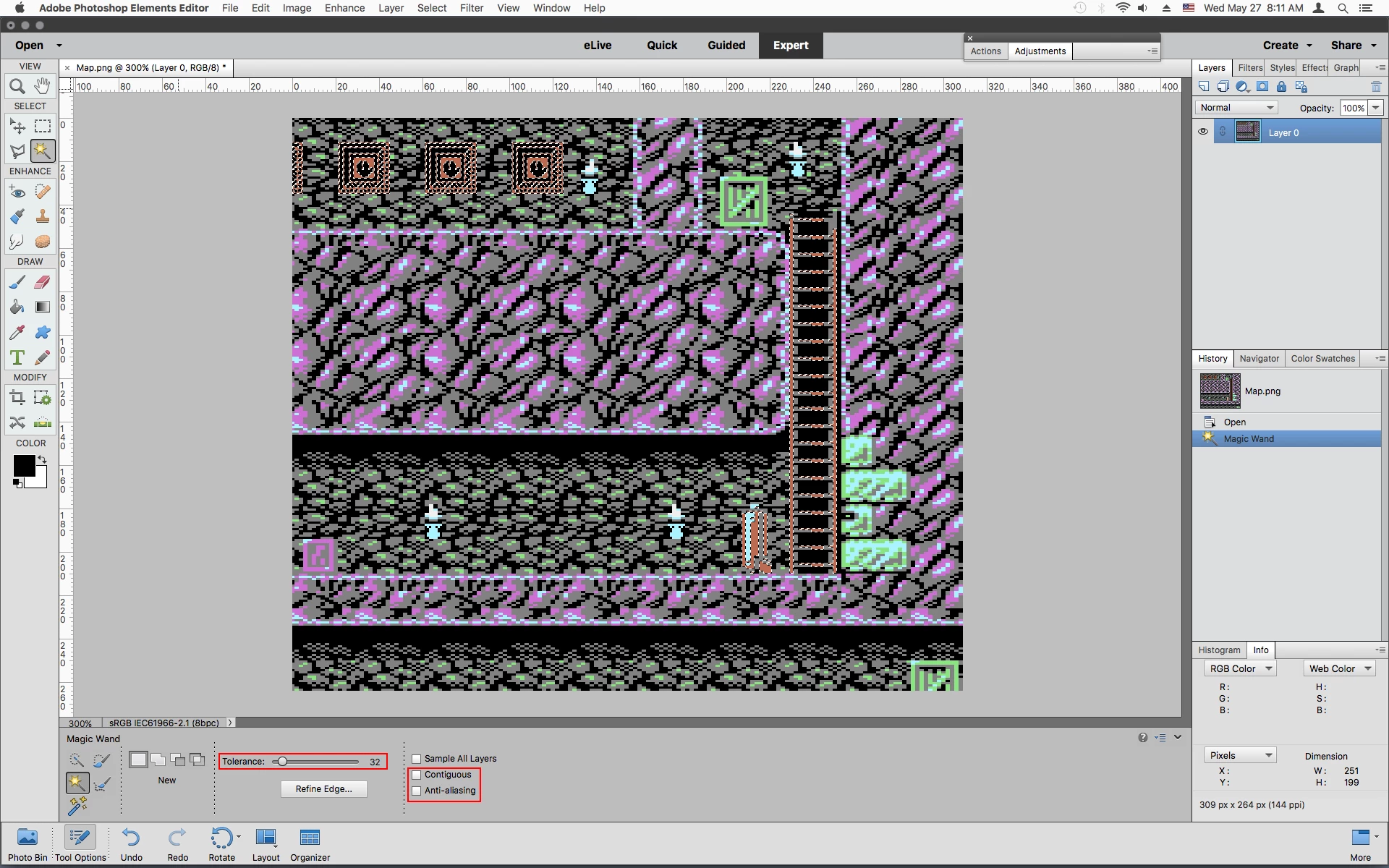
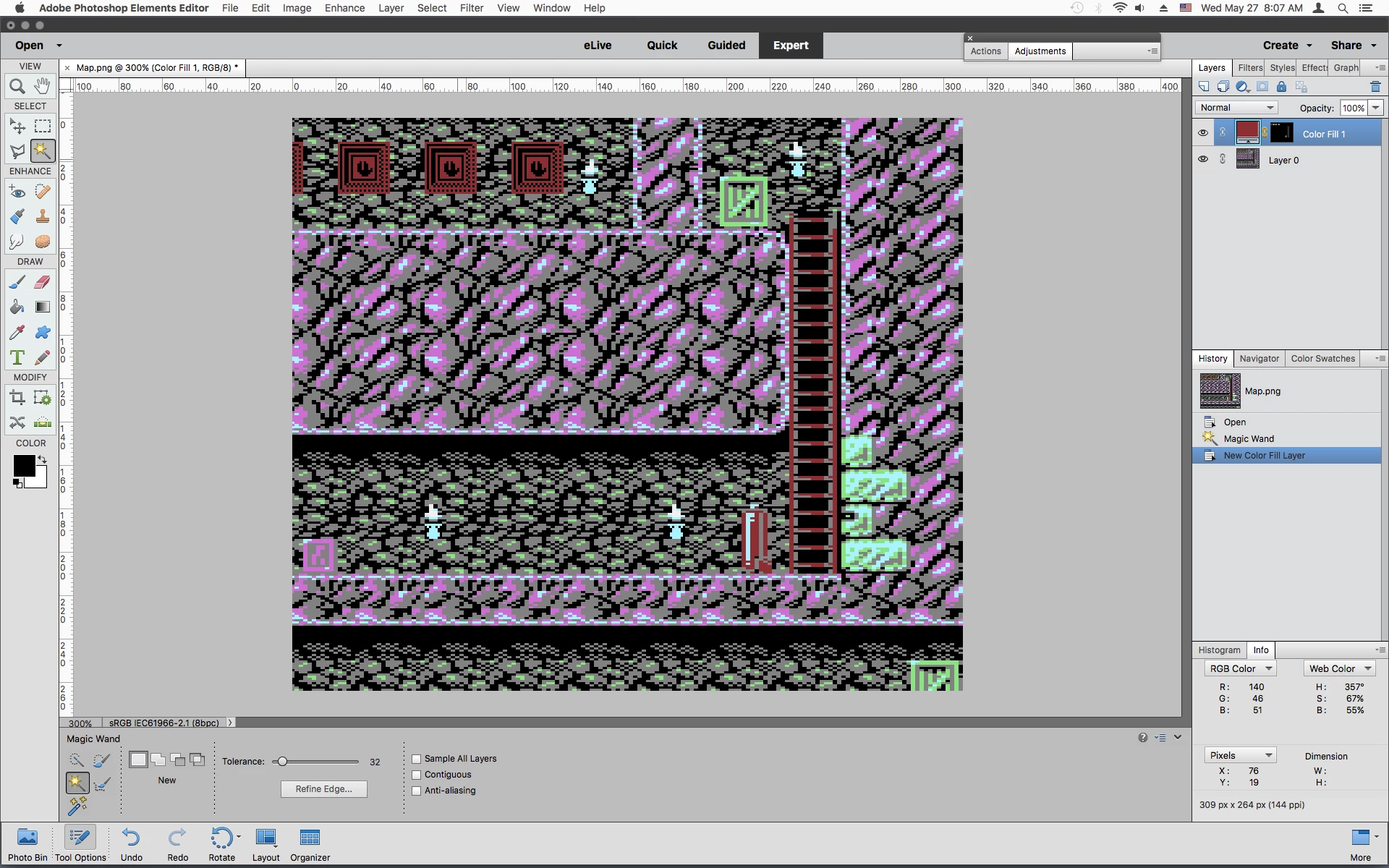
I am using the Enhance > Adjust Color > Replace Color feature to try and change areas of one color to another. The color replacement in itself is working, my issue is that the replacement color I specify isn't exactly what the program changes it to. For example, I select an area of an orangy red with HSB values of 14,57,73 and want to replace it with a darkish red with HSB values of 357,67,55. However, after using Replace Color, when I check the color that now appears in my image it has HSB values of 357,60,63 which is NOT what I requested.
It is important that I be able to specify the exact replacement colour and so this difference, while small, is not acceptable in my case. There are other colour replacements that I've been trying and they are as bad, and in some cases much worse, than what I have specified.
Why is Photoshop Elements not honoring the exact HSB values that I input?
BTW, the image is in RGB format and I have also tried disabling color management and the color profile but this made no difference.



 AdChoices