Answered
Reset Review Screen Color to Default
How can I reset the review screen (or whatever it is called) back to the default color? I don't know how I mananged to make it black.
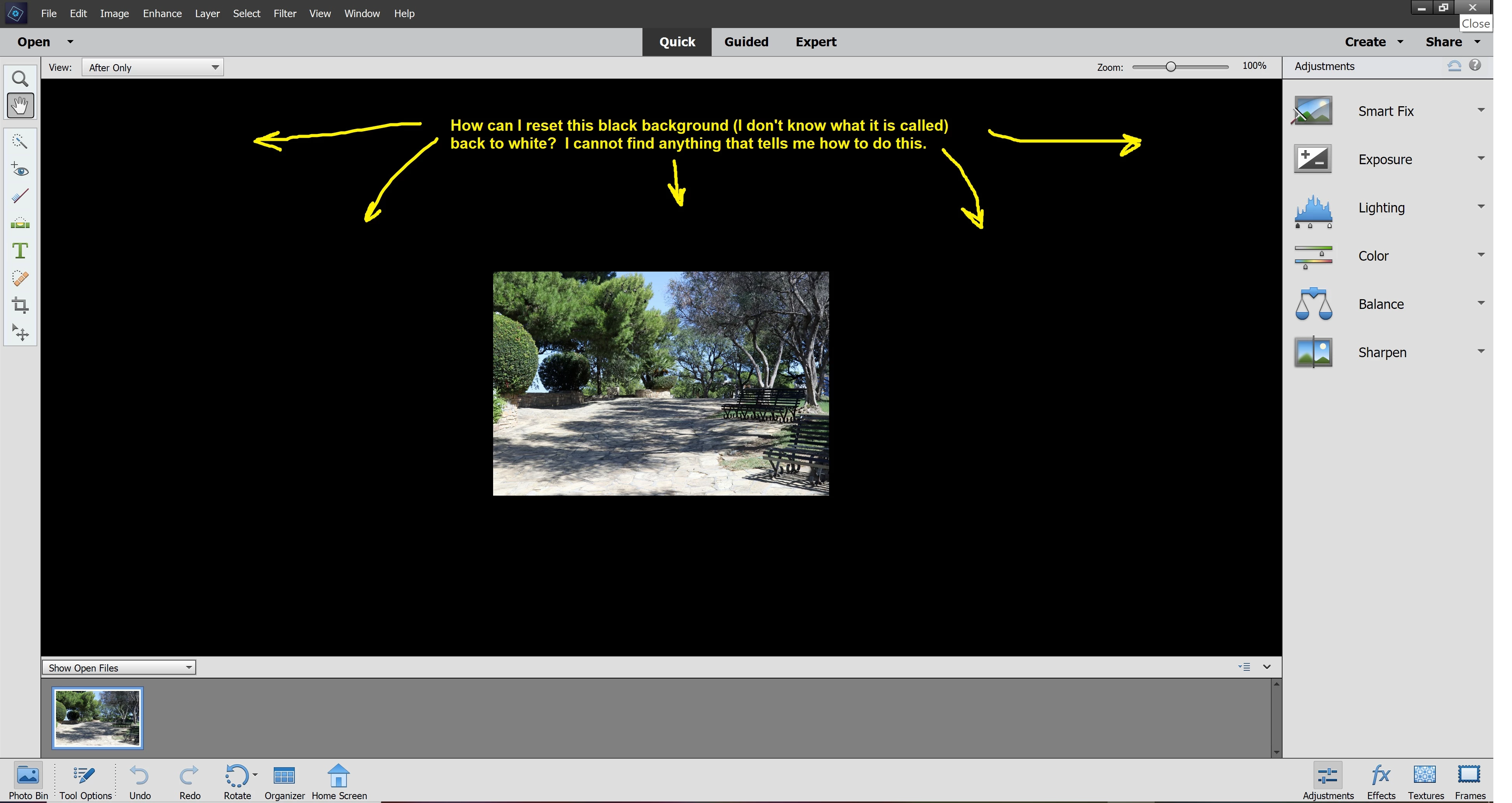

How can I reset the review screen (or whatever it is called) back to the default color? I don't know how I mananged to make it black.
Right-click anywhere on the black area and choose default.
You may first need to switch to Expert mode.
Already have an account? Login
No account yet? Create an account
Enter your E-mail address. We'll send you an e-mail with instructions to reset your password.


 AdChoices