
Answered
Restoring catalog to a new computer
I want to restore my catalog to a new computer using Windows 11..My backup file is on OneDrive. Instructions at https://helpx.adobe.com/ca/photoshop-elements/kb/backup-restore-move-catalog-photoshop.html#Movecatalogrestoretoanothercomputer
show 2 options; restore to "Original Location" or "New Location".
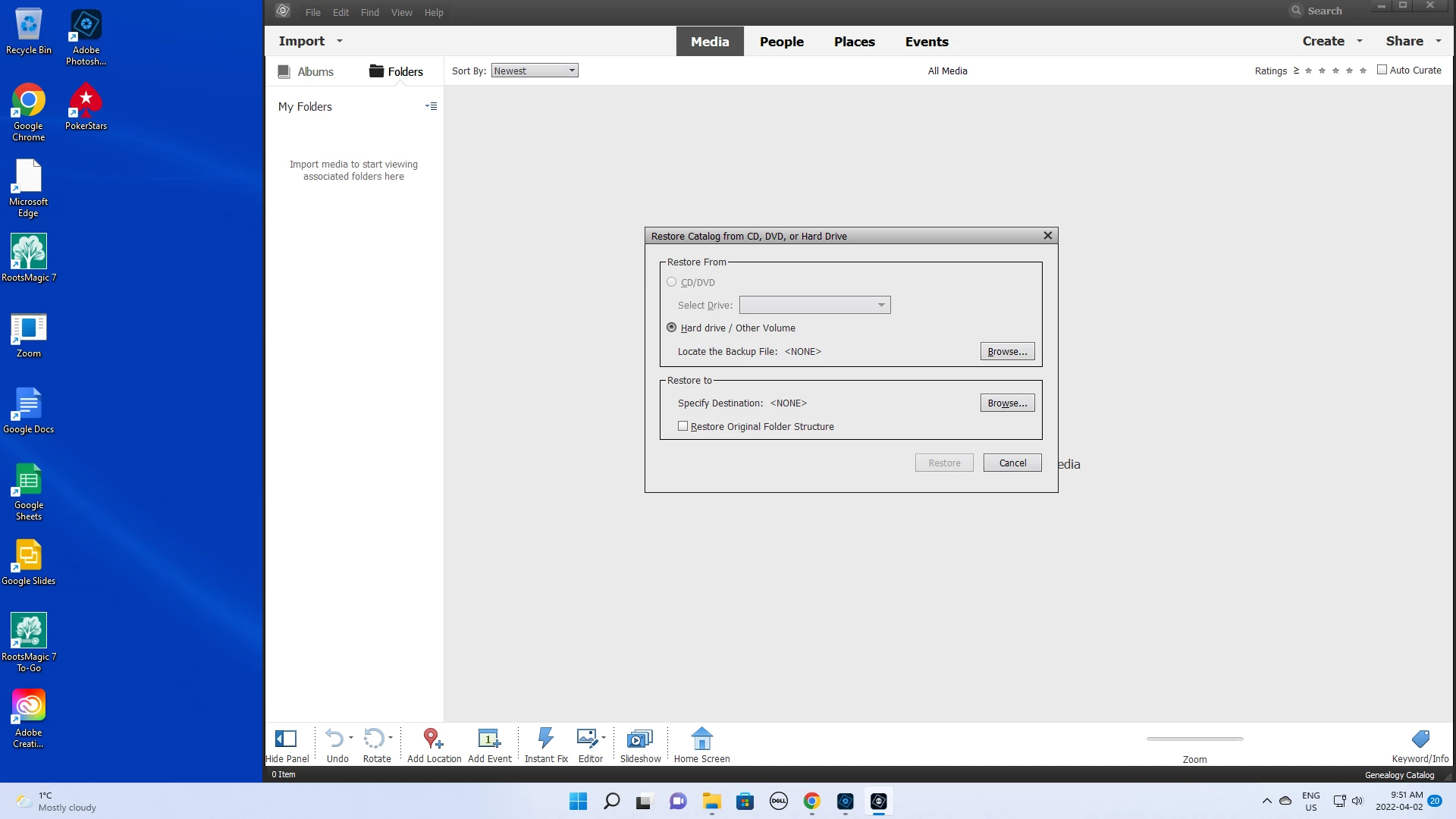
My new Photoshop Elements 20.0.0 does not give two options. It just asks me to choose a folder. What folder do I choose?
On my old computer the folder was C:\ Programdata\Adobe|Elements Organizer\Catalogs. My new computer does not have a folder C:\ProgramData
My objective is to mainatin as much of my ctaalog detail and structure as possible.


 AdChoices