Participant
September 8, 2017
Answered

Revising pattern help

  • September 8, 2017
  • 1 reply
  • 571 views

Hi.

I'm using PSE 15 and I recently had a color chart designed for my business. I need to feature different colors of glitter and metallics. I do need the ability to swap out the colors for various reasons-including colors that get discontinued or introduced.

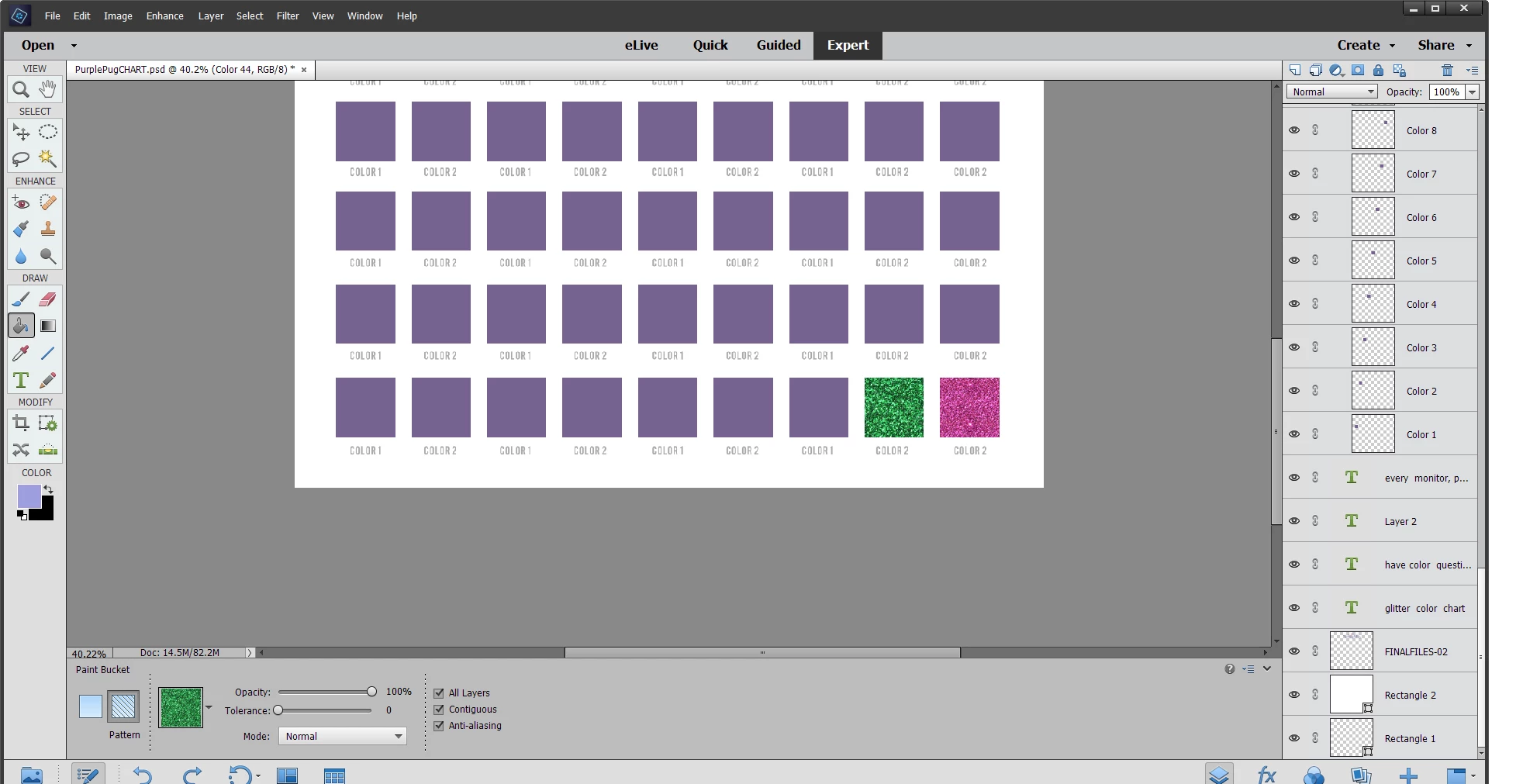
So each color box was created as a layer. I can go into each layer and do a pattern fill. No problem with that. The problem comes when I try to revise the filled pattern. Say I want to swap out the hot pink with blue-I cannot figure out how to remove the hot pink or how to put the blue over the hot pink. I am not sure how this can be done-or if it can be done.

Any input or direction would be greatly appreciated.

Thanks!

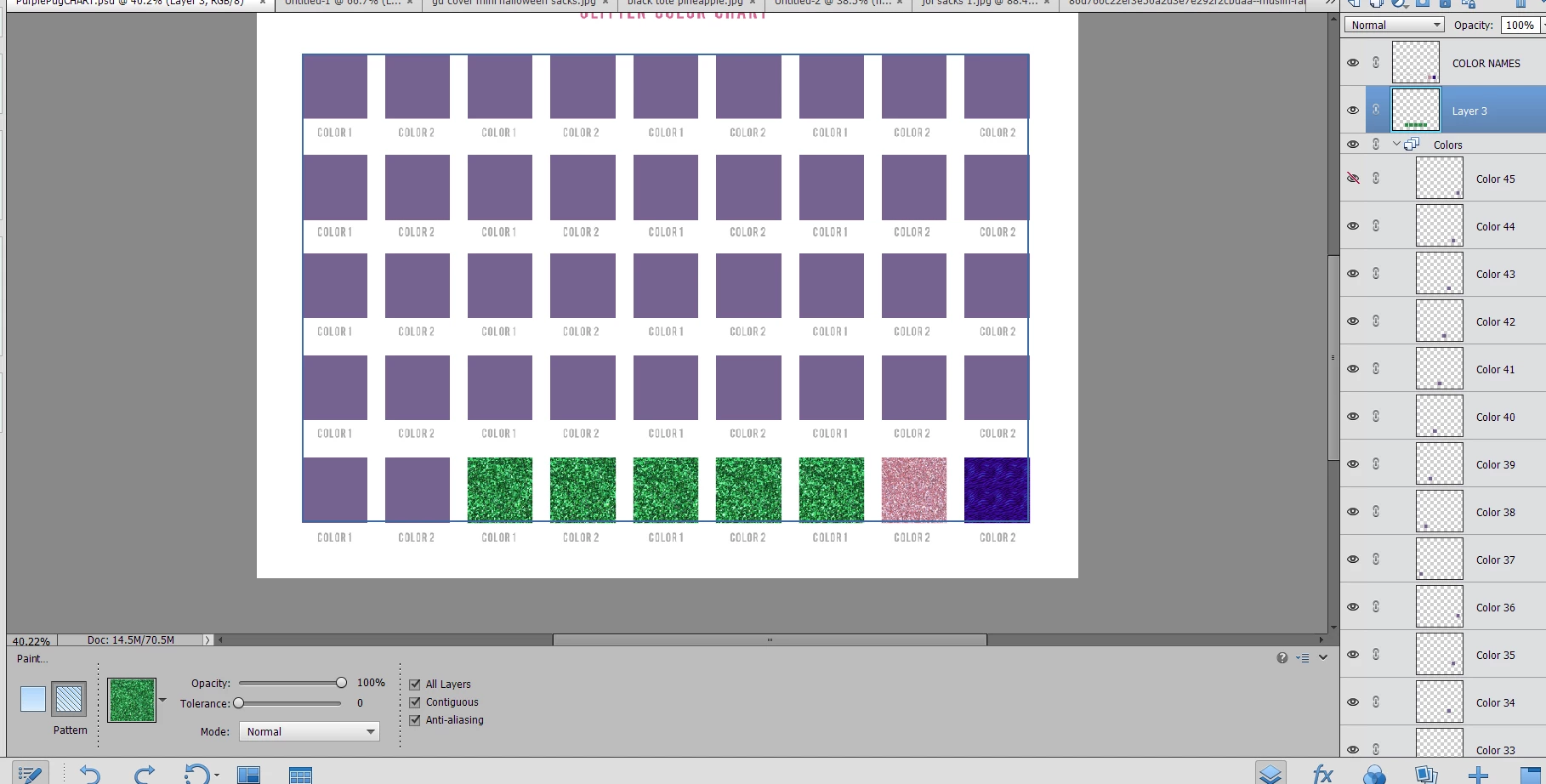
Attaching screenshot-I need to be able to go back to the hot pink square and either remove the pattern or place a new one on top. Thanks!

Kristy
This topic has been closed for replies.
Correct answer hatstead

Okay. Created the layer above it. Hid the layer. Cannot fill that layer, but..it let me fill in the green glitter into any other square..the ones that did not have any color in there yet..Not sure if that helps?


I am unable to follow your work-flow.

Initially you wanted to change pink to blue. Now you you are on green color. We're all over the map!

If you have a new, blank layer, you can fill it with the Paint-bucket tool. This tool uses the foreground color. Another way is to set your foreground chip to the desired color, and go to Edit menu>Fill layer, and under contents select foreground color.

1 reply

hatstead
Inspiring
September 8, 2017

The various colors are on separate layers. Have you tried to hide the visibility of hot pink by clicking on the eye icon in the appropriate layer, and then replacing it with a new layer filled with blue?

Participant
September 8, 2017

When I hide the layer and go to bucket fill it, it says "This layer is hidden. To continue, the layer should be visible. Do you want to make this layer visible?" If I click "no" it will not allow me to fill  anything. If I click "yes," back to where I started.

hatstead
Inspiring
September 8, 2017

kristymc731  wrote

When I hide the layer and go to bucket fill it, it says "This layer is hidden. To continue, the layer should be visible. Do you want to make this layer visible?" If I click "no" it will not allow me to fill  anything. If I click "yes," back to where I started.

  1. Highlight the hot pink layer , and hide its content by clicking on the eye icon.
  2. Open a blank layer above this (Layer menu>New>Layer or SHIFT+CTRL+N)
  3. Fill the blank layer with blue.