Participant
August 31, 2023
Answered

Root password every time booting Elements Mac?

  • August 31, 2023
  • 1 reply
  • 204 views

I purchsased a full lifetime version of this app today.

Installed it - validated SN# on Adobe servers etc...

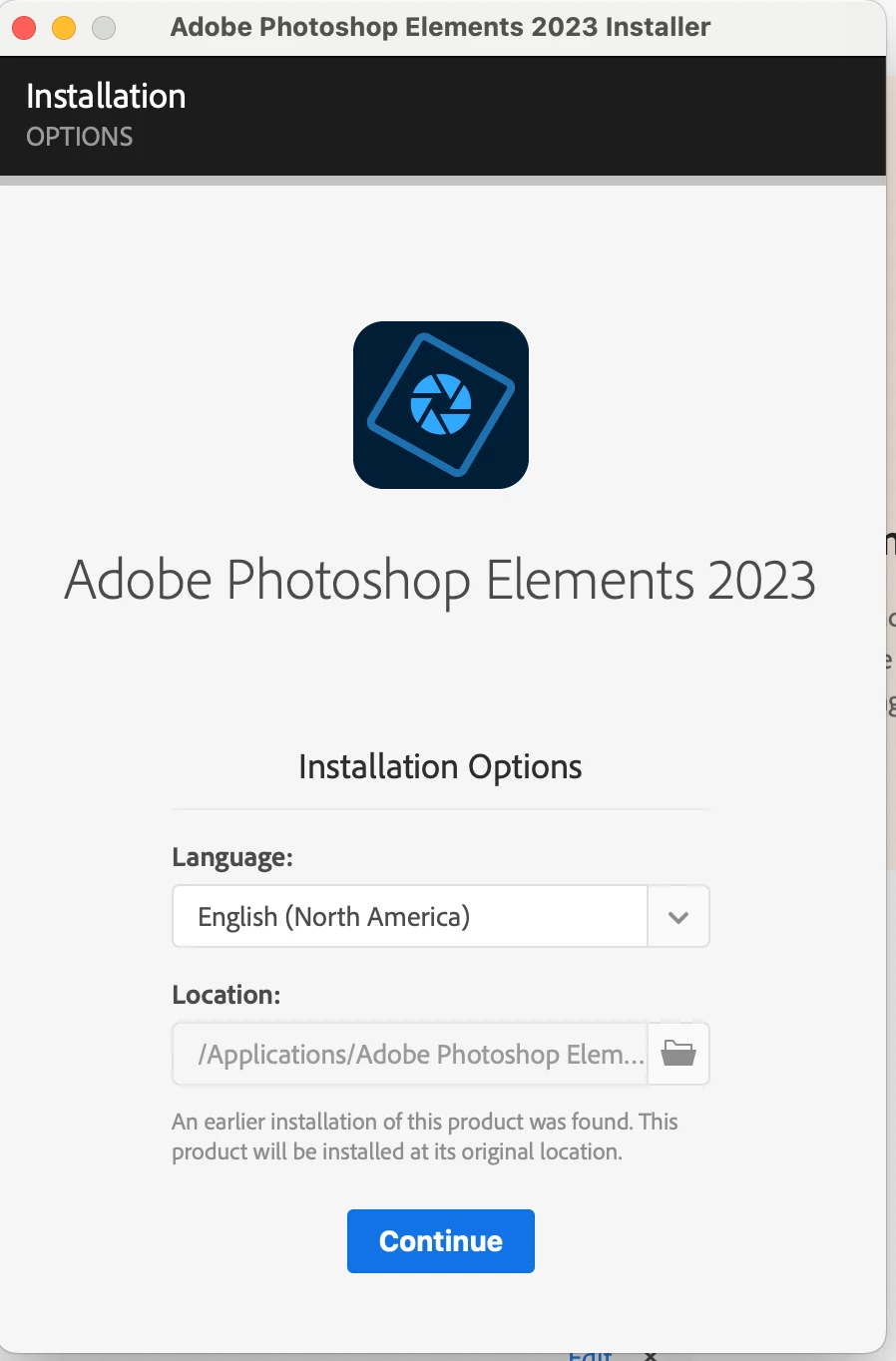
Now, everytime I launch it, I'm prompted with some insane process to install every time - 

14" MacBook Pro M1 running Ventura 13.5.1

PSE version: 

 

PSE2023_Mac_LBS Installer - requires password every single time you boot.

Needs to install at every single launch?
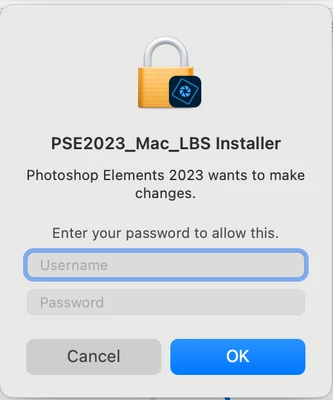


Does anyone know how I can achieve the absolute epiphany of just clicking on the app tile in the dock to launch, and have the screen show up ready for me?


This topic has been closed for replies.
Correct answer whyrocketscience

Did not make a shortcut - ended up thinking zI would re-install the whole thing.

I dragged the entire app fodler from Applications to trash, emptied trash.

The recently used icon was still in the dock - I clicked it, and voilá - it executed the app launch as it should.

I have no idea how this happened since the deletion of the application, but its working...

1 reply

Glenn 8675309
Legend
August 31, 2023

How do you actually start it?  What you show is what you get when you first install it.   That makes me think you have made a shortcut of some type to the downloaded installation file and that is what appearing in your dock. 

whyrocketscienceAuthorCorrect answer
Participant
September 1, 2023

Did not make a shortcut - ended up thinking zI would re-install the whole thing.

I dragged the entire app fodler from Applications to trash, emptied trash.

The recently used icon was still in the dock - I clicked it, and voilá - it executed the app launch as it should.

I have no idea how this happened since the deletion of the application, but its working...