
Participant
May 24, 2023
Answered
Save a custom frame template for batch framing in PSE 2022
- May 24, 2023
- 1 reply
- 341 views
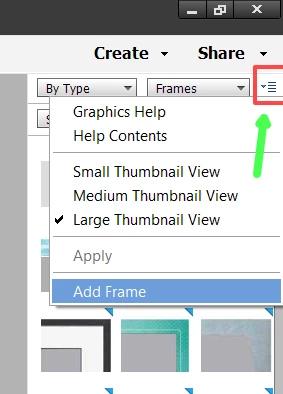
I took photos at an event. They sent me a frame with their logo, the name & date of the event. They would like the frame to surround all of the photos. There are 10 frames available on the Quick setting. I would like to save this custom frame as one of the options.
All of my web searches give results to create a frame for a single photo. I have a frame and I would like to save it as a template for batch framing multiple photos. Thank you for your assistance.


 AdChoices