Participant
March 23, 2025
Answered

Save for Web in Ps Elements missing metadata

  • March 23, 2025
  • 2 replies
  • 220 views

Hi, I use Ps Elements 2025 and we need to save images and submit in Jpeg format.  If I save the image using the Save for Web function the jpeg image does not display the metadata.

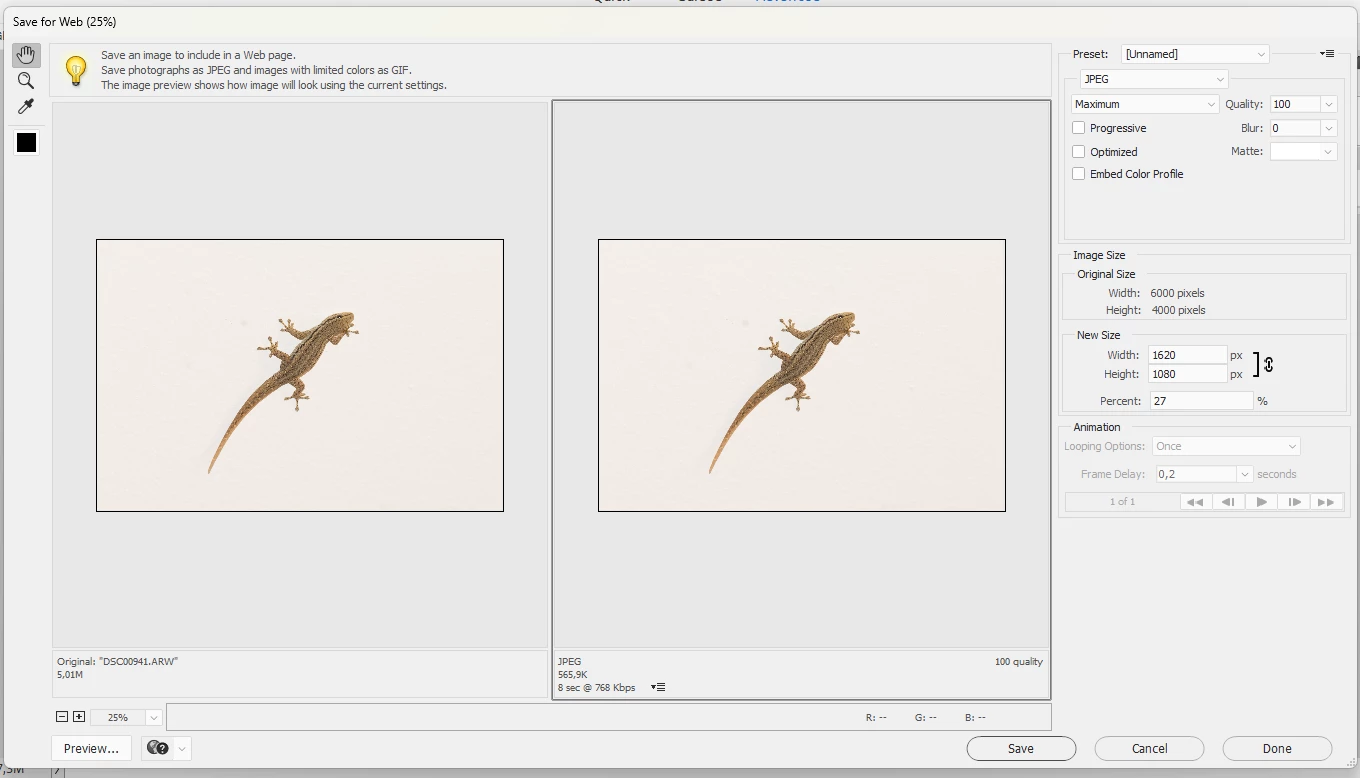
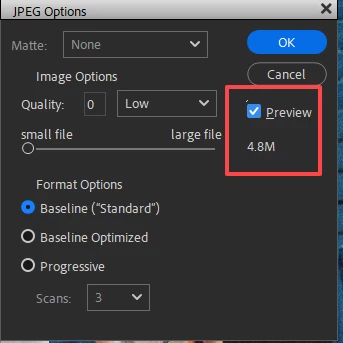
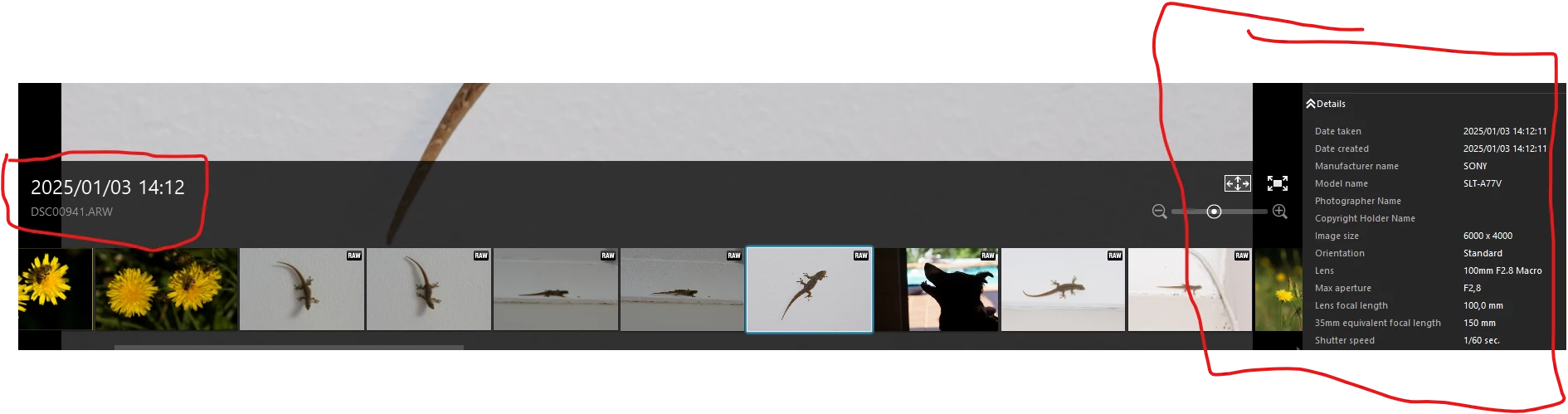
First shot below show Raw image detail, 2nd shot show Jpeg image with no detail, 3rd shot is the Save for Web screen.  The Save for web screen does not give the option to save all metadata.  How can I save a jpeg image to include the metadata, specifically in Ps Elements?  Would appreciate any guidance, thanks.  Gustav   
Correct answer Greg_S.

Your raw file is 6000x4000 which is a 3:2 ratio.  Your desired size of 1920x1280 is 16:9 aspect ratio.  So you are going to need to crop the file.  Otherwise, it will be distorted.


To resize the file to your desired paramaters, you can crop it to a 16:9 aspect ratio.  Then use the Image>Resize>Image Size dialog to reduce the file to your desired pixel size.  When you save the file as a jpeg, you have the option to set the file size (compression).  If you turn on the Preview checkbox, the estimated size will be shown (if the file is 8 bit). 


2 replies

Greg_S.
Community Expert
Greg_S.Community ExpertCorrect answer
Community Expert
March 23, 2025

Your raw file is 6000x4000 which is a 3:2 ratio.  Your desired size of 1920x1280 is 16:9 aspect ratio.  So you are going to need to crop the file.  Otherwise, it will be distorted.


To resize the file to your desired paramaters, you can crop it to a 16:9 aspect ratio.  Then use the Image>Resize>Image Size dialog to reduce the file to your desired pixel size.  When you save the file as a jpeg, you have the option to set the file size (compression).  If you turn on the Preview checkbox, the estimated size will be shown (if the file is 8 bit). 


Jeff Arola
Community Expert
Community Expert
March 23, 2025

Yes Save for Web is meant to remove all Metadata to get the smallest possible file size.


In Photoshop Elements use File>Save As >JPEG to preserve the Metadata

gustav_dwAuthor
Participant
March 23, 2025

Thank you.  However I need to be able to limit the file size to W 1920 and H 1080 and 2 mB.  How can I do that using the Save As function while preserving metadata?