JuppHO
Inspiring
November 17, 2020
Question

schmale Fotos verbreitern

  • November 17, 2020
  • 2 replies
  • 410 views

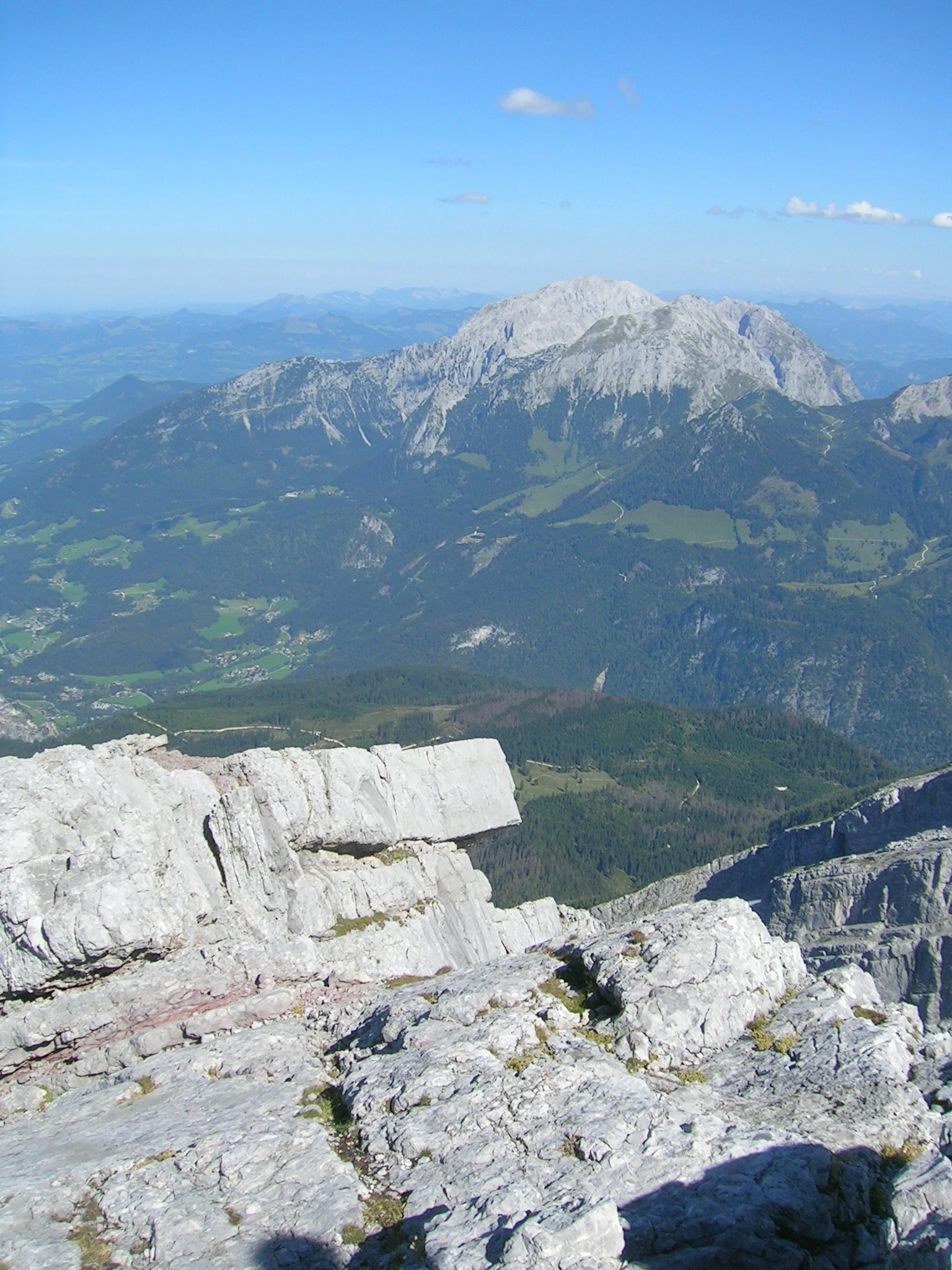
Wie kann ich mit PSE schmale Fotos verbreitern?
 

Viele Grüße

Jupp

This topic has been closed for replies.

2 replies

Greg_S.
Community Expert
Community Expert
November 17, 2020

I'm not sure exactly what you want to do.  But try the following:


  • Go to Edit>Resize>Image Size
  • Change the settings to those in the following screenshot
  • Increase the width to your desired dimension

For your image, I cropped the center part and used the resize command to produce the following:


This will distort the image.  So, I'm not sure if this is what you want to do.  If it isn't please explain your question with more detail.

JuppHO
JuppHOAuthor
Inspiring
November 18, 2020

Hallo Greg, danke für deine Antwort.


Das ist leider nicht was ich möchte. Ich möchte:


Das schmale Hauptfoto mittig teilen (Beibehaltung der Proportionen), den einen Teil nach links schieben, den anderen nach rechts. Dann soll das schmale Hauptfoto in der Mitte eingesetzt werden. 


Geht das mit PSE? Oder gibt es dafür andere Programme?

Peru Bob
Community Expert
Community Expert
November 18, 2020

If I understood the translation properly, this is just a quick try:

You can do that.


-Duplicate the layer twice.

-Crop one duplicate for the left half and one duplicate for the right half and position the cropped layers as desired,  making sure that they are above the main layer in the Layers Panel.

-Crop the main layer if necessary.


Peru Bob
Community Expert
Community Expert
November 17, 2020

You can increase the size of the canvas.

If you want to add the missing part, it will be a difficult job of cloning, healing, and other tools.