
Search Freezes in Photoshop Elements 2019
I just purchased Adobe 2019 and the application is "freezing" when I perform a search. What I mean by freezing is the following:
1. Perform a search.
2. The results appear
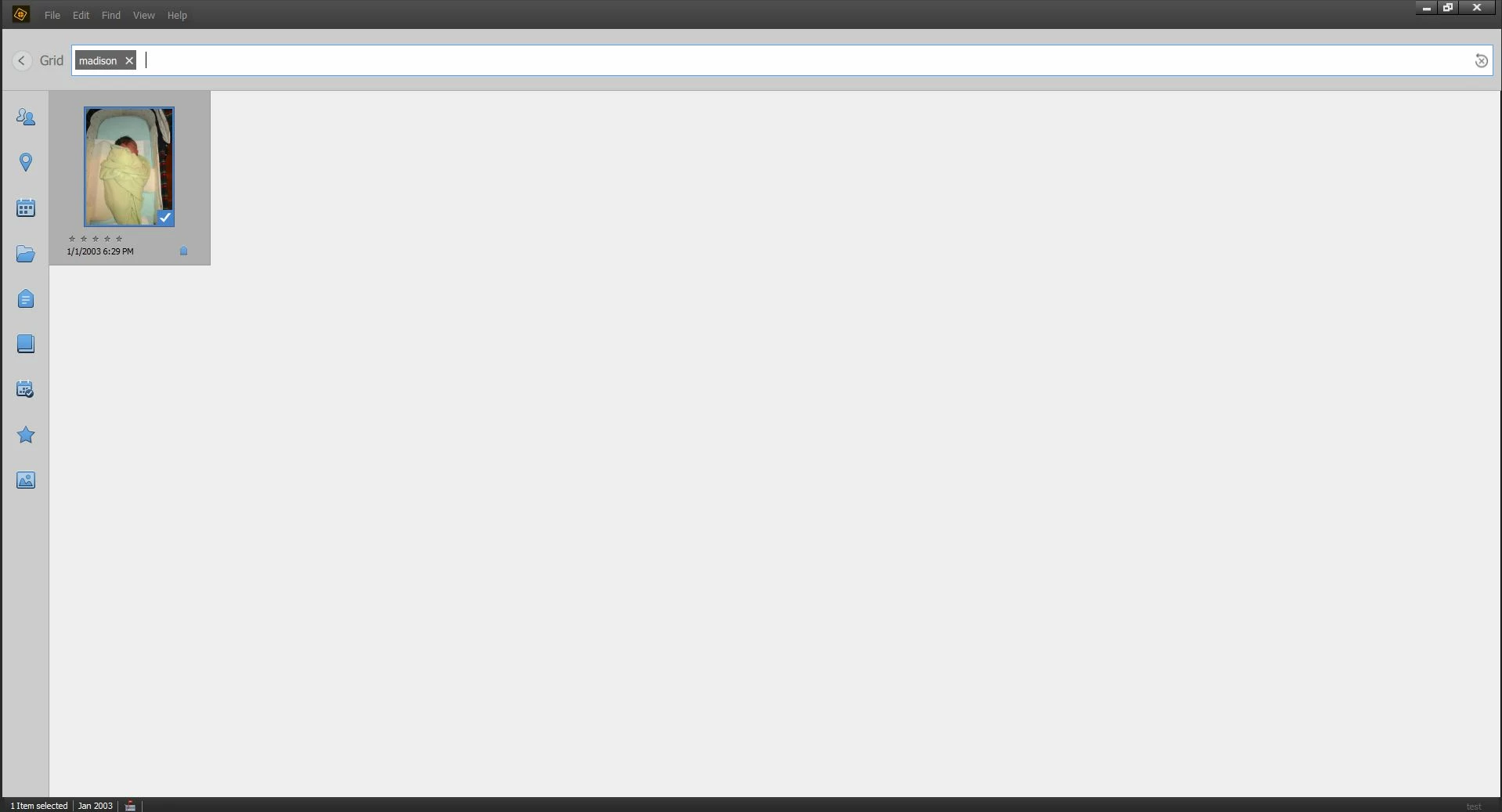
--> At this point, you cannot double click on any of the photos to increase their size on your screen
-->If you click the Grid (back button) it won't return you to the previous screen, the application remains in a 'greyed' out state
3. You can't click on anything other than the menus. Your only option is to exit the application and re-enter.
Screen shots below
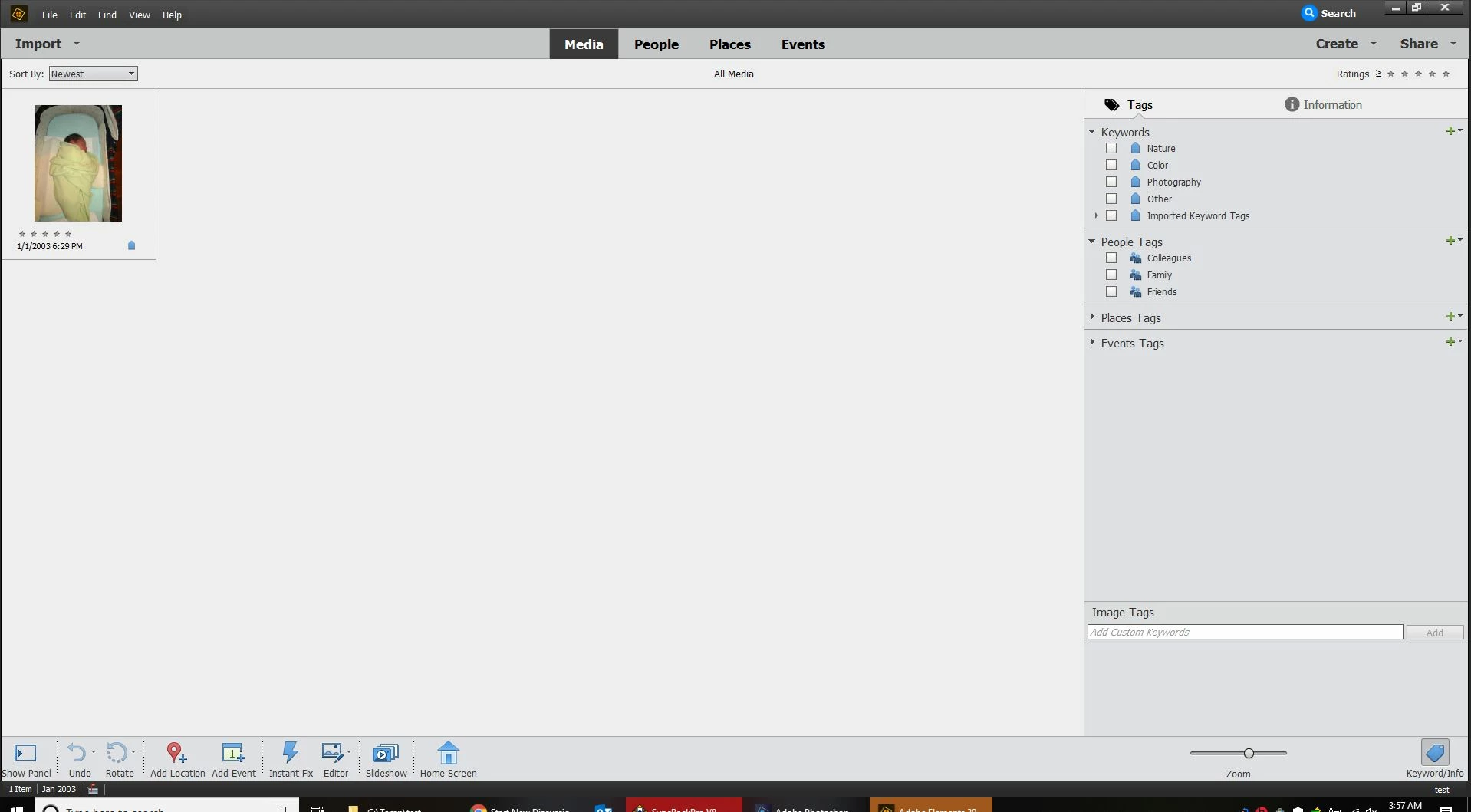
Here is a test catalog I created with 1 image:
I perform the search (I cannot click on the found photo to increase its size)
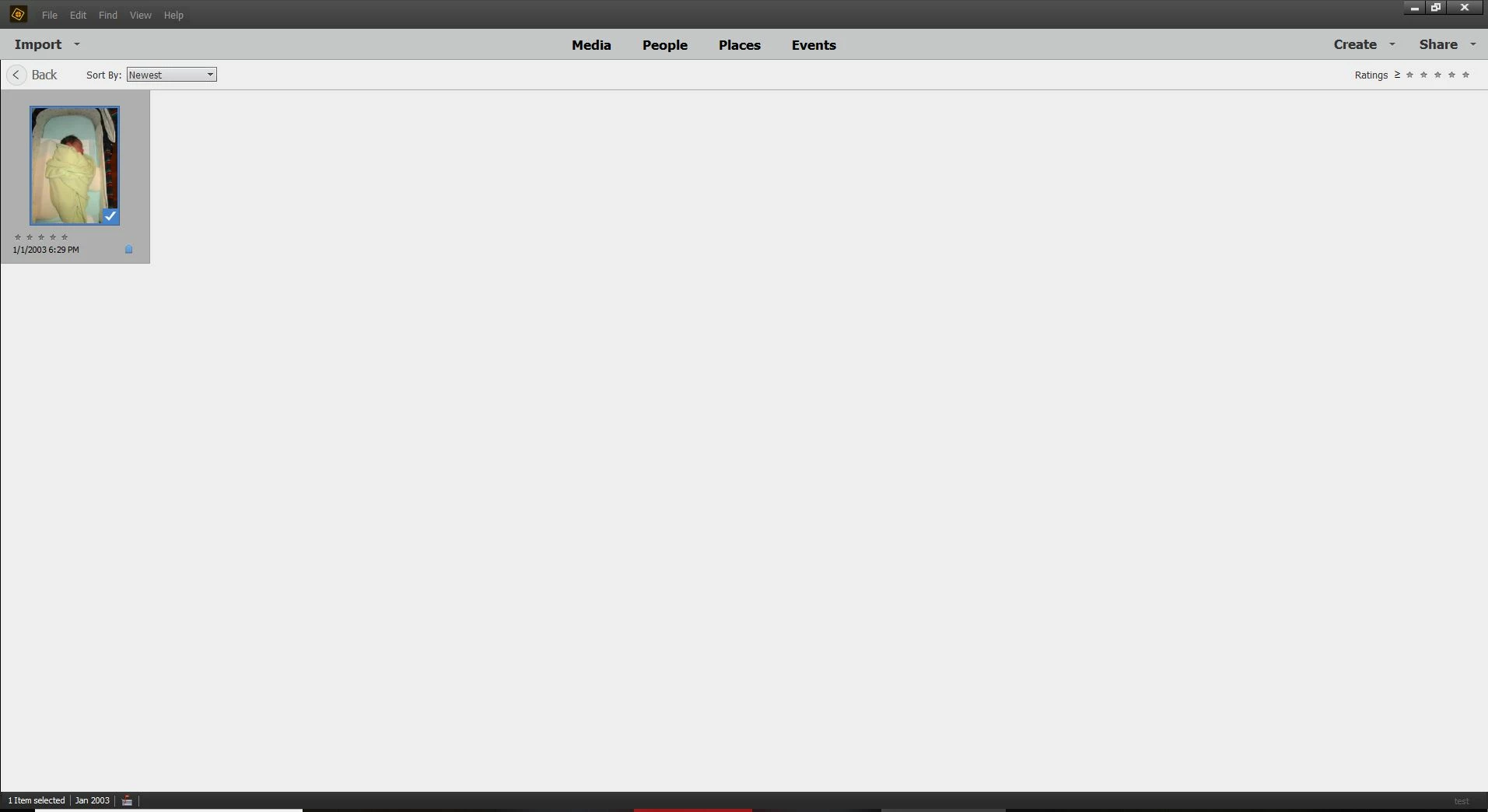
When I click the Grid button to return to the main screen, it puts me here
(notice I lost the menu on the right side, the Back Button now appears)
I can no longer click anything in this screen as it frozen (with the exception of the Menu bar across the top
Running windows 10
 AdChoices