
oliverd39163406
Participant
August 14, 2017
Question

Still the same problem

  • August 14, 2017
  • 2 replies
  • 236 views

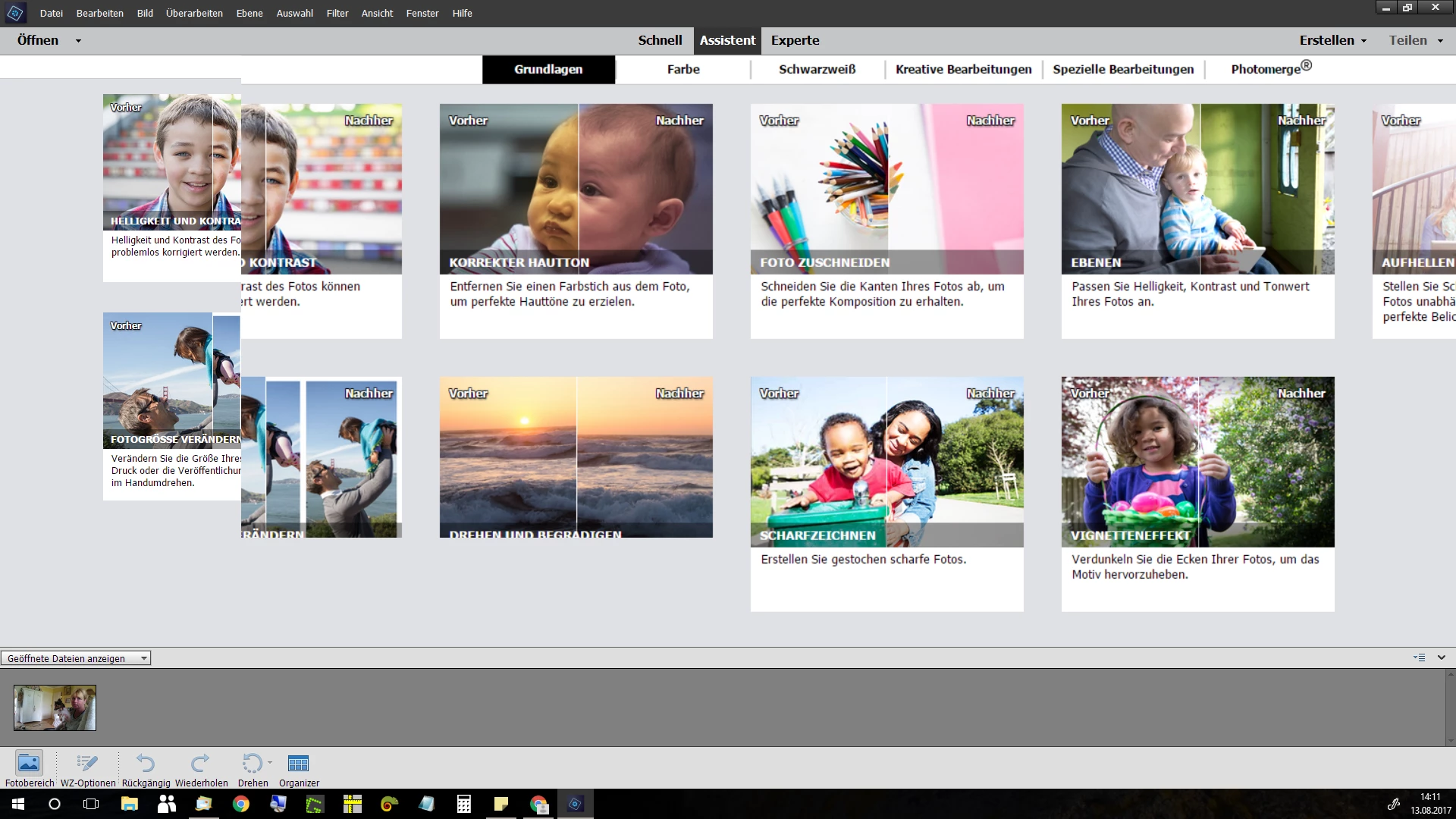
I have still the same problem. Photoshop desn`t run correct on my 2. Monitor. Yesterday i become an answer:

"Hi Oliver,

Thanks for reaching out to us.

Would request you to reset the application preferences. Refer to Preference file locations for Photoshop Elements and Premiere Elements for instructions. It should work fine after this."

I don`t know what she means. What shall i do to run photoshop.
    This topic has been closed for replies.

    2 replies

    99jon
    Legend
    August 14, 2017

    Try re-setting the prefs from within the Editor.

    Wählen Sie „Bearbeiten“ > „Voreinstellungen“ (Mac: „Photoshop Elements“ > „Voreinstellungen“) > „Allgemein“, klicken Sie auf die Schaltfläche „Voreinstellungen beim nächsten Start zurücksetzen“ und dann auf „OK“. Wenn Sie Adobe Photoshop Elements neu starten, werden alle Voreinstellungen auf die Standardeinstellungen zurückgesetzt.

    oliverd39163406
    Participant
    August 14, 2017

    Thank you, but it still doesen`t works.

    The Problem is only on monitor two, not on monitor one (notebook).

    99jon
    Legend
    August 14, 2017

    Try changing the display settings in the Windows Control panel. If set to auto or 100%, experiment by trying 125% or lower.

    John Waller
    Community Expert
    Community Expert
    August 14, 2017

    Moved from Photoshop forum to Photoshop Elements forum.

    Please keep replies in the same discussion by clicking the Reply button so the discussion can continue.

    Photo Shop Elements on 2. Monitor