

Question
Stop PSE update notification "You have a new update!"
Every time I start PSE 2021 I get this notification. I don't need or want any updates. What and how do I delete/disable this so it never pops up again?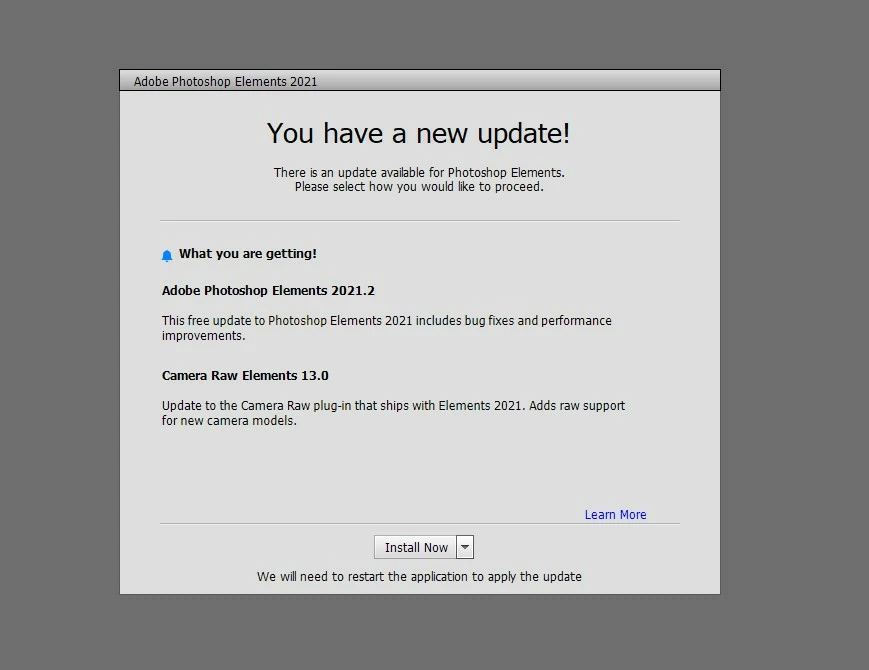

Every time I start PSE 2021 I get this notification. I don't need or want any updates. What and how do I delete/disable this so it never pops up again?
Already have an account? Login
Enter your E-mail address. We'll send you an e-mail with instructions to reset your password.
 AdChoices