July 4, 2017
Question

Testo non visualizzato correttamente su Photoshop Elements 9

  • July 4, 2017
  • 1 reply
  • 414 views

Ho Photoshop Elements 9 originale su un pc con Windows 10, 4GB RAM, 3,30Ghz x4 CPU intel i3 (precedentemente su Windows 7).

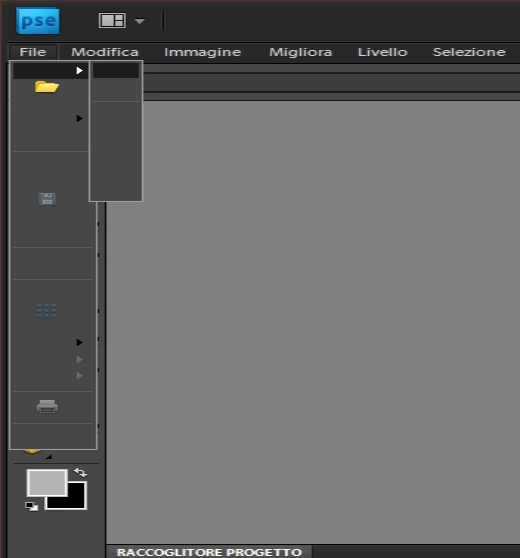
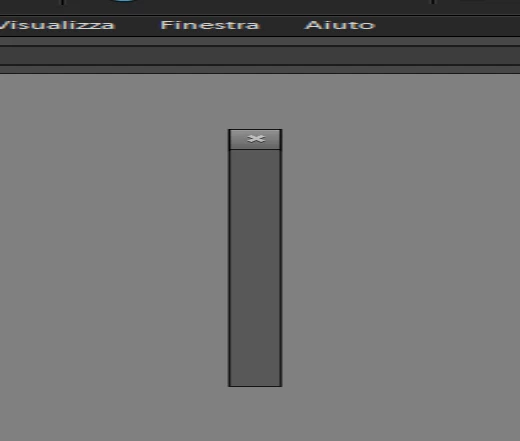
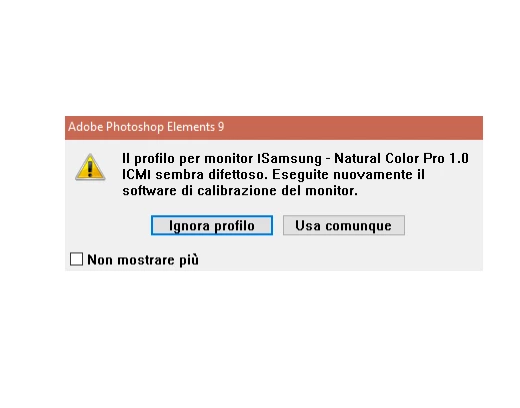
Quando apro Photoshop inizialmente mi dice che il mio profilo monito è errato ma lo ignoro, m a all'apertura del software non mi fa visualizzare il testo contenuto nelle sezioni File e correlate quindi non riesco ad creare un nuovo progetto e cosi via.

Ma qualche mese fa funzionava alla perfezione.

Come posso risolvere questo problema?

Grazie!

Eccovi dei screenshot
This topic has been closed for replies.

1 reply

John T Smith
Community Expert
Community Expert
July 4, 2017

Two ideas that MAY work to install and/or run old programs in Windows 10

-RIGHT click the program icon or EXE and select a compatibility mode in the pop up option window

-or Run as Administrator http://forums.adobe.com/thread/969395 to assign FULL Windows permissions may help... says Encore, but sometimes required for ALL Adobe programs (this is NOT the same as using an Administrator account)

July 4, 2017

Grazie per la risposta ma

mi dispiace ma il problema non è stato risolto.

P.s. Photoshop funzionava anche su Windows 10 poco tempo fa.

John T Smith
Community Expert
Community Expert
July 4, 2017

Owners of old programs simply have problems with Windows 10... none of which is Adobe's fault... Adobe did not change your old program to make it stop working... Microsoft changed their operating system and THAT is why your old program won't work, not because of anything Adobe did... Also... every time Microsoft issues a Win10 update, there is the risk that an old program that HAS been working after the initial Win10 upgrade will STOP working... bottom line, old programs require a matching old operating system