startingtopuff
Inspiring
March 24, 2020
Answered

text colour changes when trying to combine 2 images PSE 2018

  • March 24, 2020
  • 1 reply
  • 396 views

Hi, 

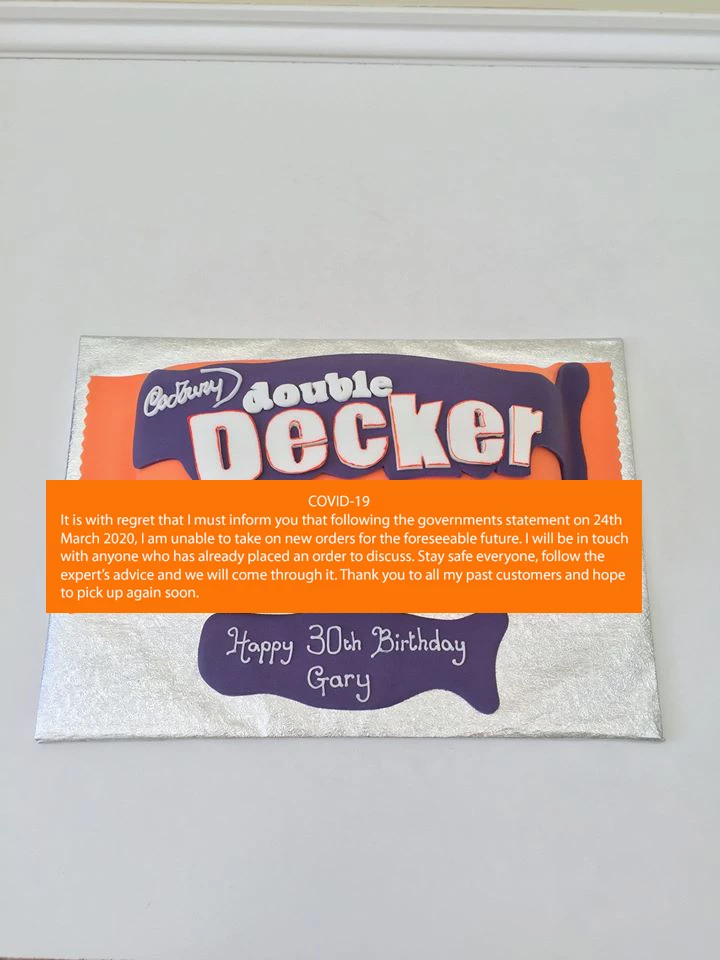
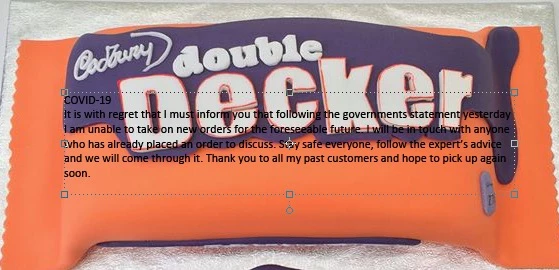
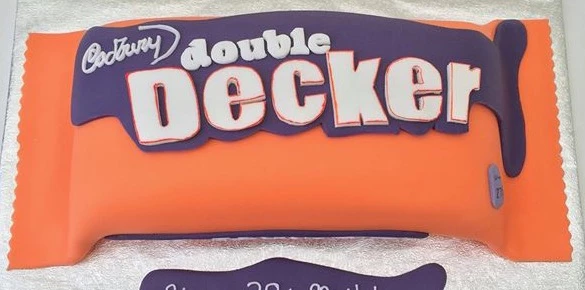
I am desperate to combine 2 images relating to the COVID - 19 epidemic on my wife's Facebook page. I have a background image of a chocolate bar and wish to superimpose a text block image on top. When I try to do so the text block image which is white type on an orange background changes to black type and the orange background doesn't show. I have tried working with both .PNG & .PSD files without success. Obviously in the light of the epidemic I need to get this resolved as a matter of urgency. Thanks in advance.

This topic has been closed for replies.
Correct answer startingtopuff

Hi, 

thank you for your workaround but I really wanted to solve the problem. In the end it was quite simple, instead of pasting the patch (as instructed in various tutorials) I opened the Double Decker file and used "Place" instead. Voila!

1 reply

Jeff Arola
Community Expert
Community Expert
March 24, 2020

You could instead use the Horizontal Type Tool and type the message on the candy bar wrapper.


Then you can select the color, size and placement.


startingtopuff
startingtopuffAuthorCorrect answer
Inspiring
March 27, 2020

Hi, 

thank you for your workaround but I really wanted to solve the problem. In the end it was quite simple, instead of pasting the patch (as instructed in various tutorials) I opened the Double Decker file and used "Place" instead. Voila!