Answered
The rectangular marquee tool
The rectangular marquee tool has suddenly switched to being round - how do I get out of this?

The rectangular marquee tool has suddenly switched to being round - how do I get out of this?
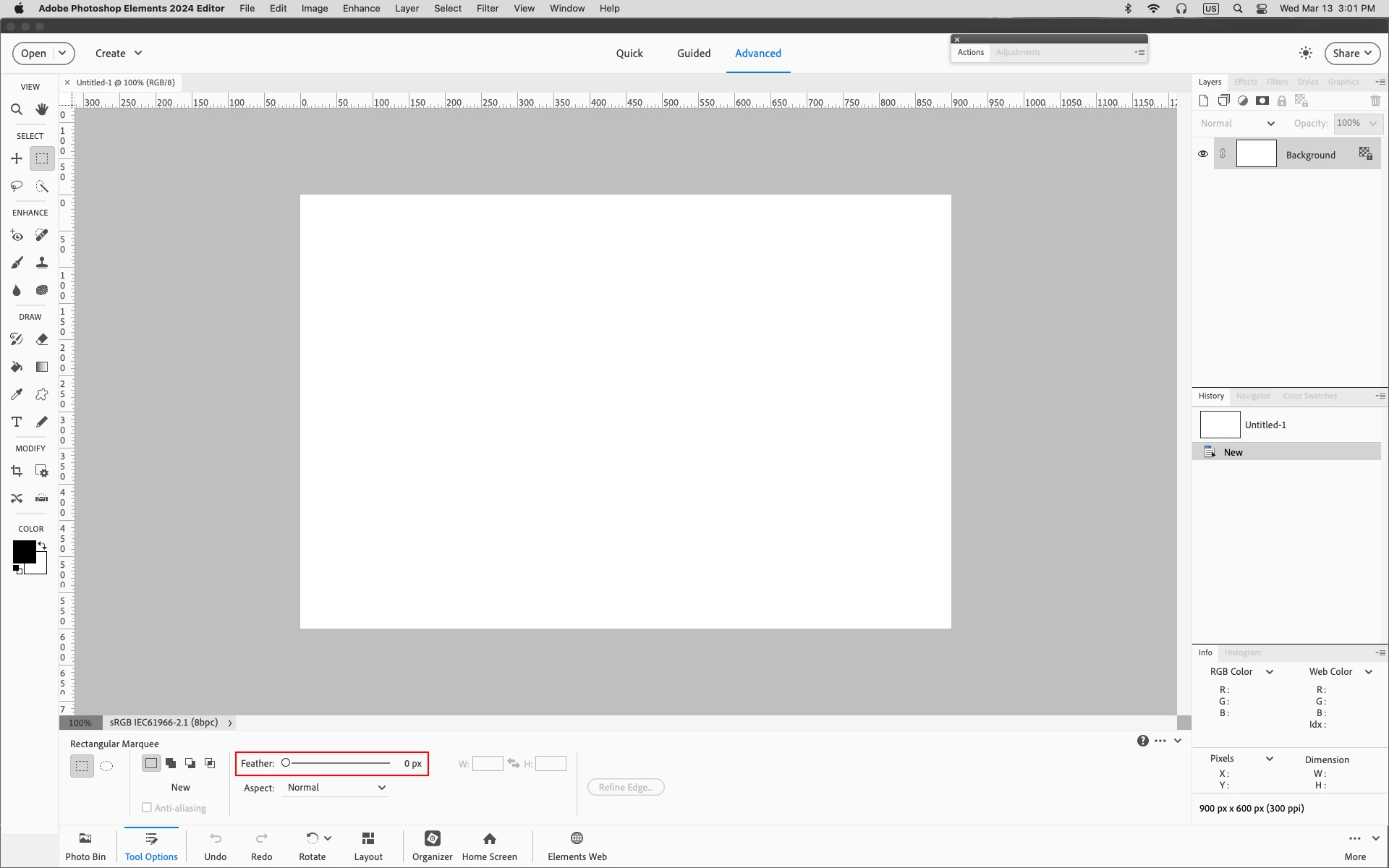
If you definitely have the Rectangular Marquee Tool selected, check that the Feather is set to 0 px (zero) before using.
Already have an account? Login
Enter your E-mail address. We'll send you an e-mail with instructions to reset your password.


 AdChoices