


Participant
January 28, 2017
Answered

Toolbar will not change

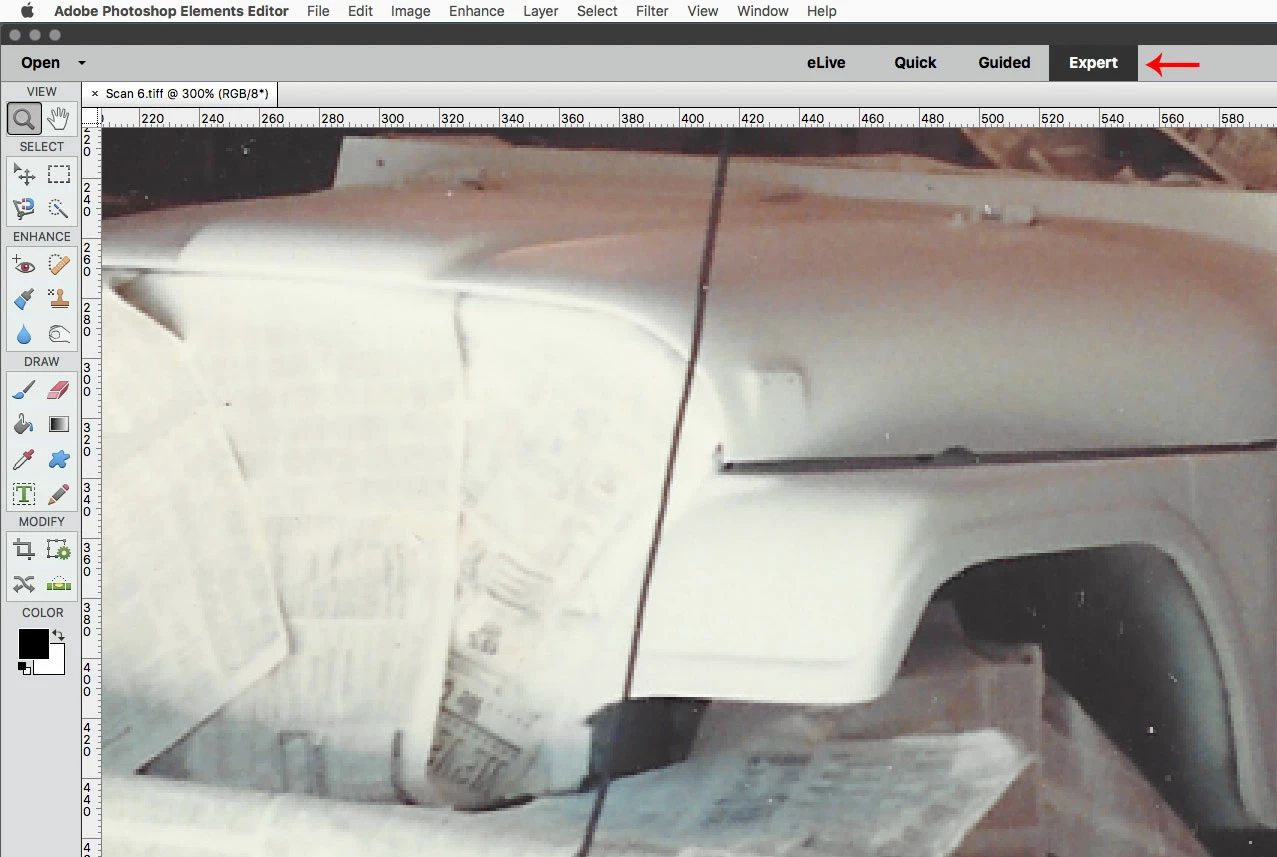
I cannot select any toolbars - only the basic photo edit tool bar shows for pink eye, crop, etc. I go the the Windows dropdown and all windows are checked except Histogram, the the only ones I can select/deselect is Tools and Reset Panels. I uninstalled/reinstalled, reset preferences. I have Photoshop Elements 14 and Windows 10.

    This topic is closed to new replies. Start a new post to keep the conversation going.
    Jeff Arola
    Jeff ArolaCorrect answer
    Community Expert
    January 28, 2017

    You probably just need to switch to Expert mode.

    2 replies

    Jeff Arola
    Community Expert
    Jeff ArolaCommunity ExpertCorrect answer
    Community Expert
    January 28, 2017

    You probably just need to switch to Expert mode.

    Translate
    Participant
    January 28, 2017

    Thanks for that. I didn't even know that there was this Quick mode. I don't know how it got selected.

    Translate