
January 2, 2017
Answered

trouble with animation

  • January 2, 2017
  • 1 reply
  • 528 views

Hello!

I'm trying to make an animated gif, but I don't want the layers to replace the others when I save the image, but simply overlay the base.

Like for example:

- Layer 1 is the base

- Layers 2, 3 & 4 are additional layers that change the base a bit

Instead of having Layer 2 replace Layer 1, Layer 3 replacing Layer 2 and so forth, how would I be able to just have Layer 1 remain there and Layers 2, 3 & 4 just go over it for a little bit (without replacing the entire image)?

Thank you.
    This topic has been closed for replies.
    Correct answer Jeff Arola

    You can do that by merging layers.

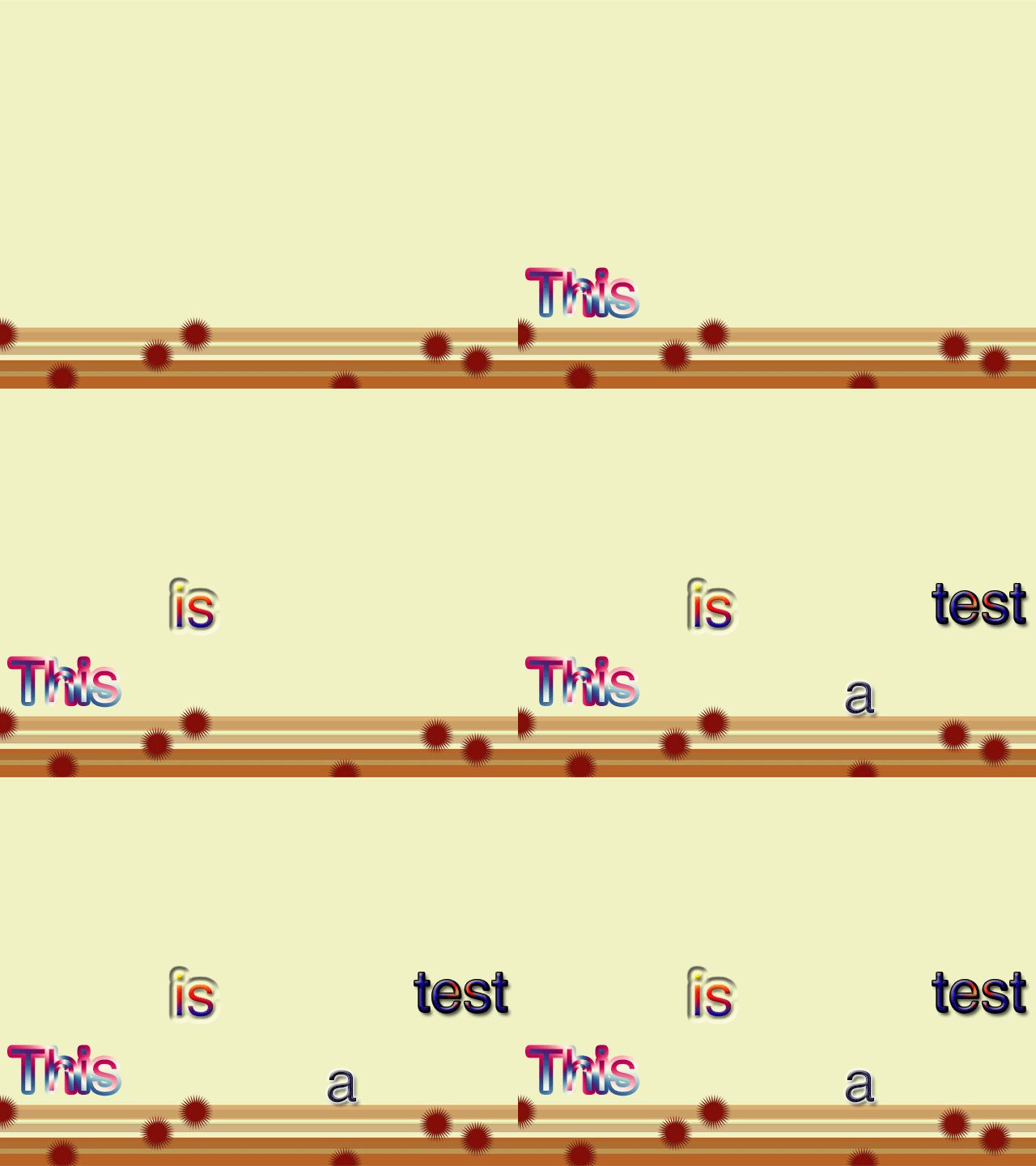
    For example, merge a copy of the base layer with layer 1, then merge a copy of that merged layer with layer 2 and so on.

    Then you get something like this

    Layers before merging

    Layers after merging

    The layers test copy and test copy 2 were added to make the last part with all the letters display just a little longer

    1 reply

    Jeff Arola
    Community Expert
    Jeff ArolaCommunity ExpertCorrect answer
    Community Expert
    January 2, 2017

    You can do that by merging layers.

    For example, merge a copy of the base layer with layer 1, then merge a copy of that merged layer with layer 2 and so on.

    Then you get something like this

    Layers before merging

    Layers after merging

    The layers test copy and test copy 2 were added to make the last part with all the letters display just a little longer