
Answered
Trouble with Color Replacement tool Elements 2018 w/Win 11
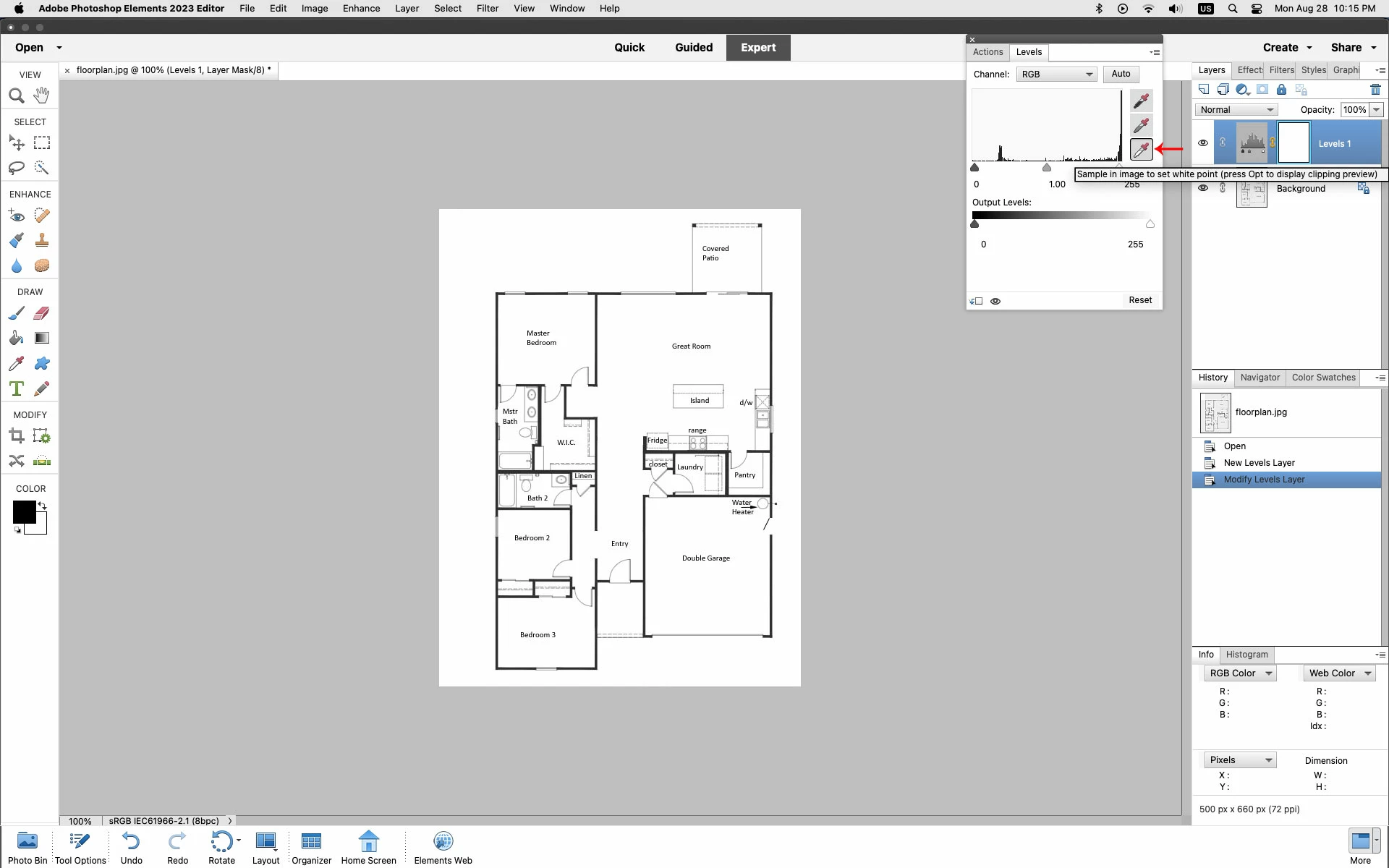
I have a very simple jpg file that was greyscale. I've saved it in RGB color mode and then tried to use the color replacement tool to whiten up the current grey background but without success. I've found the tool and set it to Discontiguous, Mode is Color. I've set the forground color to white (which is what I want) and set the background color using the eyedropper for the current grey and I got the "+" within the circle but dragging it around the image seems to do nothing. I swiched the white/grey and tried again but still nothing. What have I missed??? Thanks for any advice.


 AdChoices