
Trying to delete 'synced' pictures in Photoshop Elements 2024
I have a strange problem using that has come to light.
I have started an exercise to reduce the number of photos I have in Photoshop Elements and have noticed that out of 49,000 photos that about 1400 of them have the blue tick in the top right corner of the thumbnail that says 'synced. I have never knowingly synced anything in PSE as I don't have the need to use Creative Cloud as I only use my Mac for anything Photo related. These 1400 photos are spread randomly over 20 years worth of photos with no pattern to why they have been synced at all.
I have logged onto Adobe and found my Creative Cloud but the Files section is empty so I cannot see how these photos are marked as synced, I have no clue how or when this has happened.
My problem is that I cannot delete any of them - instead of the normal delete box I get one that says
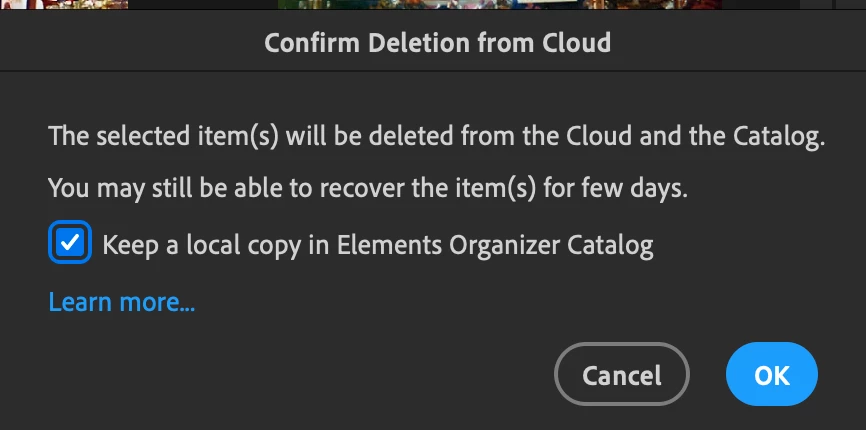
I hit OK but the files does not delete from the Catalog.
I wonder how it will be possible for me to ever Delete any of these synced photos ?.
All I need is some way to remove the Tick from the photos in the Catalog then I can delete them normally.
If anyone has any suggestions as to how these photos got synced or how I can remove this tick I'd appreciate it.


 AdChoices