
Question
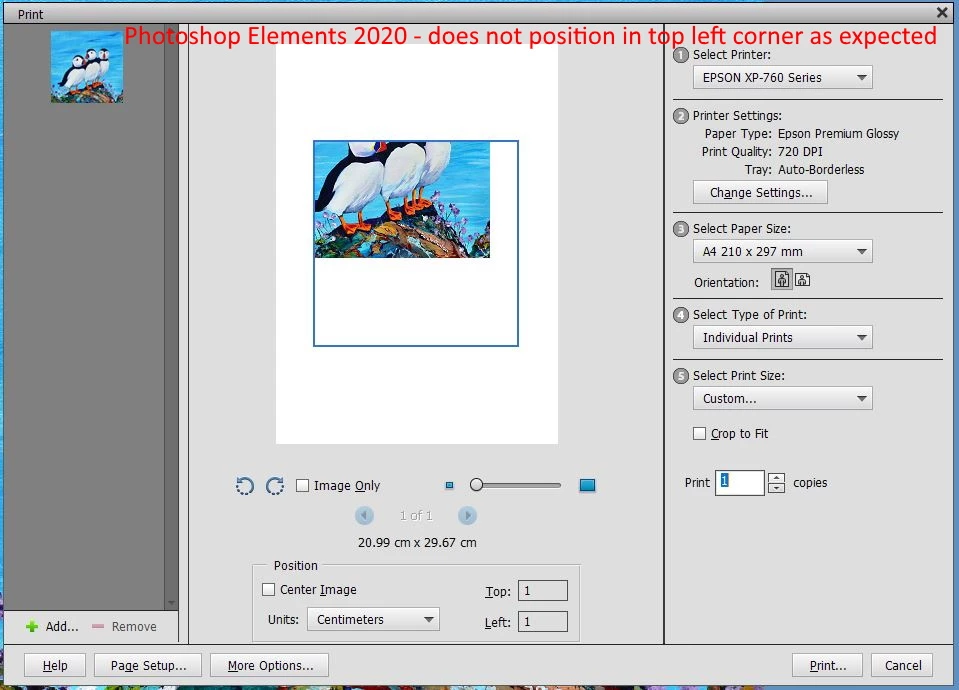
Unable to position image on paper within print dialog on Photoshop Elements 2020
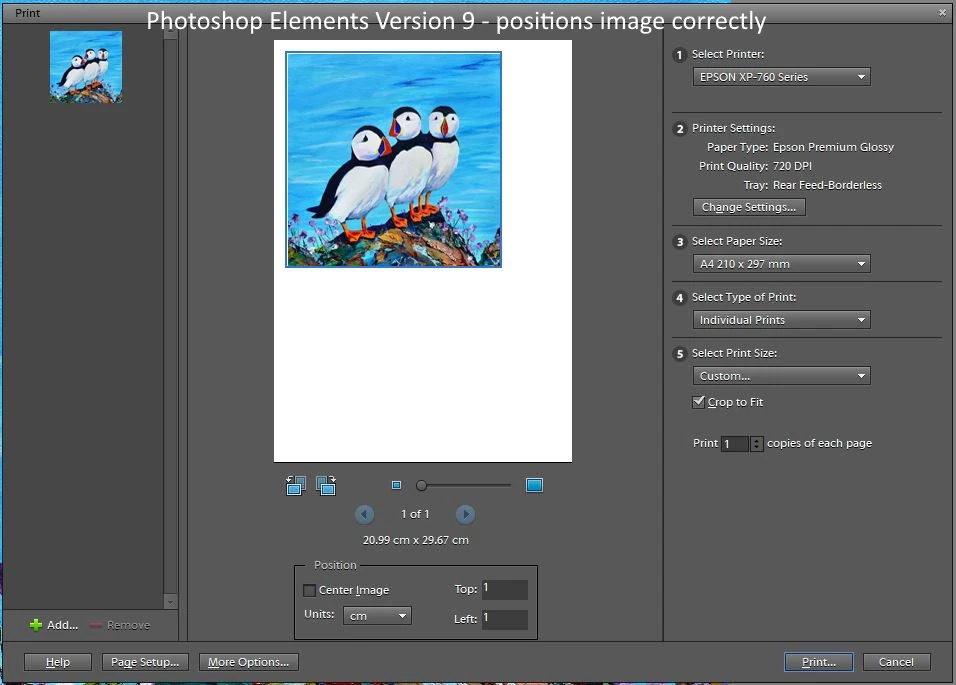
When deselecting 'Centre Image' on the print dialog, I should be able to specify the position of the image, but this no longer works on Elements 2020. For example, if I deselect 'Centre Image' and then specify 1cm for Top and Left, my image should be positioned in the top left-hand corner of the paper, but it isn't. Instead the image is moved within the constrained blue box in the centre of the paper. In previous versions such as Elements Version 9 this worked as expected. See example of both Version 2020 and Version 9:


 AdChoices