



Question
"Update Required" when trying to run photoshop elements 2019
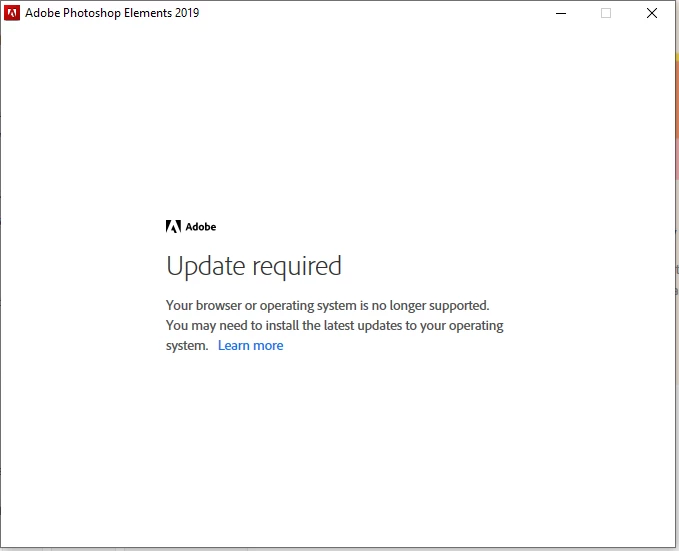
I tried to install photoshop elements 2019 on my windows 10 computer. I got the error message "Update required- Your browser or operating system is no longer supported. You may need to install the latest updates to your operating system."
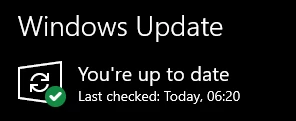
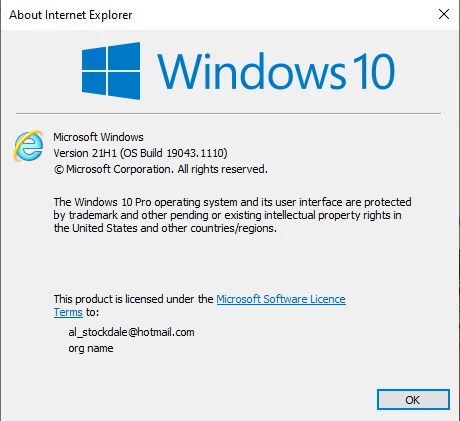
I have the latest version of windows 10 and there is no available update on windows update.
I managed to install it using command line with the setup.exe --silent==1 command, which I found on the community, and it worked.
However, now it is installed, when I try to run the program, I am getting the same error message and I am unable to run the program. Can anyone help please, how can I run photoshop elements 2019?
 AdChoices