
Inspiring
February 22, 2024
Answered

Version Set in Stack--can't expand stack in Organizer 2024?

  • February 22, 2024
  • 1 reply
  • 438 views

I'm probably missing something here. I imported some JPG+RAW images, using APD, with the option to automatically stack JPG+RAW. So far so good. Then I edited the RAW, saved a DNG, and then opened the processed RAW in Editor to Save As JPG, Include in Organizer, Save in Version Set.


Now Organizer allows me to expand the version set, but not the stack. So the original in-camera JPG is inaccessible.


The Manual says:
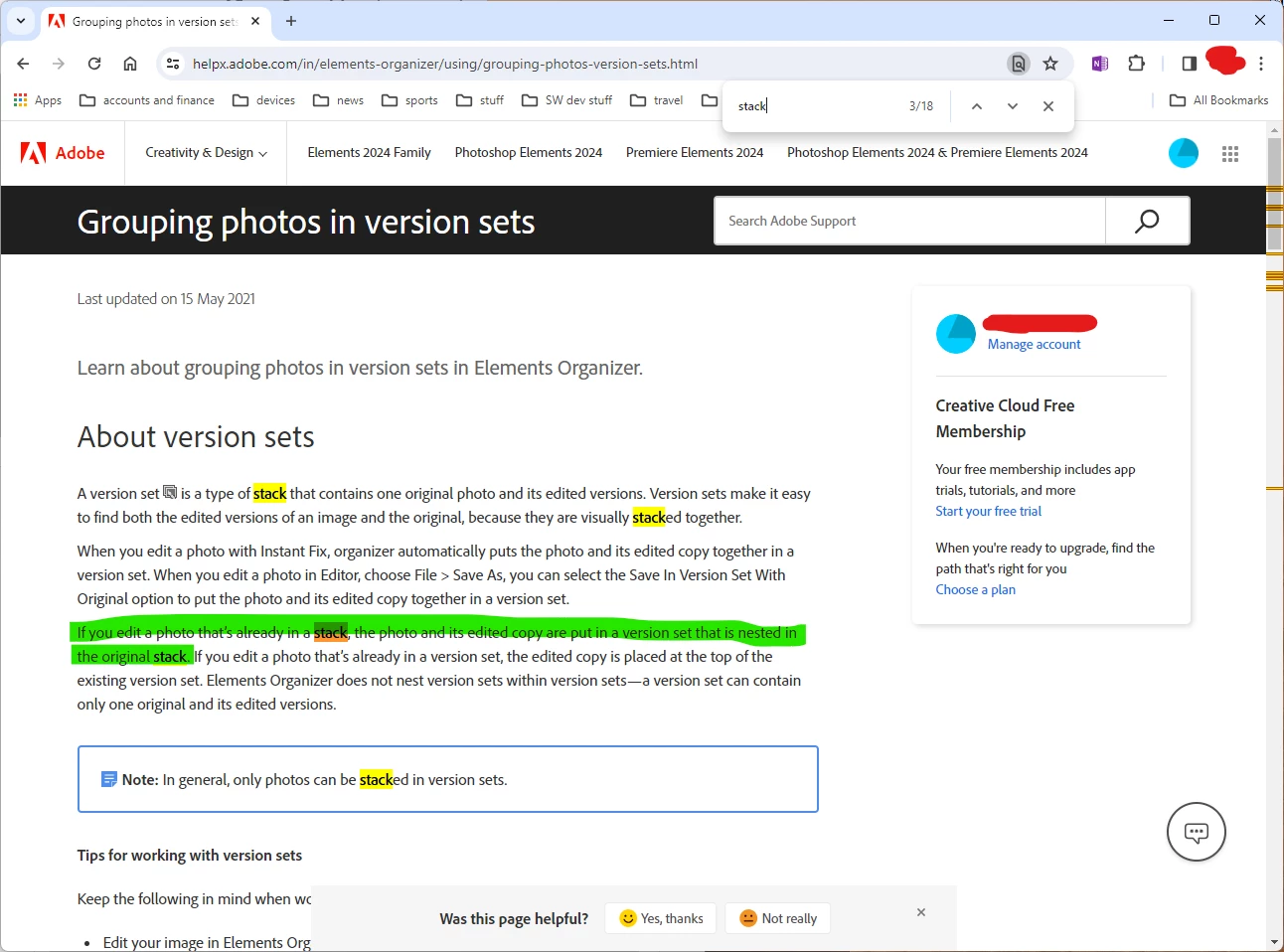
 

A stack without this problem, expanded, looks like:
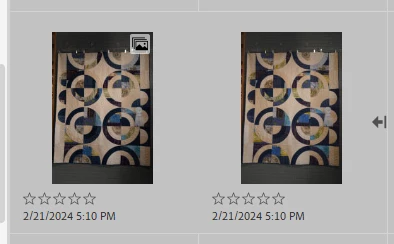
 

A version set, supposedly nested in a stack, expanded as far as it can be, looks like this:
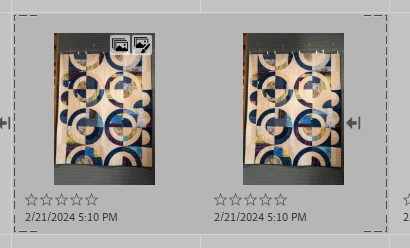
The image on the left is the version set image, the image on the right is the ARW that was the "top of stack" of the original stack that the left image was versioned from. Note the dashed line brackets. But also note that there is no way to further expand the stack. R-click Stack... only shows Collapse stack.


IIRC, I've seen this work as expected, two of the expansion arrows, one expands the version set and the second expands the stack, in proper versions of Organizer.


My question: how can I expand the stack to see the original in camera JPG?


FWIW, these are stored on a NAS. Only one folder shows in View as list. Just saying...

This topic has been closed for replies.
Correct answer Greg_S.

It may help figure out what is going on if you enable File Names from the View menu.  Then show us a more expansive view of the grid. 

It's possible that because you are using a NAS, there has been a performance delay in adding the photos to the stack.  If you close and open the Organizer, the problem may be solved.   Just saying . . .  😉

1 reply

Greg_S.
Community Expert
Greg_S.Community ExpertCorrect answer
Community Expert
February 22, 2024

It may help figure out what is going on if you enable File Names from the View menu.  Then show us a more expansive view of the grid. 

It's possible that because you are using a NAS, there has been a performance delay in adding the photos to the stack.  If you close and open the Organizer, the problem may be solved.   Just saying . . .  😉

Dick WAuthor
Inspiring
February 22, 2024

Indeed. Once I showed the file names (in a sea of similar looking images since these were bracketed by the camera) I see that expanding the version set also expanded the stack to the right of the version set bracket. I guess I just shouldn't use Organizer late at night or early in the morning. Or with NAS stored images.


Thanks for the hint that made it clear what was going on.


All stacks collapsed:


The version set + stack expanded:


Without the filenames, it is awfully difficult to tell that the expansion added two images, not just the one added in the version set brackets. The additional left-pointing arrow to the right of the stacked but not version set image is the only reliable tell without the filename.