


Masaihtt123
Participant
December 10, 2020
Question

Video display in PSE 2020

  • December 10, 2020
  • 2 replies
  • 285 views

Hello all,

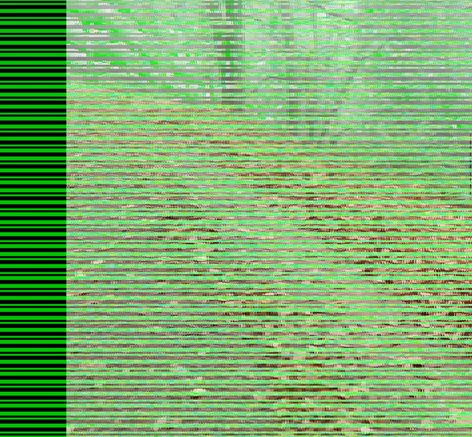
for some time now (can't pinpoint it, maybe even after update to 2020) my videos in organizer won't play, they all appear with green bars - see attached image.

Graphics drivers are all updated.
What is going wrong!

Best regards
Matthias from Germany
 

This topic has been closed for replies.

2 replies

Greg_S.
Community Expert
Community Expert
December 10, 2020

In my experience, this kind of problem is related to the graphics driver.  Do you have Use Graphics Processor for Video Playback on or off? Try checking or unchecking the box.

Are you sure you have the latest graphics driver?  What GPU do you have?  (And, yes, please answer ShelLuser's question about what file format(s) are causing the problem.)

Masaihtt123
Participant
December 11, 2020

Thanks for your answers.

The video format is .mp4, but I've also tried avi and mov converted versions: same result for everything for all videos, without exception.

CPU Intel core i5.
The movies are displayed in other players without problems, which then probably does not indicate a driver problem.

ShelLuser
Inspiring
December 10, 2020

Does this happen with all your videos or just some of them? What format are those in? Although I seldomly use the Organizer for movies I can't help wonder if this isn't codec related, I'll see if I can find out more about that.