Participant
May 21, 2018
Answered

Video Quality Drop When Importing

  • May 21, 2018
  • 4 replies
  • 2797 views

Hello, I have Adobe Premiere Elements 14. I started to edit a video and imported footage. As I was editing, I noticed the video quality dropped horrible. I went ahead and completed my video and exported it on the highest possible setting and it still sucks. I checked my original video and compared it to the exported one through elements and its like night and day with video quality. Anyone having this issue, and how do I fix it?

This topic has been closed for replies.
Correct answer Bill Sprague

Bryce,

I can't see that Premiere Elements is not doing well! 

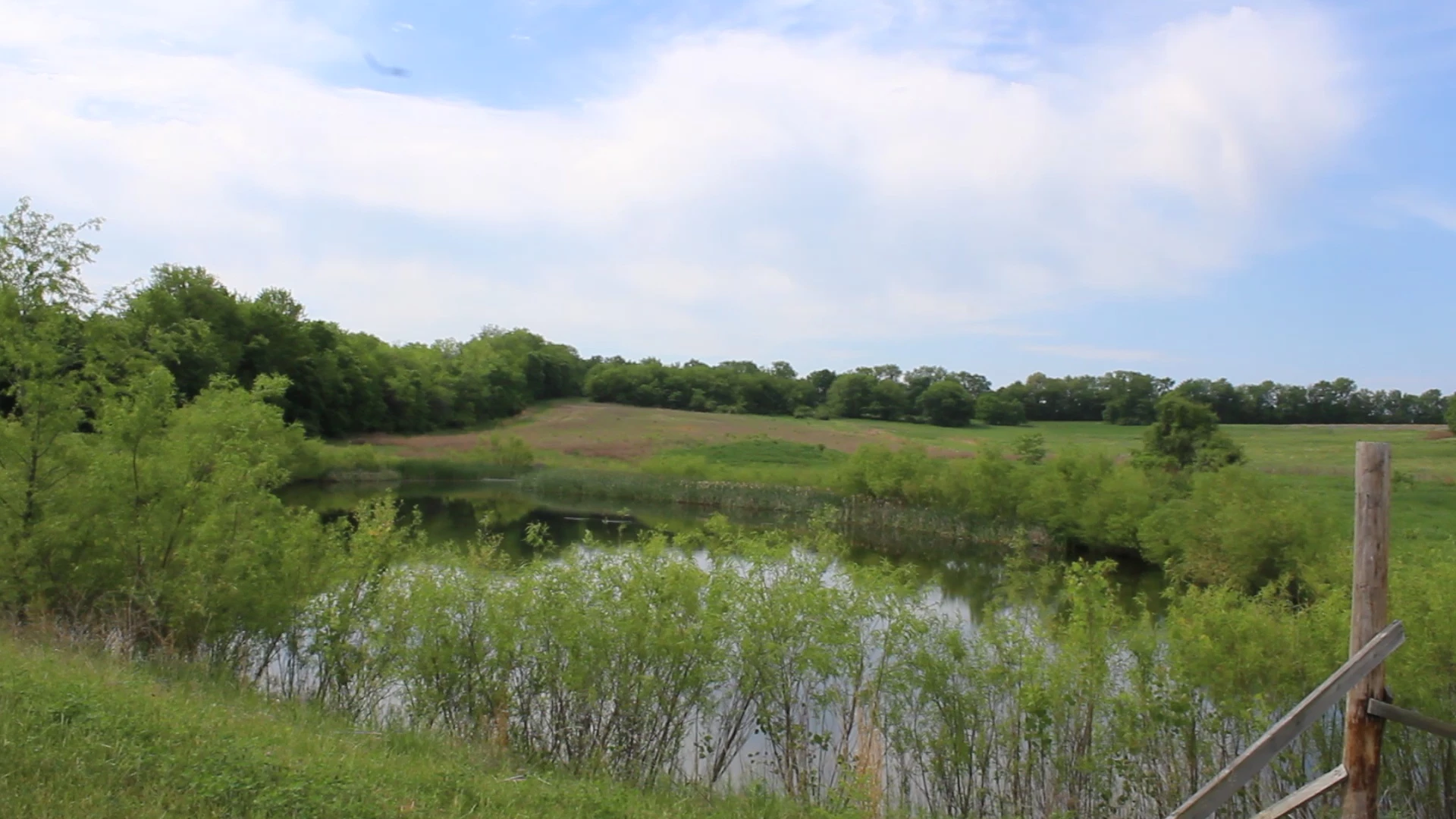
This is a screen grab from your Canon footage.  It may be that with all the subject motion, focus, detail and panning that the camera is not getting it "picture perfect".  Maybe the bitrate is a little low..
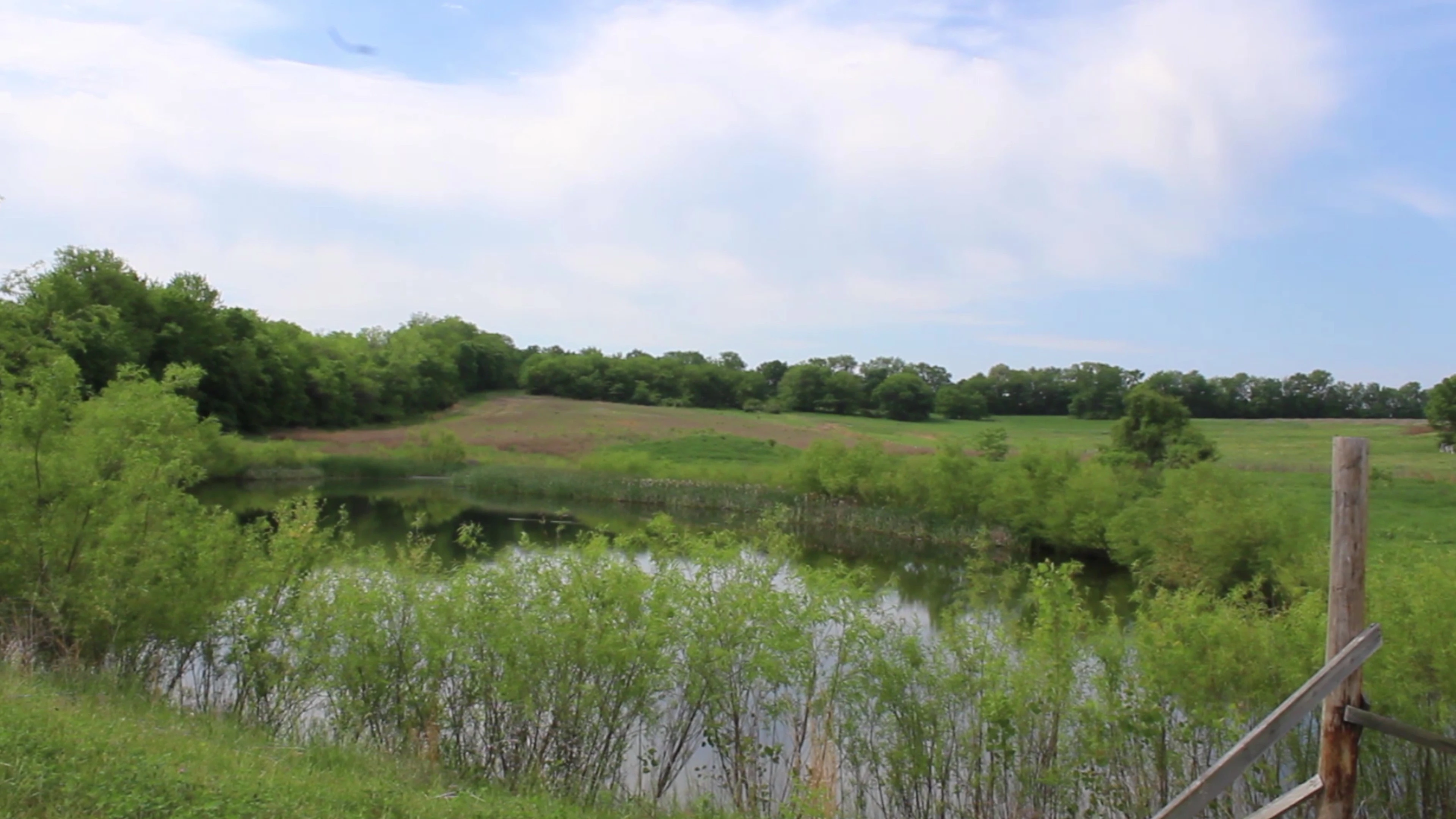
Comparing that to a screen grab from you completed video, I don't see much change in picture quality.  Maybe some, but certainly not in the "sucks" category.
Later in your video you have shot the owners and their dog.  The sky is blown out, but detail in the couple and dog are very good.  There is nothing to suggest that your camera or Premiere Elements is not functioning well.

Regarding the loss of quality during the editing process, that can be different.  For editing, preview files are being created for you under the hood.  There are a couple setting that effect that, but it is a preview quality from "real time" rendering.  At final output all the source files are re-read for the encoding process.  Consequently, it is possible to have less than the best previews during editing but great quality at final output. 

Good luck and have fun with your video editing projects.

Bill

4 replies

Participant
May 22, 2018

Thank you so much! I thought it may have been my monitor. It may also be a different view for others on the quality. I appreciate it!

Community Expert
May 22, 2018

You are welcome.  I had fun figuring it out.  With both the source footage and your output, it did not take a lot of work.

Full confession is that I am a fan of Premiere Elements.  It is mass market, inexpensive video editing software.  But, it works so very well for most projects.  If someone says it "sucks", I will usually take the bait and try to figure it out. 

Again, good luck and have fun.

Bill

Participant
May 21, 2018

No problem! It maybe my monitor because I saw a different quality with different monitors. I did send it to someone else and they said the quality needed to be improved. That being said, I used a Canon rebel t5. I am using the footage direct from the camera (SD card). I checked the settings and it looks the same. Thank you so much!

Bill SpragueCommunity ExpertCorrect answer
Community Expert
May 22, 2018

Bryce,

I can't see that Premiere Elements is not doing well! 

This is a screen grab from your Canon footage.  It may be that with all the subject motion, focus, detail and panning that the camera is not getting it "picture perfect".  Maybe the bitrate is a little low..

Comparing that to a screen grab from you completed video, I don't see much change in picture quality.  Maybe some, but certainly not in the "sucks" category.

Later in your video you have shot the owners and their dog.  The sky is blown out, but detail in the couple and dog are very good.  There is nothing to suggest that your camera or Premiere Elements is not functioning well.

Regarding the loss of quality during the editing process, that can be different.  For editing, preview files are being created for you under the hood.  There are a couple setting that effect that, but it is a preview quality from "real time" rendering.  At final output all the source files are re-read for the encoding process.  Consequently, it is possible to have less than the best previews during editing but great quality at final output. 

Good luck and have fun with your video editing projects.

Bill

Community Expert
May 21, 2018

This is not normal.   To figure it out, you will have to provide details about your computer, the original footage, the project settings, how the project was set up, what you used for output settings and maybe even sharing some footage via DropBox.

Participant
May 21, 2018

Okay, here is my PC:
Intel core i7-6700 CPU @ 3.40 GHz

32gb ram

Windows 10 pro

GPU: EVGA GeForce GTX 1060 6gb

I'm not sure what project settings you need, or how I tell you how it was set up. I just opened the program and started editing. For output/export settings I did 1080p at full quality. I have attached some of the raw footage, along with the edited video. https://db.tt/9kOIbO1XUJ https://db.tt/FRBQnSrFOP

Community Expert
May 21, 2018

Sorry for the delay in answering!  I was sidetracked for most of the day. 

At first glance, both your source footage and output look good!  I'm not seeing bad video quality.  I'll work on it more tonight. 

What is the camera used?  Are you using footage direct from the camera?

Would you check Edit > Project Settings > General and see if it looks like this: 

Ann Bens
Community Expert
Community Expert
May 21, 2018