
Viewing Version Sets in PSE 2019 ?
Have just converted Catalog from PSE 10 to PSE 2019 (as a 30 day demo to confirm before buying) and all went fine. I can see the Version Sets (VS) Icon on those I have edited in the past. It is the same on a new edit too. Problem is viewing VS.
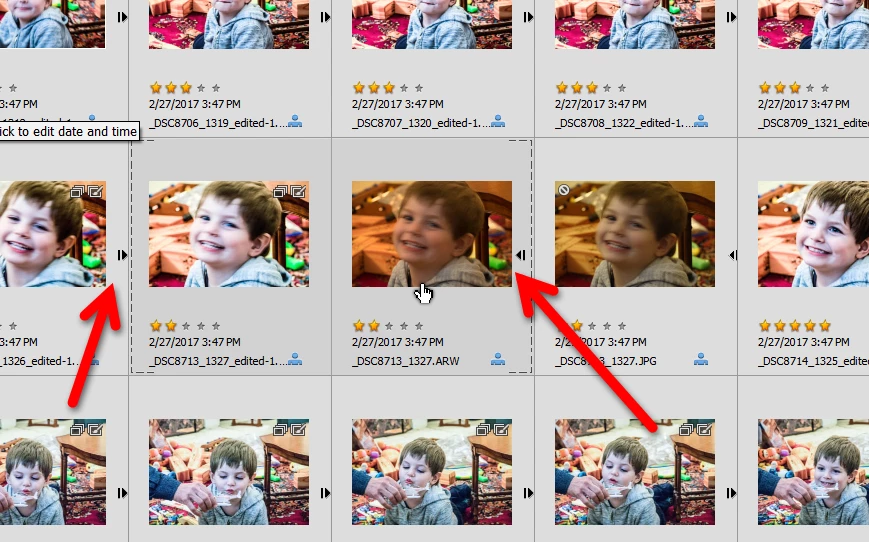
I checked Help and when I follow advice to view all the VS pics I do not get an Expand Button by the VS thumbnail (as I used to in PSE 10). There is no obvious room for such a button between the photo thumbnails. I do get an Expand Arrow Button but only when as a single picture in full screen (full zoom).
For the alternate approach suggested, I can only get the option to Edit/VS/Expand when the Media view picture is again at full zoom, (greyed out if more than one picture on the screen) and then by reducing zoom to see all the constituents of VS displayed. Is this normal operation?
 AdChoices